



Gaussian Blur Errors with Pixelation and Lines
I've been editing an ongoing project for a few years and I occasionally use Gaussian Blur to soften the edges of photos, fix moire issues, and blur various objects. In the past, all of my editing/exporting was done on PC, but in order to export a final copy in Pro Res 422 (HQ), I migrated to new a MacBook Pro and exported. The odd thing is that, in every photo/video that contained Gaussian Blur, now there is a line and pixelation effect or white/blacked out object. Going back into the sequence, the only way to fix it is to disable every Gaussian Blur effect. I've tried stacking clips and adding effects to the stacked clip, but the same issue appears. It's not just with Pro Res 422 (HQ), but also with an H.264 export too and only on the MAC. I was unable to find a discussion on this and I have never experienced this issue on my PC despite tons of exports/edits in the past using the same effect. Is this a Mac issue or am I missing something? Any ideas? Thanks.
My Specs are
Premiere Pro CC 2017
MacBook 2.7GHz Intel Core i5
Intel Iris Graphics 6100 1536 MB
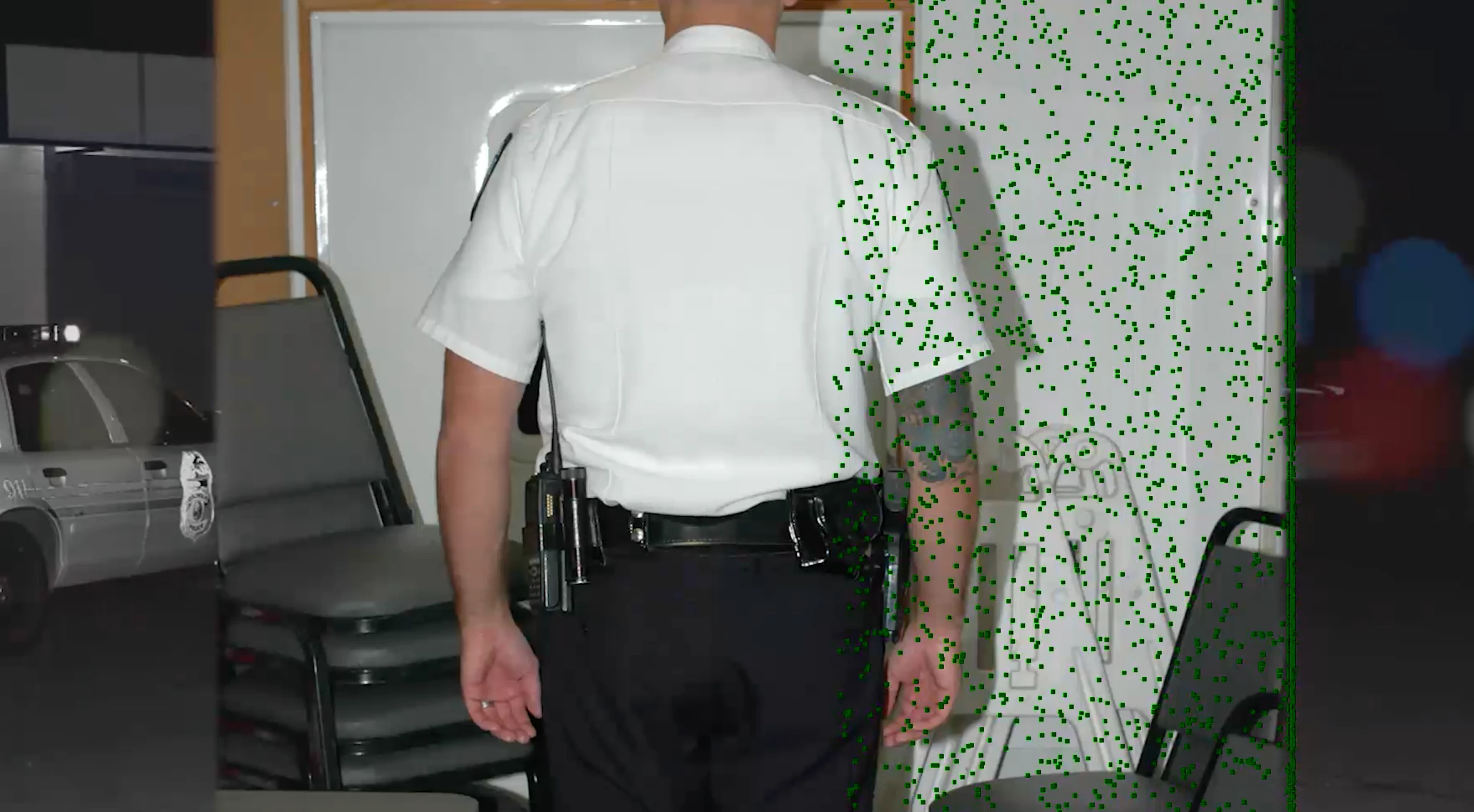
The center photo has only a Gaussian Blur effect on the right edge and left edge with no feathering.
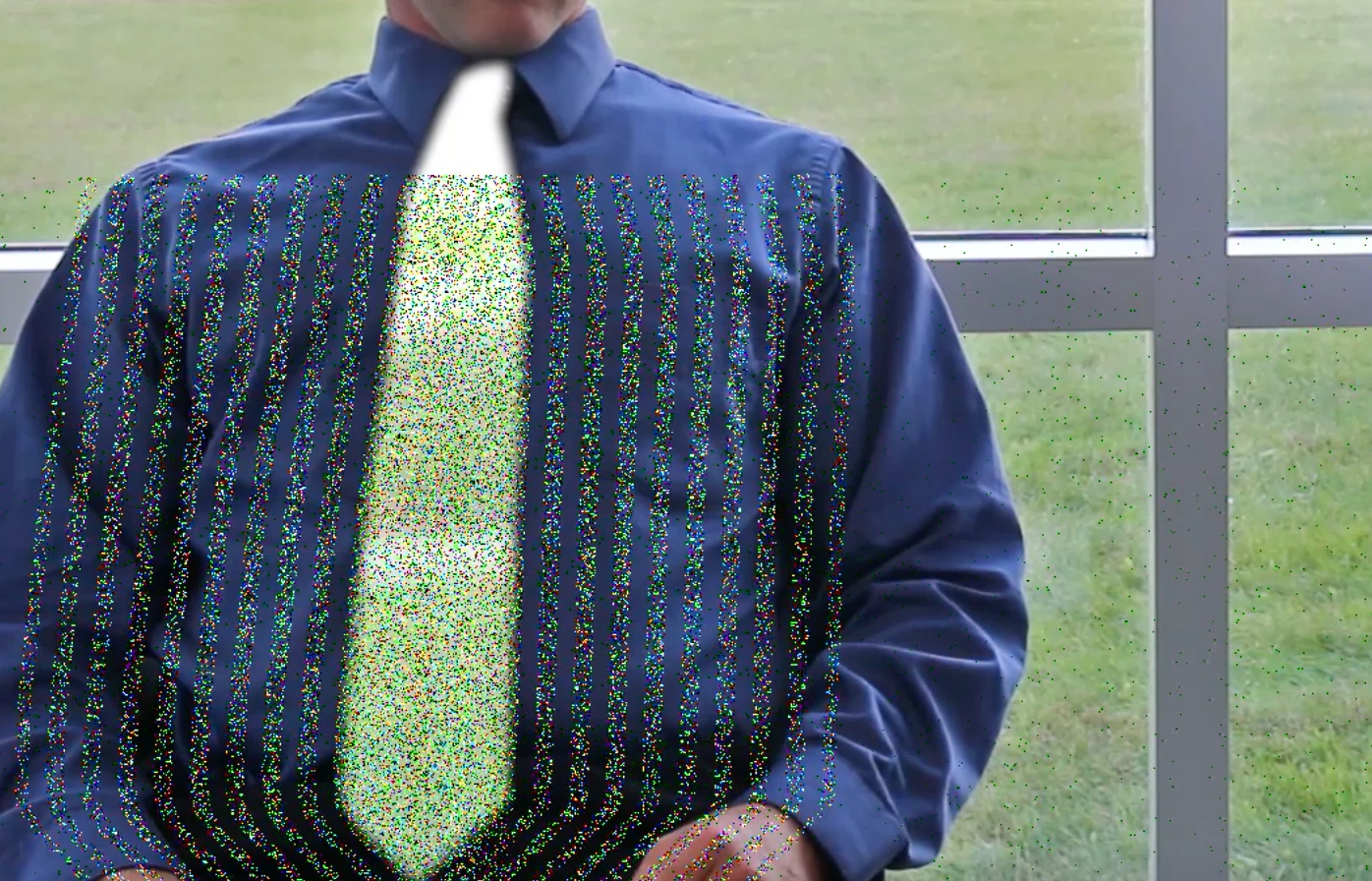
This tie had a 3% Gaussian Blur in order to mask a moire effect. In Export, the tie is completely whited out and
these pixels/lines appear.
 AdChoices