

AndrewTheGreat
Known Participant
June 28, 2024
Question

Generic Importer Error when using Dynamic Link

  • June 28, 2024
  • 6 replies
  • 460 views

Premiere Pro 24.5, After Effects 24.5, 5 secconds of a DJI footage (3840 x 2160 - 29,97 - HEVC 10 bit 4:2:0) is Render and Replaced in Premiere pro (to any Sequence formats, tried all of them) is sent to Ae via the Replace with after effects Composition command, and when Ae opens I see this:
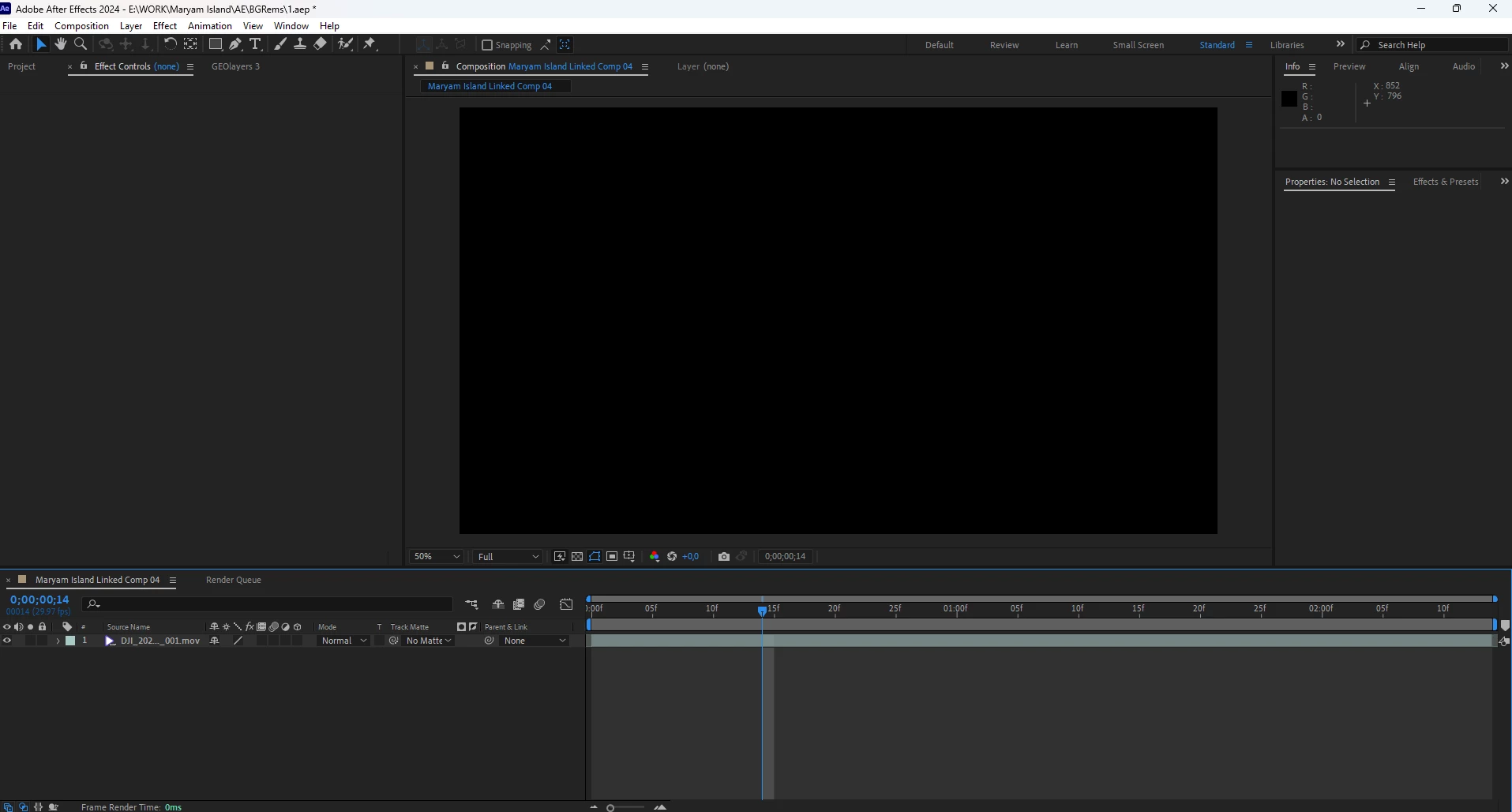
 

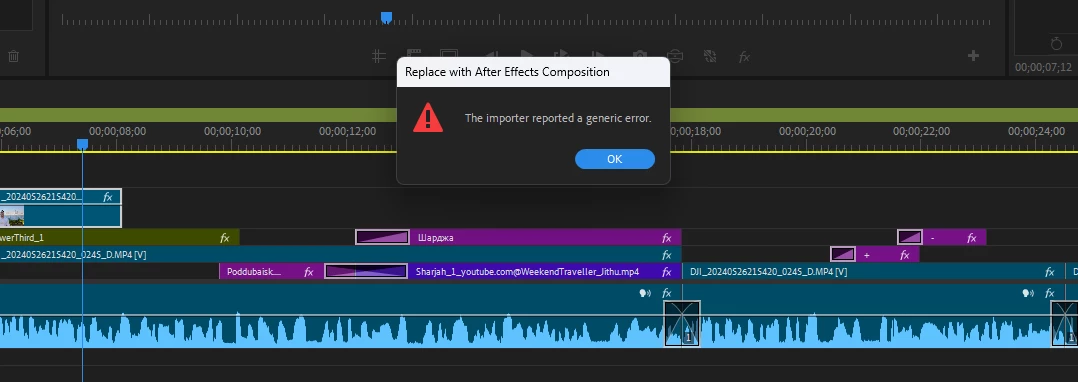
Upon returning back to Premiere Pro I see this error, the clip to be sent to Ae does not change to an Ae layer:
 

RTX 4080, i7 14700K, Win11, nvidia 556.12 video driver - thought it might be it, but the previous version did not give such bugs and the new driver does not change anything related to Adobe products or ENVENC.


Surely, I tried resetting Premiere pro and AE preferences, cleaning the cache and so on. Gonna try reverting the video driver right now, though not sure if it'll help

6 replies

Kevin-Monahan
Community Manager
Community Manager
January 6, 2025

Sorry @AndrewTheGreat,

I hope the team will respond to this bug report shortly. Sorry about the problem.


Cheers,
Kevin


Kevin Monahan - Sr. Community & Engagement Strategist – Pro Video and Audio
ThisCloseToPiratingIt
Inspiring
January 6, 2025

This seems to be happening at random with premiere pro beta 25.2 and 25.1. even on fresh installs with cleared prefs and cache. Will randomly break and not fix itself. No effects added, and different footage used. 

AndrewTheGreat
Known Participant
July 18, 2024

Hi, @Kevin-Monahan I accidentally marked your answer as the correct... No, Nesting doesn't help, because in Ae I rotoscope the video which can be done only on the clip itself

Kevin-Monahan
Community Manager
Community Manager
July 17, 2024

Hi @AndrewTheGreat.

I'm Kevin from Support, one of the moderators here.


Thanks for the bug report. I wonder if this error can be avoided by nesting the clip using Transform and applying the Crop effect to that nest. The Transform effect can introduce strange issues from time to time, and this sounds like one of them. I hope that the developers will assist you with this issue shortly.


Sorry for the hassle.


Thanks,

Kevin

Kevin Monahan - Sr. Community & Engagement Strategist – Pro Video and Audio
Kevin-Monahan
Community Manager
Community Manager
July 17, 2024

The status of this bug report is updated.

Kevin Monahan - Sr. Community & Engagement Strategist – Pro Video and Audio
AndrewTheGreat
Known Participant
June 28, 2024

And I have found why this bug happens - the reason is Premiere Pro's OWN crop effect or its combination with something else. Here's what I have in the clip I'm sending to AE:

As you can see there's Motion animation and two Premiere Pro's own effects - Transform and Crop. I first thought it was the transform effect that caused this bug, so I removed it and it did not fix it. So I brought it back and removed the crop effect and it immediately fixed it. 

Please, Adobe, investigate this issue, since it's the first time in my 15 years of using Premiere pro that I've had an issue with the Crop effect...