

glitch PREMIERE PRO playback and export
Hello, thanks in advance for any help you can give.
I always have an issue after updating adobe products. I updated Photoshop and Premiere Pro and I've had multiple issues.
1st one is regarding access to files. I have to move the file to the downloads file to open them. If the file is anywhere else in my mac it will send the message "Could not open “file.psd” because of a disk error.
".
2nd. The most worrying issue as I have a deadline tomorrow and I can't edit or export my videos. I keep getting odd glitches on playback and after export on the file. Everything else is ok, audio, graphics, etc, but there's always a glitch and the patterns change depending on the moment I export it.
Again, I appreciate all the help I can get as I'm running out of time. Let me share some of the images. 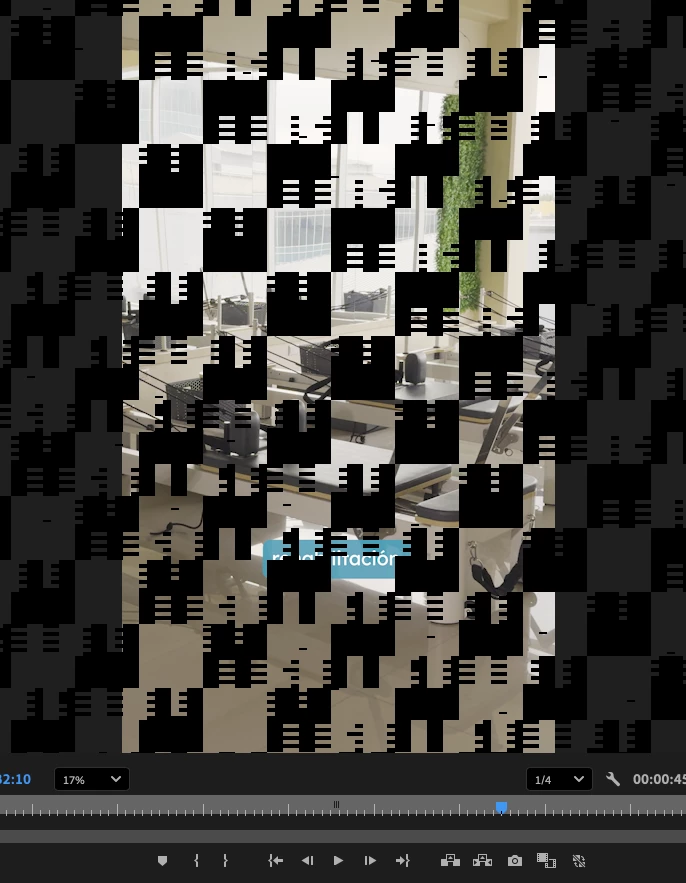
Playback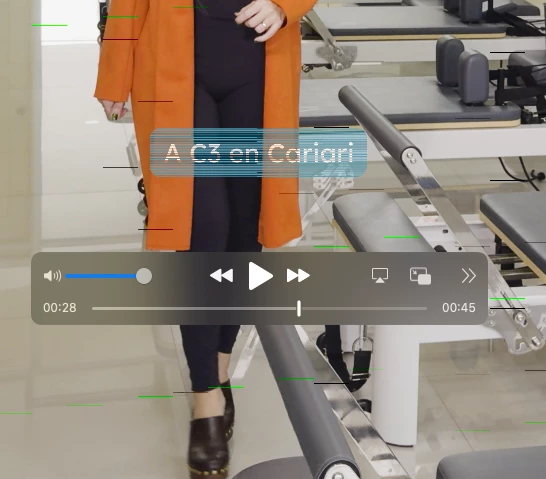
Export 01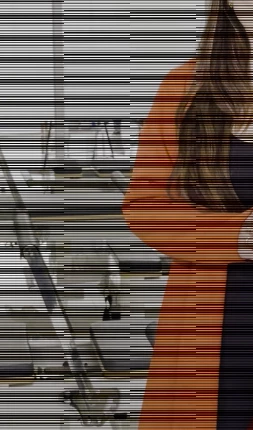
Export 02


 AdChoices