Participating Frequently
March 1, 2018
Question

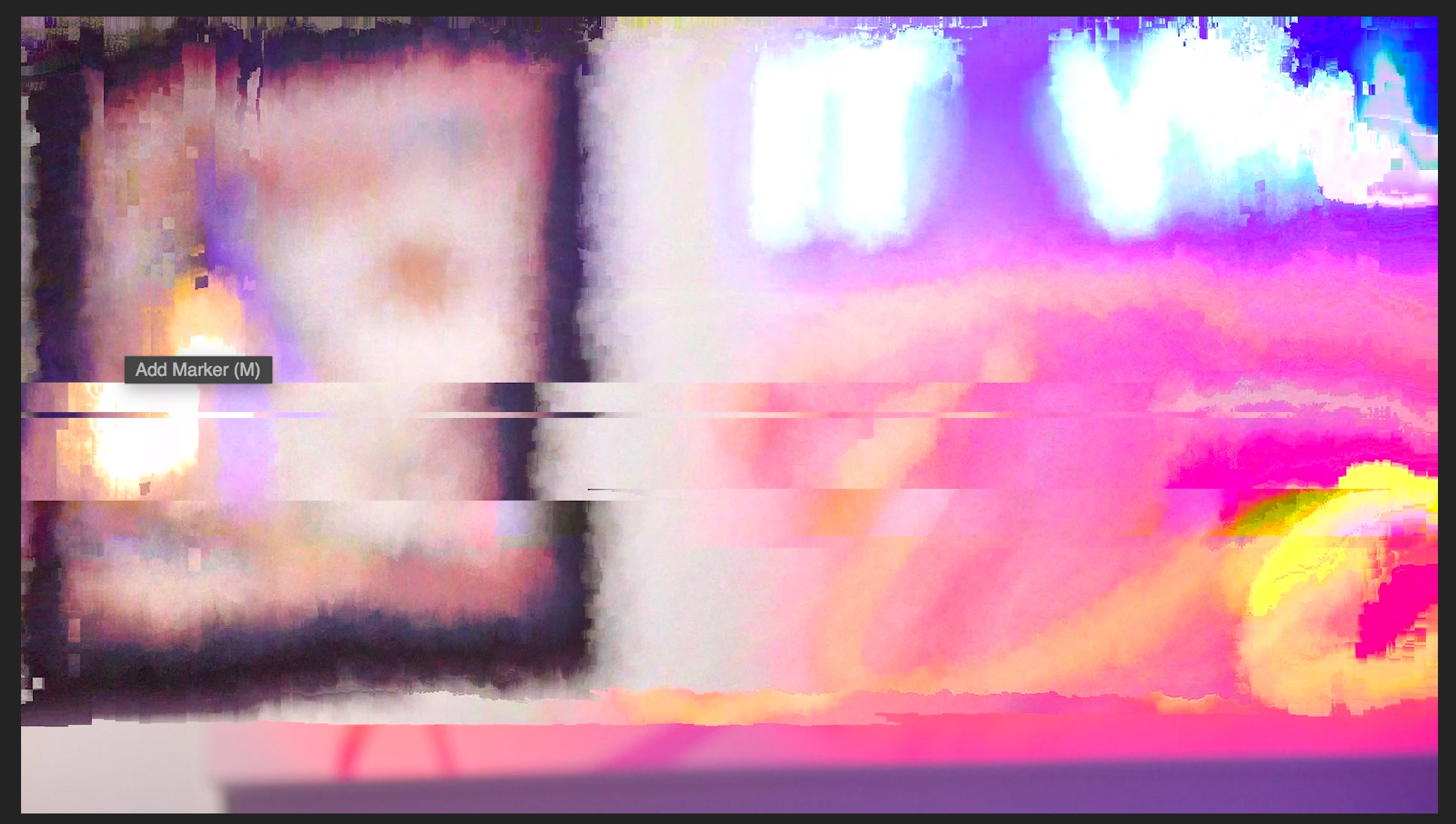
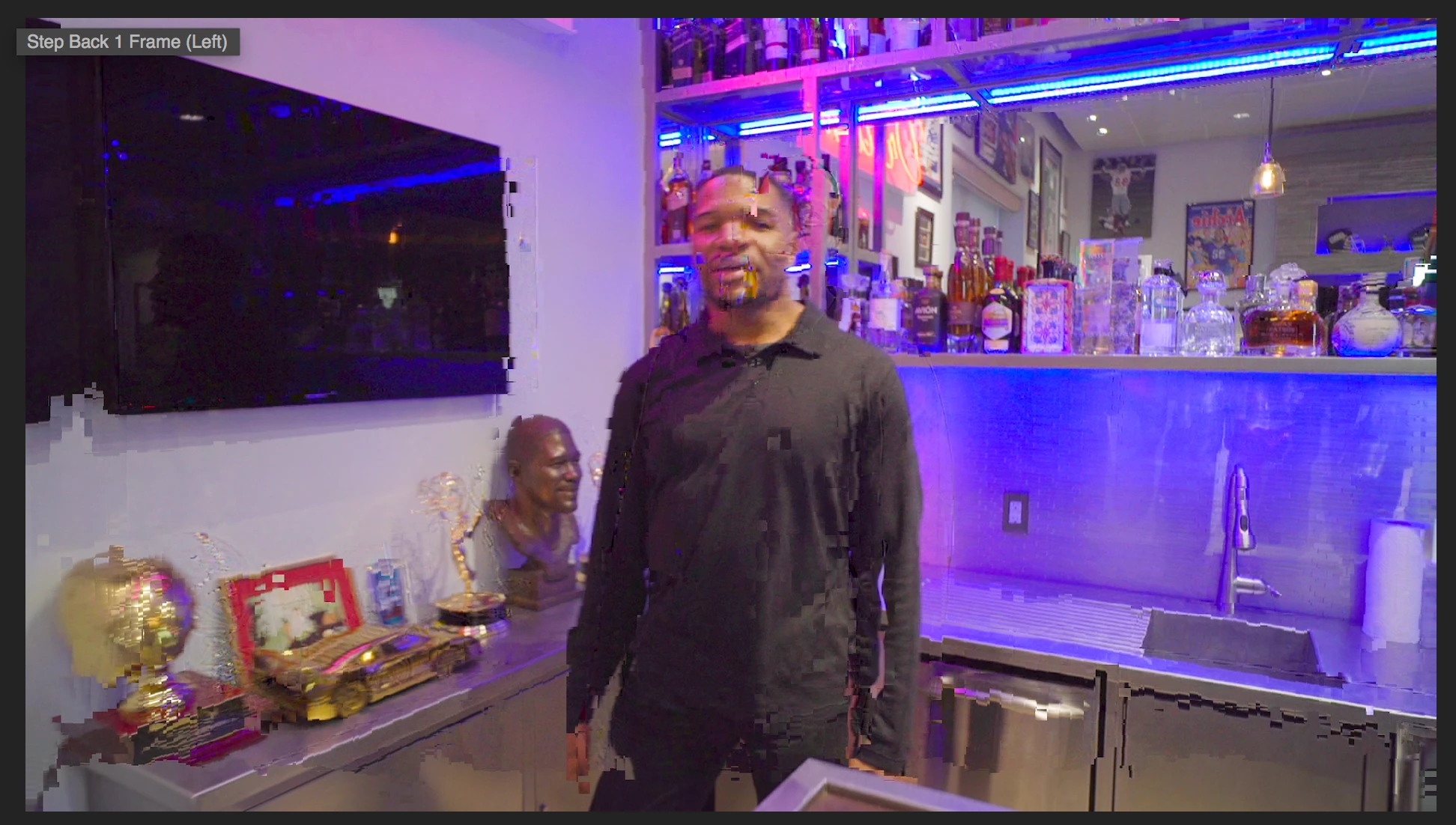
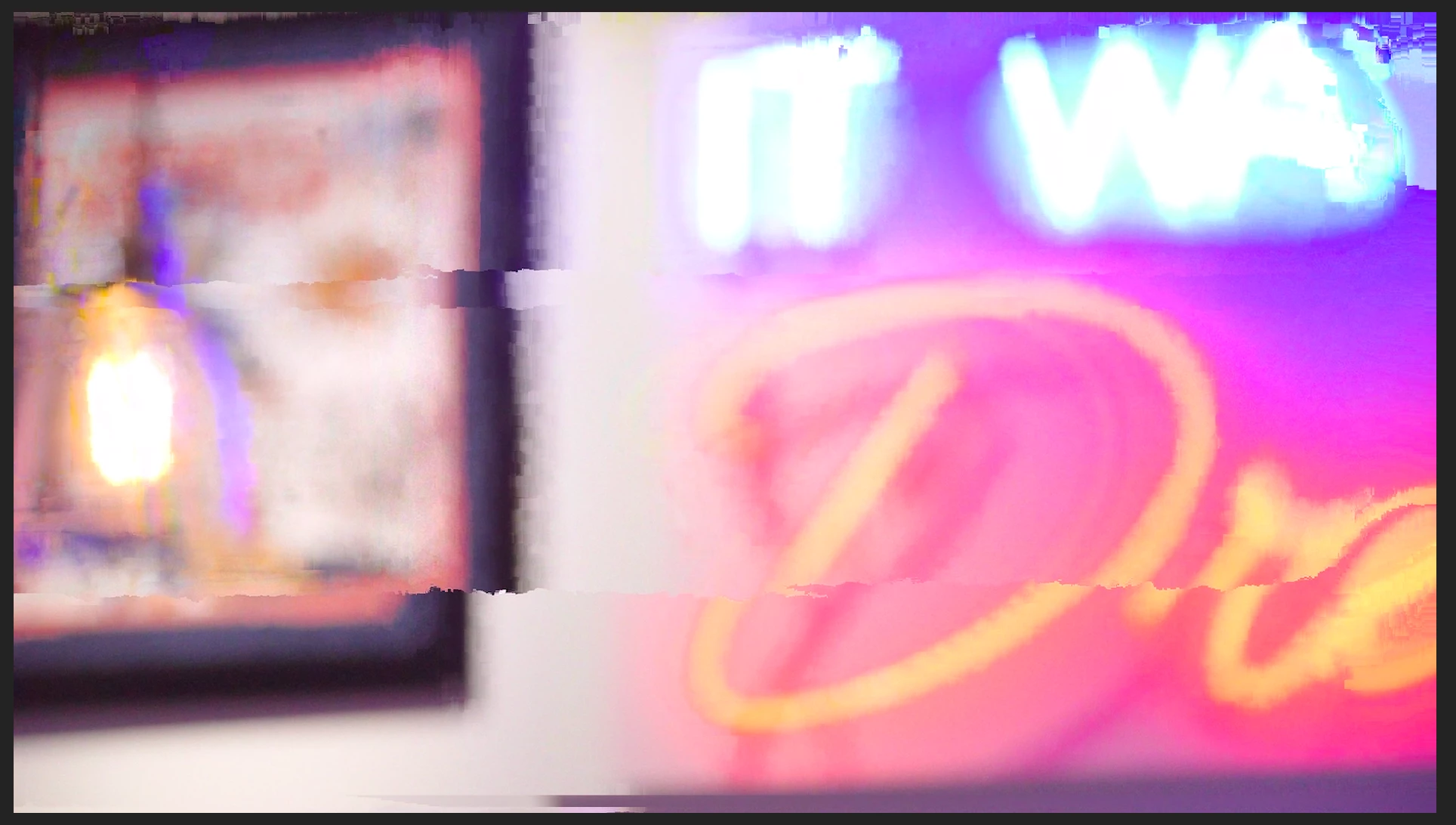
Glitchy/Corrupted Footage (PLEASE HELP) Adobe doesn't have an answer to this!

  • March 1, 2018
  • 4 replies
  • 6107 views

Hi everyone!

I really hope you are able to help with this situation and it is a very important client and time is crucial. Thanks in advance for any input you may have!

Basically, from one day to another, with no changes or anything significantly done to let this occur. My video and exports has this. The original footage is still fine, but somehow this is happening to pretty much every clip.

Bringing in the original footage and deleting the old clip (with the same name) works, but there are over 500 clips and basically im starting from scratch. Any ideas to fix this issue or avoid this happening again?

I called Adobe on the issue and they found zero solutions and asked me to wait until they can find a solution with their tech's on this "NEW" issue. (Still waiting on a call back from the supervisor, who said he would call me personally) I called three days ago.

Thank you!
This topic has been closed for replies.

4 replies

Participant
November 17, 2018

Jon i'm getting this too, in my proxies mainly, (original files are perfect looking). The glitches are identical to the screenshots you've posted.

But my main concern is... on final rendering some glitches are appearing in the final file too. (not in the same places as the proxies glitches either).

Q: Did you ever get a 'fix' for this? have you had to change your workflow to get around this since?

my PC is quite old and i'm wondering if it's just getting too hot/stressed during any heavy encoding. have you since changed computers?

i've only had these glitches for the last month but i can keep exporting final cuts with imperfections. (if i re-export i'll get a glitch maybe somewhere else instead).

many thanks

stefan_gru
Inspiring
March 2, 2018

JonGodinezPhotography​: What versions of Premiere Pro and Adobe Media Encoder are you using? I've heard there’s a major output problem if using the 12.0.0 release of AME with Premiere 12.0.1 — stutters in output, glitch frames, etc. If you update Premiere Pro, make sure to update Media Encoder as well. Current releases are 12.0.1 (69) for Premiere and 12.0.1 (64) for AME.

Please note that upgrading in the middle of a project is not a good idea so please test this on another machine if possible.

Participating Frequently
March 2, 2018

Thank you Stefan!

All my versions are up to date

Kevin J. Monahan Jr.
Legend
March 5, 2018

Hi JonGodinezPhotography,

So you've updated and now everything is working correctly? Or do you still need help?

Thanks,
Kevin

Kevin Monahan - Sr. Community and Engagement Strategist – Adobe Pro Video and Audio
Legend
March 1, 2018

What camera was used to record the footage?

You on a Mac?

Participating Frequently
March 1, 2018

Mac yes.

Sony A7sii (majority)

Mavic Pro

OSMO.

R Neil Haugen
Legend
March 1, 2018

How and where are those files stored on disc, and how were they imported/ingested?

Neil

Everyone's mileage always varies ...
GermanTV
Inspiring
March 1, 2018

Short term solution: consolidate the project and render on another PC.

Mid term solution: follow this guide Unofficial Premiere Pro Troubleshooting Guide

I hadn't got the problem yet so I can't give specific information.