
GOPRO Footage is out of sync (zebra pattern) after transfering projects from one PC to another.
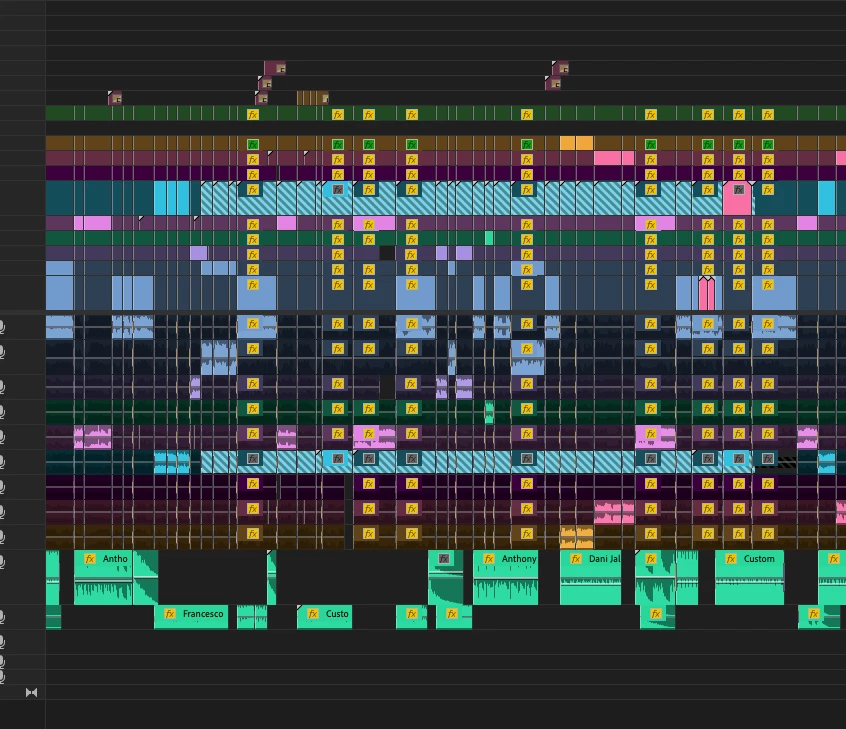
It looks like I have connected a wrong file, but this is 100% correct one. Nothing seem to be helping this. I tried relinking, changing clip names, connecting proxies, downgrading project to older Premiere pro versions.
Adobe Premiere Pro version number: 23.6.0
Operating system: MAC OS 13.5 / 14.0 / Windows 10 / Windows 11
System Info: It happens across wide range of PC's and Mac's. We encountered this bug a few times in the past month.
Video format: MP4/MOV H.264 4:2:0
Steps to reproduce: It happens where project files are transfered from one PC to another (or Mac). I edited the video on my Macbook, sent project file to a coworker using PC, and he had to delete gopro footage from timeline and cut it again because it was out of sync (zebra pattern). After that, he sent me project files, and one again, same footage from two cameras had zebras.
 AdChoices