
GPU Accel switches on/off...?
I've noticed while editing (with GPU accel CUDA on) that the GPU and CPU will continuously hand off the work load to each other.
This would be great if it went back to using the GPU. In task manager, I can see that CPU is being used anywhere from 60%-100% almost always. This is the case unless I swap the monitor preview from 1/4 or 1/2 to Full. This is often kick starts my GPU usage up to about 20-30% with no stuttering in the monitor. This is perfect. But randomly it seems, the GPU will just drop what its doing and hand it back over to the CPU, resulting in unbearable stuttering during playback. I'm not able to get the GPU back moving again unless I swap playback qualities, blow up the monitor to full screen, or pause play 100 times until I see my GPU usage spike back up from 1%.
I'd like to have the two share the load. Always. With only my CPU doing the work, I'm using no where near as much of the hardware that I paid for. When it works, it works great. But it doesn't stay working.
The footage being used is 1440p 60fps.
1080ti
i7-7700k
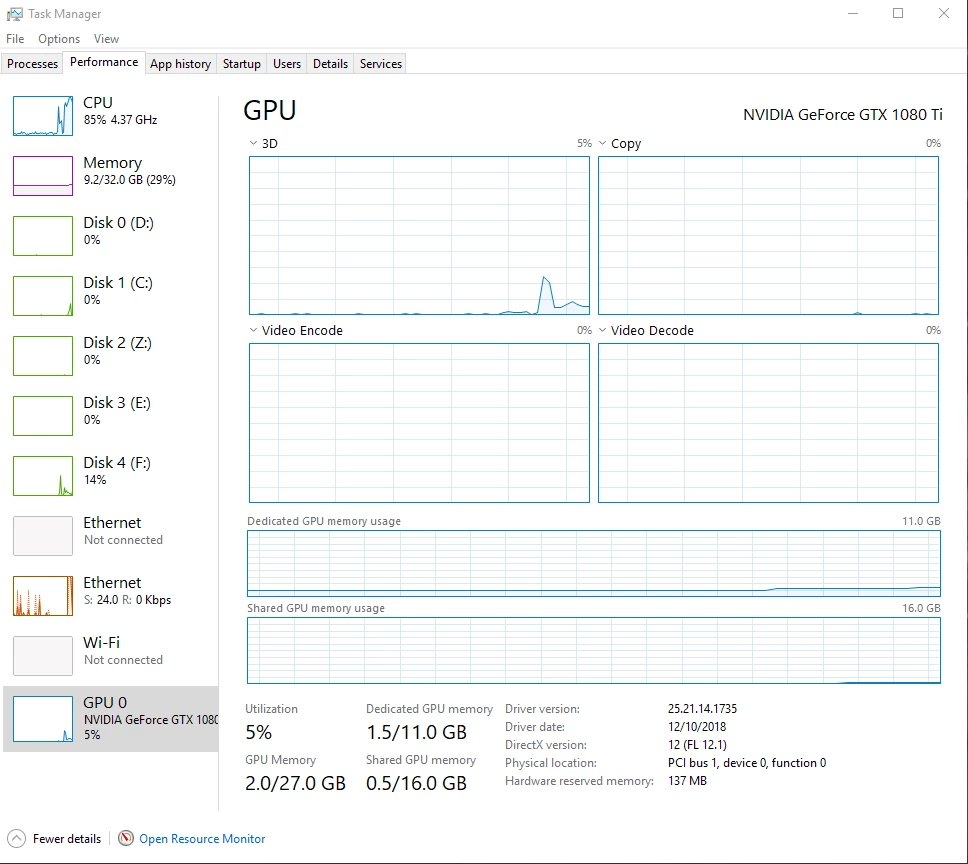
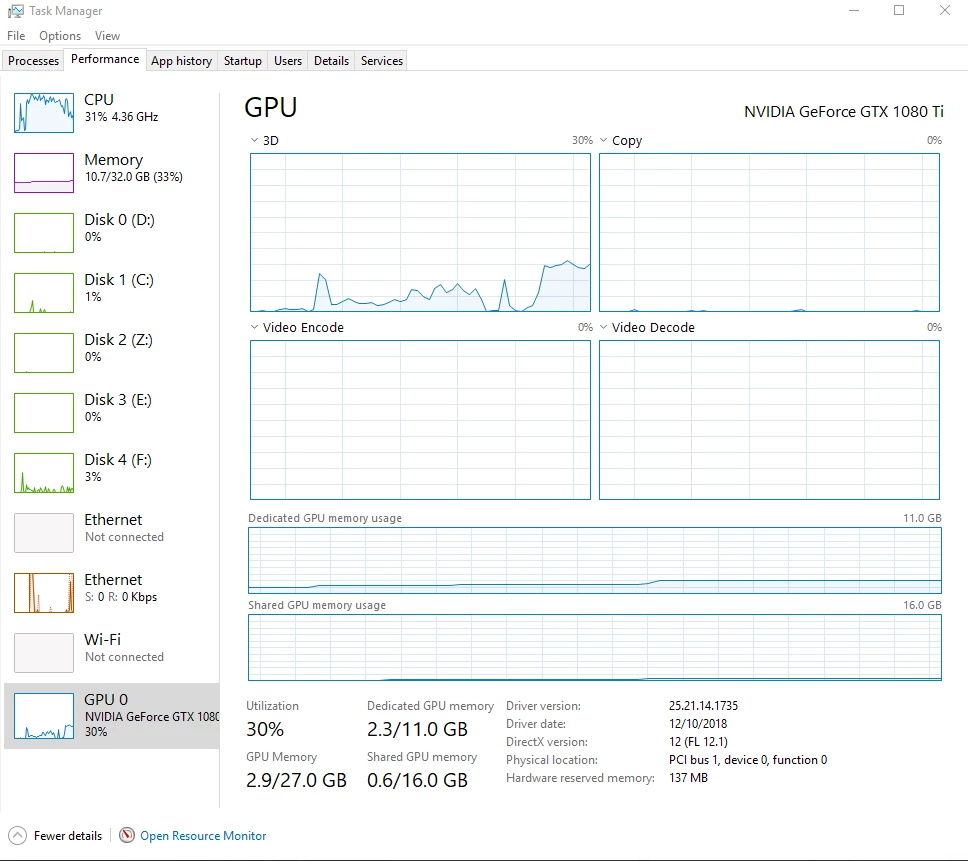
Screen shots were during video playback in Premiere.
 AdChoices