fabrizion15881815
Known Participant
October 20, 2018
Answered

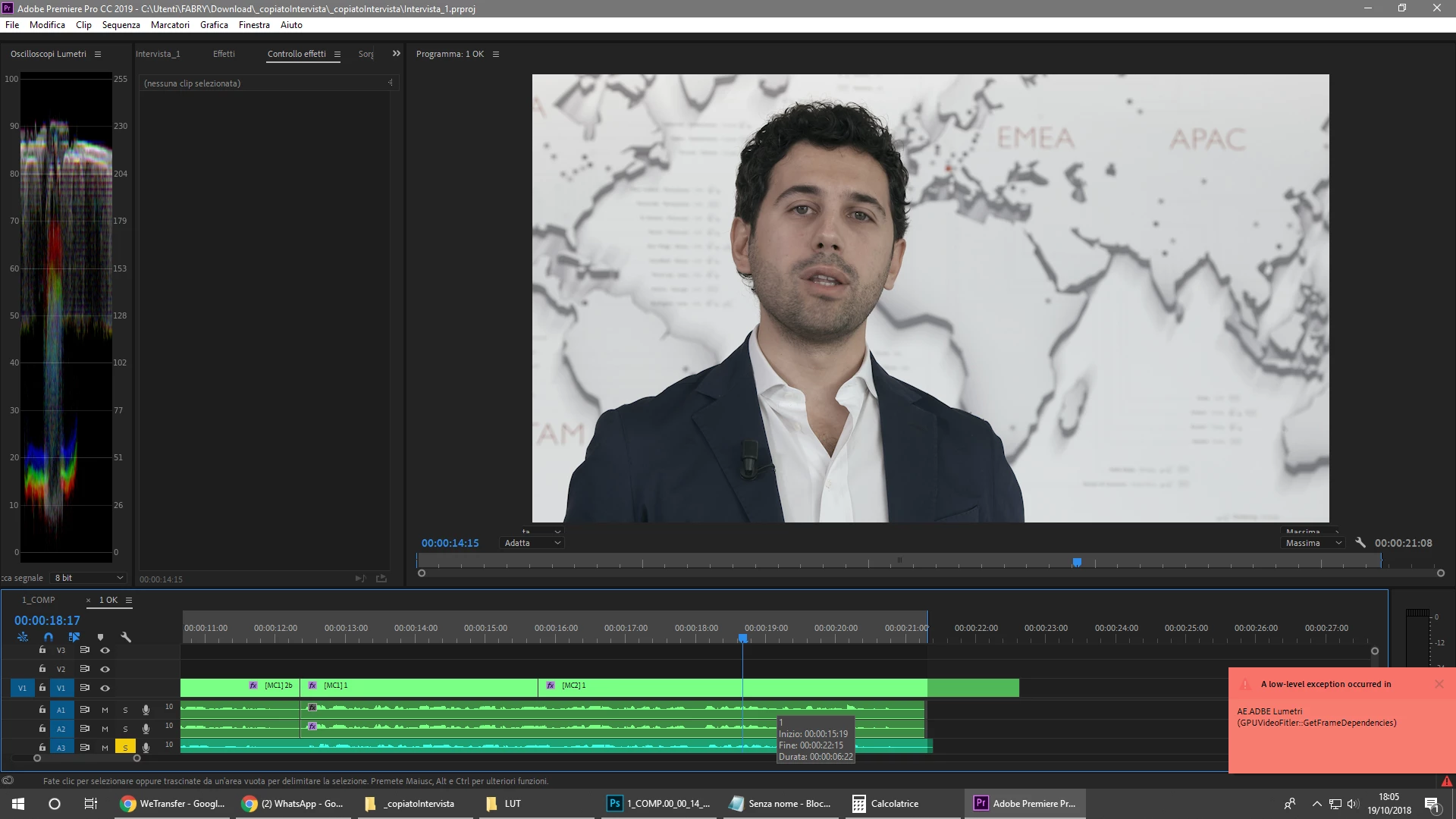
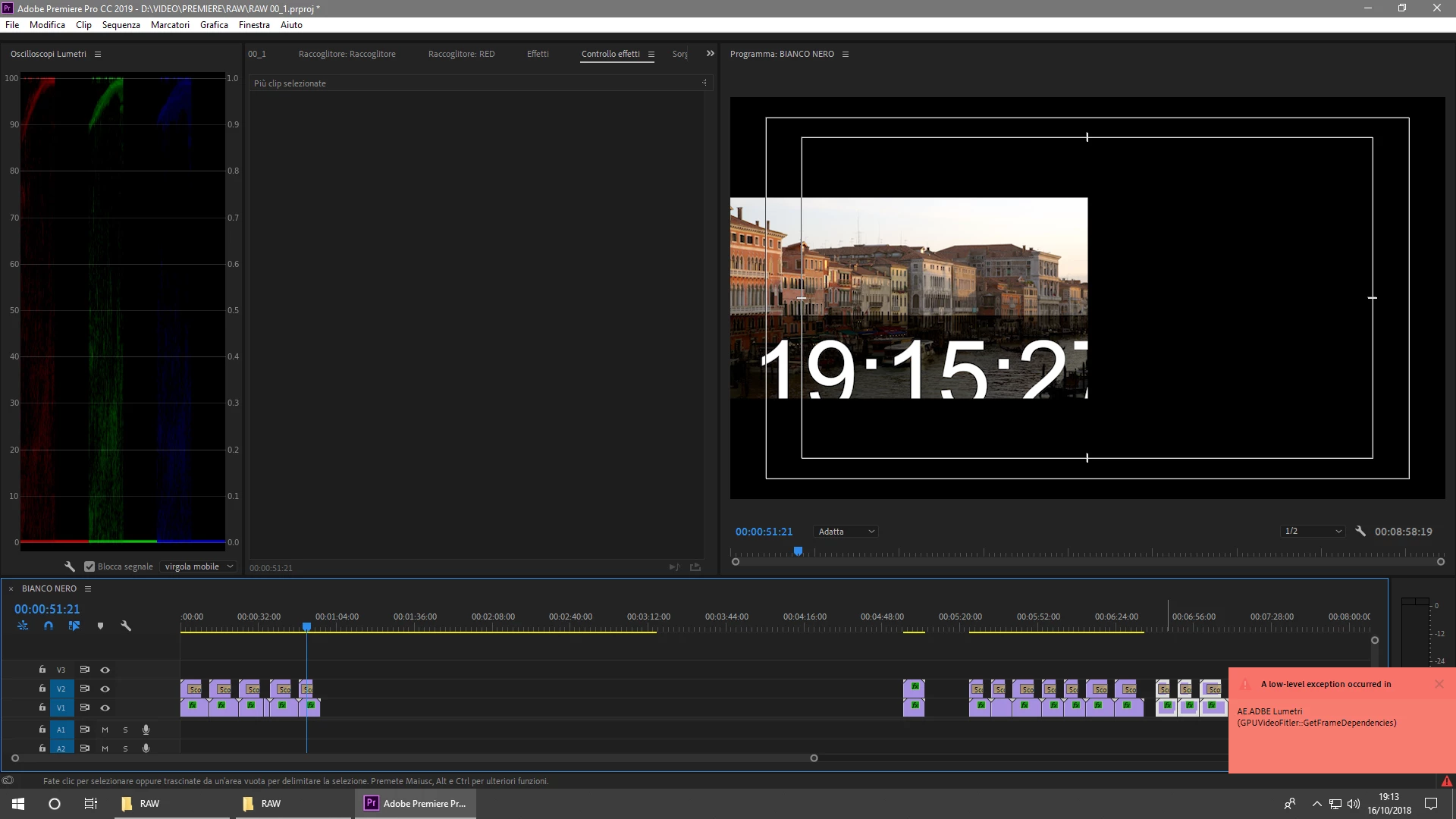
gpu video filter: get frame dependencies lumetri error

  • October 20, 2018
  • 1 reply
  • 12557 views

Good morning,

I continue to have problems with Lumetri and turning the web, including this forum I see that we are many.

The error in question is called "gpu video filter: get frame dependencies" and it constantly comes out of me, and in addition to making my health worse, I'm slowing down my workflow in an embarrassing way!

I tried to install different versions including 2019 and the problem persists, I did some things read on the web but that does not change.

Now, I read responses on this forum from someone from Adobe that I prefer not to comment, so someone tell me something sensible since it is 10 years that I use (and pay) the programs of Adobe and I know what I say.

Since you pay a subscription there is no version of an Adobe program that is not full of bugs and I'm really fed up with being a betatester (it needed something at least) because I work with the programs!

my components are:

Windows 10 pro 64bit

Intel Core I7 930 2.80ghz

ram 24G ddr3 333mhz

Gigabyte GA-X58-USB3 motherboard

SSD Crucial 250G

Hardisck Western Digital blue 3 tera

video card Asus Strix gtx 1060 6G
This topic has been closed for replies.
Correct answer R Neil Haugen

The error also appeared with the old video card.

it's a Lumetri problem, it's not your problem!

If I use Premiere for anything else, if I use all of its capabilities but without lumens, the error does not occur.

There were other very annoying bugs in the version before 2019, with the latest version there are no more, but the problem with Lumetri is always there.

is full of the web of people complaining about Lumetri, I have colleagues who have gone to the competition because of Lumetri, I was in you I would stop blaming the hardware, since the problem occurs even if I'm still to watch the monitor!


The web is full of people complaining about everything. You have to always consider the user base versus number of complaints. Most of us have no trouble with Lumetri whatever. So it's really annoying that you're having troubles. And I wish there was a way to just get it working for you.

As Ann notes, that 8 year old CPU could be part of it ... that one has a small cache and is very slow as is the connection to the slower/older RAM involved. Your GPU is way over-powered for that rig. That CPU/RAM/mobo I don't think can ever give enough to the GPU to keep it warm hardly.

An editing computer is a balance of parts ... just putting in a hot new GPU in an old system doesn't help much at all. The way the processing works, the CPU has to have stuff processed & ready to send to the GPU ... and if the CPU isn't nearly as powerful as the GPU, as in your case ... that GPU is idling most of the time even in places where you have GPU accelerated effects. The CPU/RAM/motherboard just can't pass enough data along to keep up with that GPU.

So ... as you note, this problem still occurred with the older GPU, which ever version it was. It's not a GPU problem, it's the CPU/mobo.

A fact of life in heavy-requirement computer work is you have to upgrade the gear every so often. Period. And an NLE like PrPro is heavy-lifting software.

Besides getting the warning ... what happens when working or exporting: does it actually stop and hang/crash, does playback go glitchy, do exports refuse to finish ... what?

Neil

1 reply

Ann Bens
Community Expert
Community Expert
October 20, 2018

You /pc/cpu is quite old.

Might want to update or roll back a few version of the graphic card driver.

fabrizion15881815
Known Participant
October 20, 2018

The error is GPU FILTER, not CPU.

The video card drivers are updated.

Ann Bens
Community Expert
Community Expert
October 20, 2018

Roll back a few drivers.

Never seen that error message before.

Your videocard might be 'incompatible' with the old system.