


Question
Graphical anomalies?
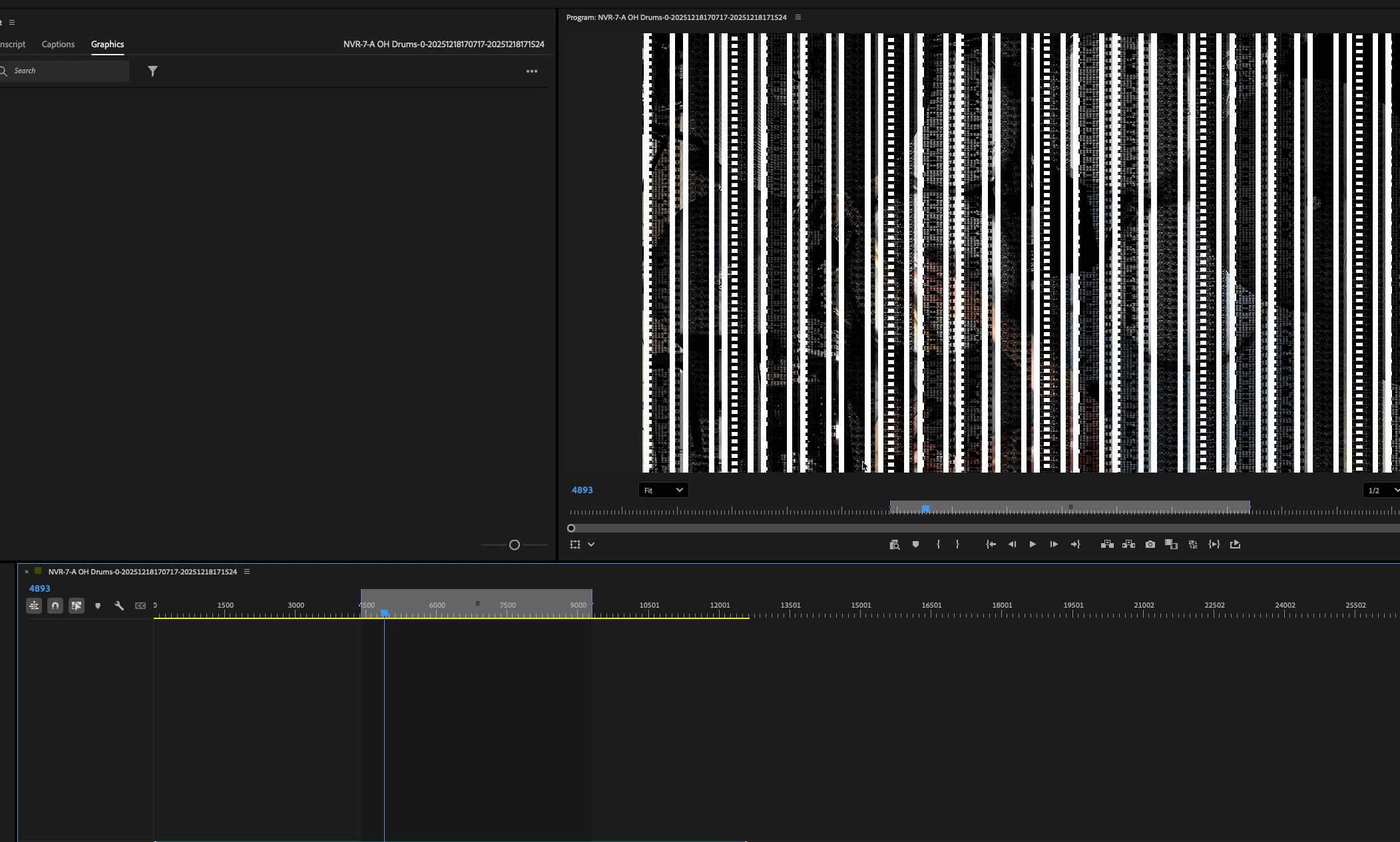
Hi... sometimes when being away from my computer, and returning, Premiere has this weird graphical anomaly... closing/reopening doesn't seem to resolve... only restarting my Mac seems to get rid of it.
This seems a rather new occurrence... I don't recall updating anything.. but prehaps a recent update of premiere itself (currenly on 25.6.3 (Build 2) is the issue?
Any ideas of what is causing this, and how to avoid restarting?
See the image below.. note the white bars/noise... that should be 'clean' camera footage... restarting the computer resovles as state.
 AdChoices