Participant
March 9, 2021
Answered

Green Glitch when importing files

  • March 9, 2021
  • 1 reply
  • 898 views

Good afternoon everyone!


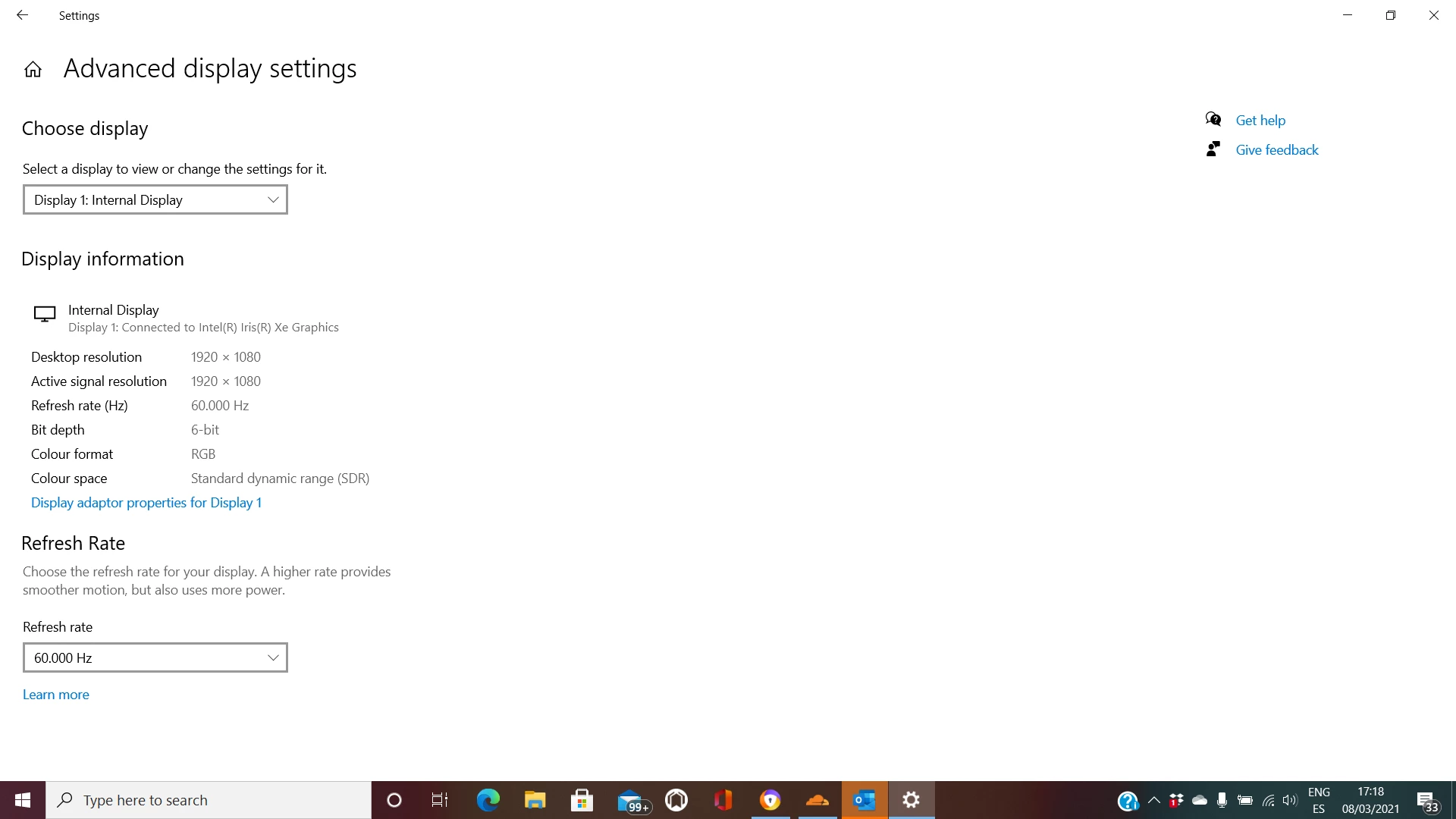
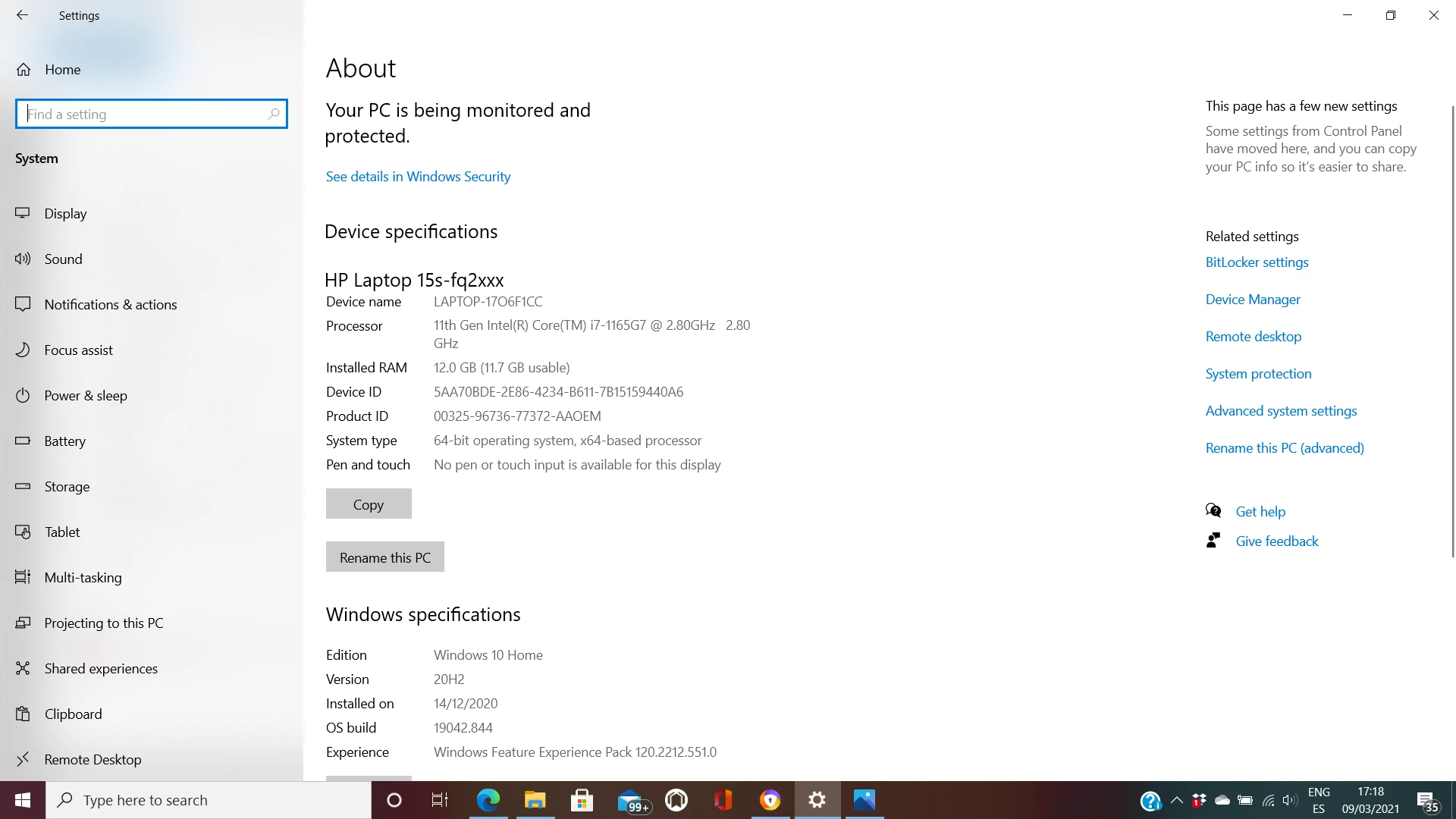
Whenever I import videos on Premiere Pro, After Effects and Premiere Rush, these green glitches always appear. I've tried to change the project settings to Mercury Only. I've also tried to update my laptop just in case I didn't update something right. I also checked if my graphics weren't compatible with the Adobe products, but they are. I'm gonna attach a video that should be helpful in order to help me, and some pictures of my laptop details. Hope someone can help me since I would really appreciate it.

Thank you very much in advance.


https://drive.google.com/file/d/13V73YdgYrGb0axwLRz1gmHFbsAyqpDMK/view?usp=sharing
This topic has been closed for replies.
Correct answer Jerry5E53

because that isn't even an Intel UHD Graphics 620, that's an Intel Xe.


try this:

https://community.adobe.com/t5/premiere-pro/intel-iris-graphics-xe-and-green-dots/m-p/11865587#M332099

1 reply

Jeff Bugbee
Community Expert
Community Expert
March 9, 2021

Looks like your laptop has a 

  • Intel® UHD Graphics 620

integrated card which is not on the list of Adobe support hardware.


That being said, you can attempt to update to the latest driver and see if that helps.

Participant
March 9, 2021

Hello, thank you so much for answering! I've tried to do that but when I went to update the latest driver, it said that my computer wasn't able to do that unfortunately...

Participant
March 11, 2021

because that isn't even an Intel UHD Graphics 620, that's an Intel Xe.