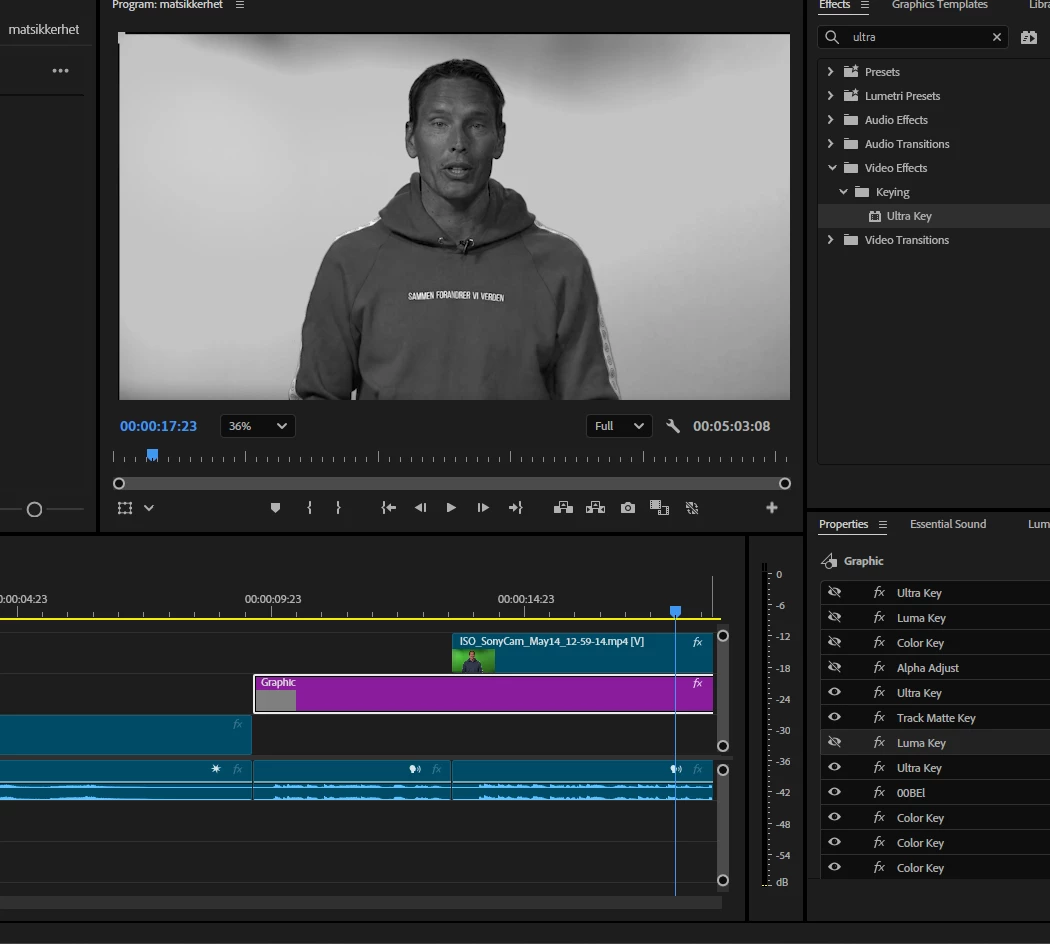
It looks like the Transparency setting in the Ultra Key effect may be set too high, which is likely causing the footage to appear grey by revealing the graphic clip on Track 2.
To fix this:
Select your green screen clip in the timeline.
Go to Window > Effect Controls to open the Effect Controls panel.
Locate the Ultra Key effect in the panel.
Click the Reset button next to the effect name to restore default settings.
This will reset the keying parameters and give you a clean starting point for adjustment.
Also, take a look at the layer beneath your footage—it looks like you have been adding effects to this layer instead of your green screen footage.




 AdChoices