
Participant
June 22, 2024
Answered

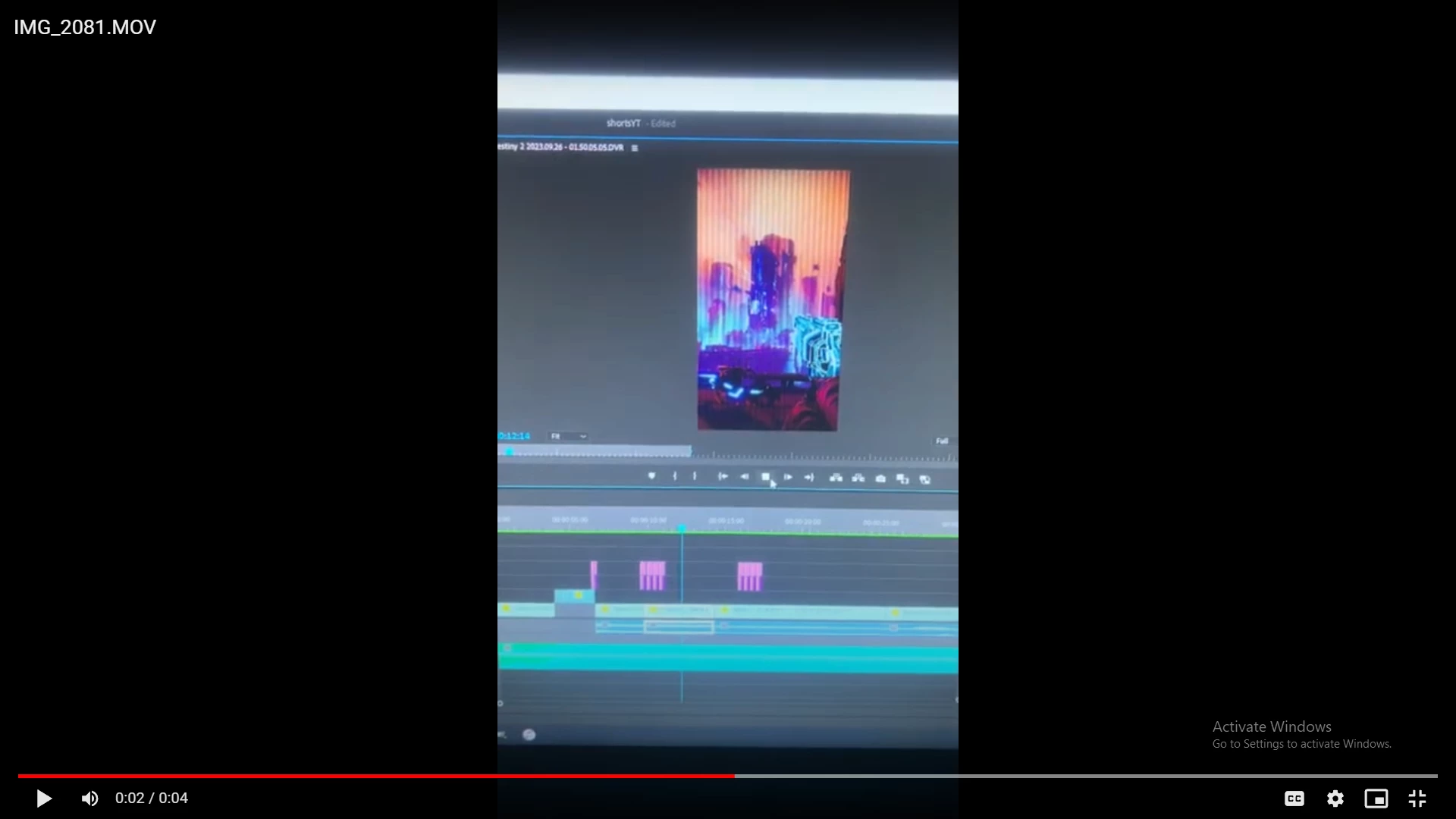
Grey Lines appearing on video preview when render video in and out

  • June 22, 2024
  • 6 replies
  • 799 views

So everytime I render the video on the edit tab, like where you see the Sequence then after clicking that I click on Render In and Out. The video has this lines that doesnt go away. I am trying to render the video to check if how it looks but this lines keep appearing on it.

I only have 2 plugins but this issue never happened before with those plugins.

My specs: CPU: AMD ryzen 9 5900x 12 core 4.20GHz. GPU: NVIDIA Geforce Ventus 3x Plus RTX 3080 10GB OC Ram: 32GB 

Windows 10 and Premiere Pro 2023 v24.5
 

This topic has been closed for replies.
Correct answer Adam5E52

The problem is the most current GPU driver. Rollback one version and it will be fixed.

6 replies

MyerPj
Community Expert
Community Expert
June 23, 2024

I've stuck on 555.85 and it has been working OK. I only install the two driver (Video and Audio) and don't install geforce experience or any of the other item's in the install file. And when it's done I uninstall the notifier app.

Participant
June 23, 2024

Okay seems like it worked after I rolledback 2 times. 555.9 version and 555.85 was causing the issue it looks like it. I am on version 552.44 and it beens letting me render it without the issue

Participant
June 23, 2024

I just rolledback the current version and no luck issue still appears.

Adam5E52Correct answer
Participant
June 23, 2024

The problem is the most current GPU driver. Rollback one version and it will be fixed.

Participant
June 22, 2024

I now disabled plugins and my gpu was already up to date. 

Ann Bens
Community Expert
Community Expert
June 22, 2024

Disable plugins and try again.

Make sure you have the most current Nvidia studio driver installed.

Post screenshot sequence settings and clip properties.