peterkellner1
Inspiring
Jan 23, 2025 2:42 AM UTC
Answered

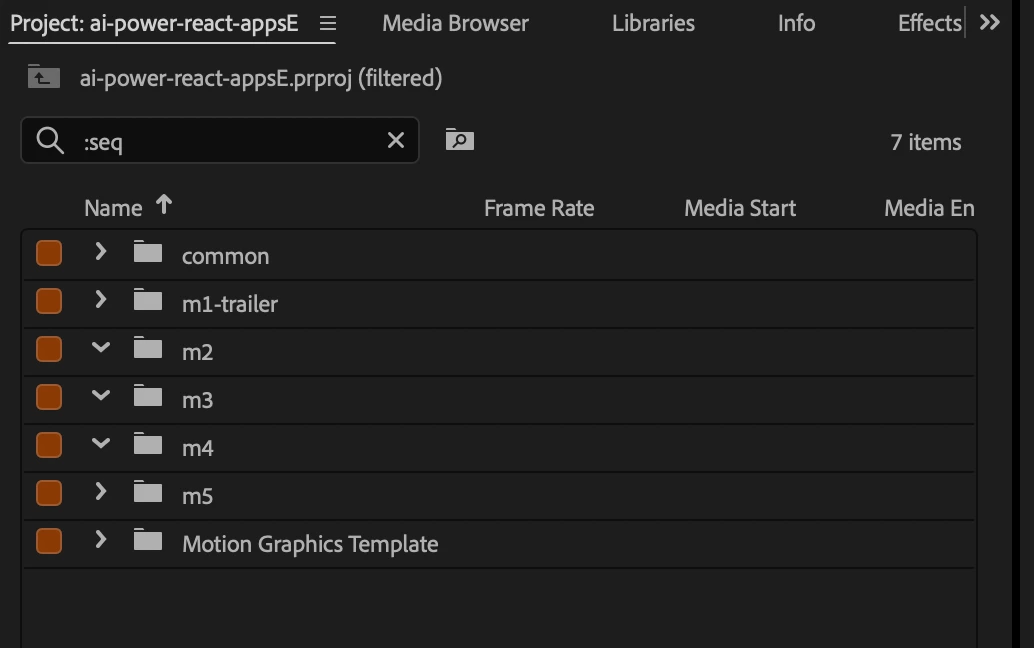
Hard crash seems to have stopped my :seq filter from working

I just had a very hard crash of PR 25.01. I wasn't do anything odd that I know of and all of a sudden the dreaded basketball appeared and would not go away. I closed everything else on my MacBook (m4/64GB Ram, 4GBHD) but the basketball would not go away. I tried killing the process, but it would not die. Finally rebooted the mac and that worked without having to power reset the macbook.


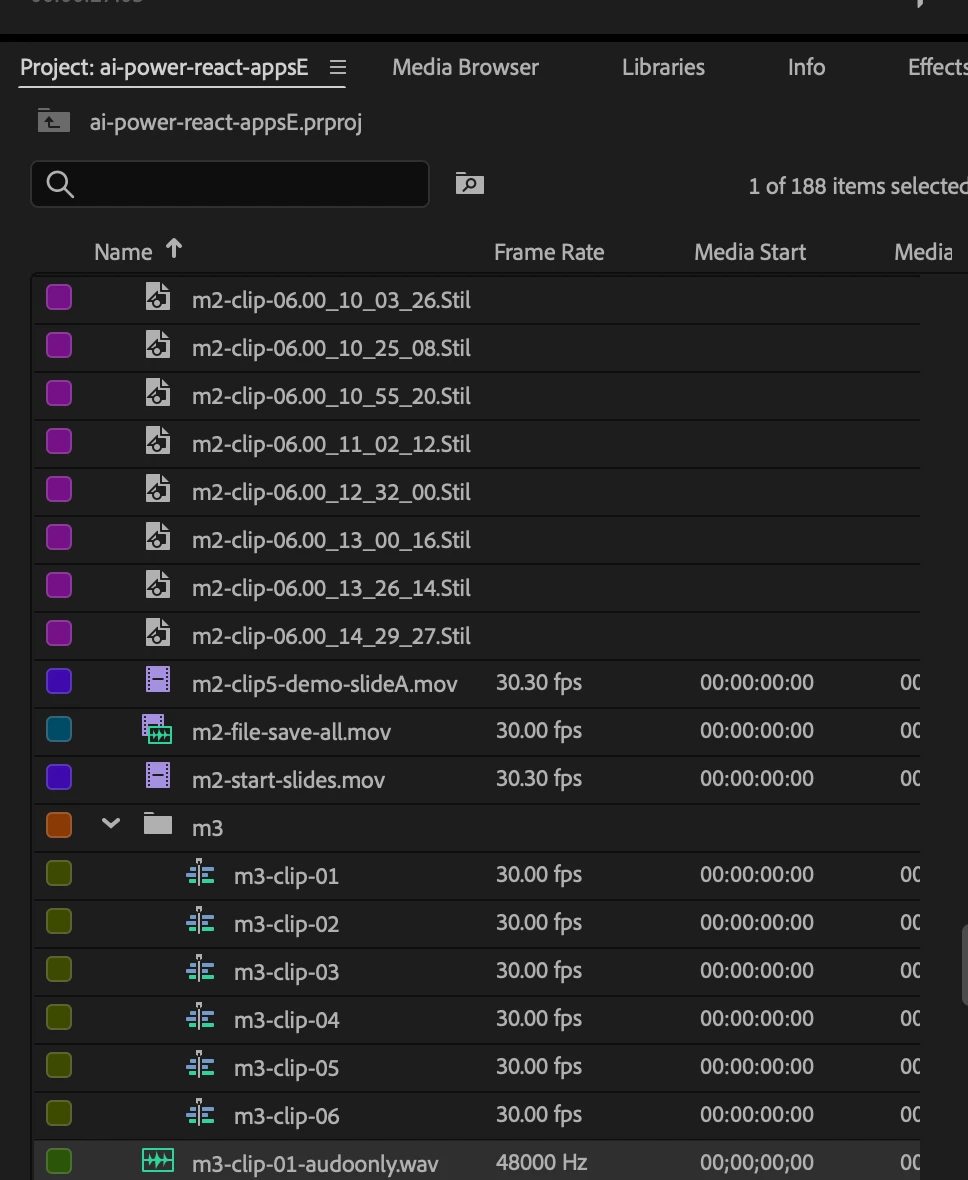
On re-entering PR, it did a recovery which "seemed" to make everything work. After about 10 minutes though, I realized that my :seq filter in the project viewer stopped showing sequences even though there are sequence there (see screen shots below). Is there any way to tell the integrity of my project file.


I'm worried. I put a lot in my project files. A full 50 or so clips of a training course.



peterkellner1
peterkellner1Correct answer
Inspiring
Jan 23, 2025 1:58 PM UTC

I called Adobe support and they had me reset all in settings and that solved.  Arg.  Now to remember all my little settings.

3 replies

peterkellner1
peterkellner1AuthorCorrect answer
Inspiring
Jan 23, 2025 1:58 PM UTC

I called Adobe support and they had me reset all in settings and that solved.  Arg.  Now to remember all my little settings.

Translate
caroline_edits
Community Manager
Community Manager
Jan 23, 2025 5:13 PM UTC

Hey Peter, glad that a quick reset was able to get you back on track. Sorry the search functionality was giving you trouble! Is everything working okay now?


Let us know if anything else comes up.

Caroline

Translate
peterkellner1
Inspiring
Jan 24, 2025 1:43 PM UTC

yes, and thanks for checking @caroline_edits . Is there a way to save my preferences so I don't have to try and remember them all after a crash like this? I'm still finding small stuff that I didn't remember setting.

Translate