
Question
Having trouble because the rest of the files that won't show up from the folder.
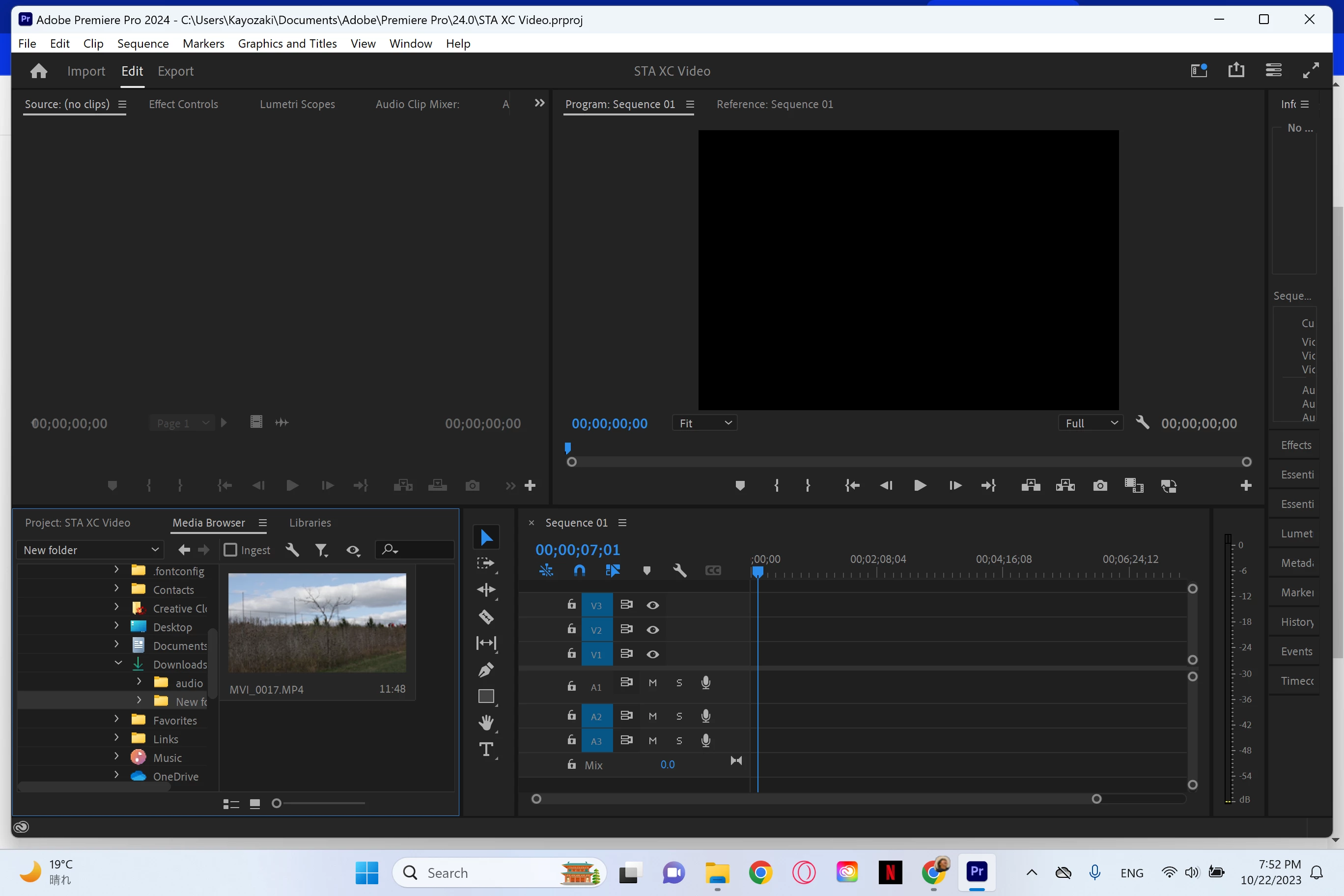
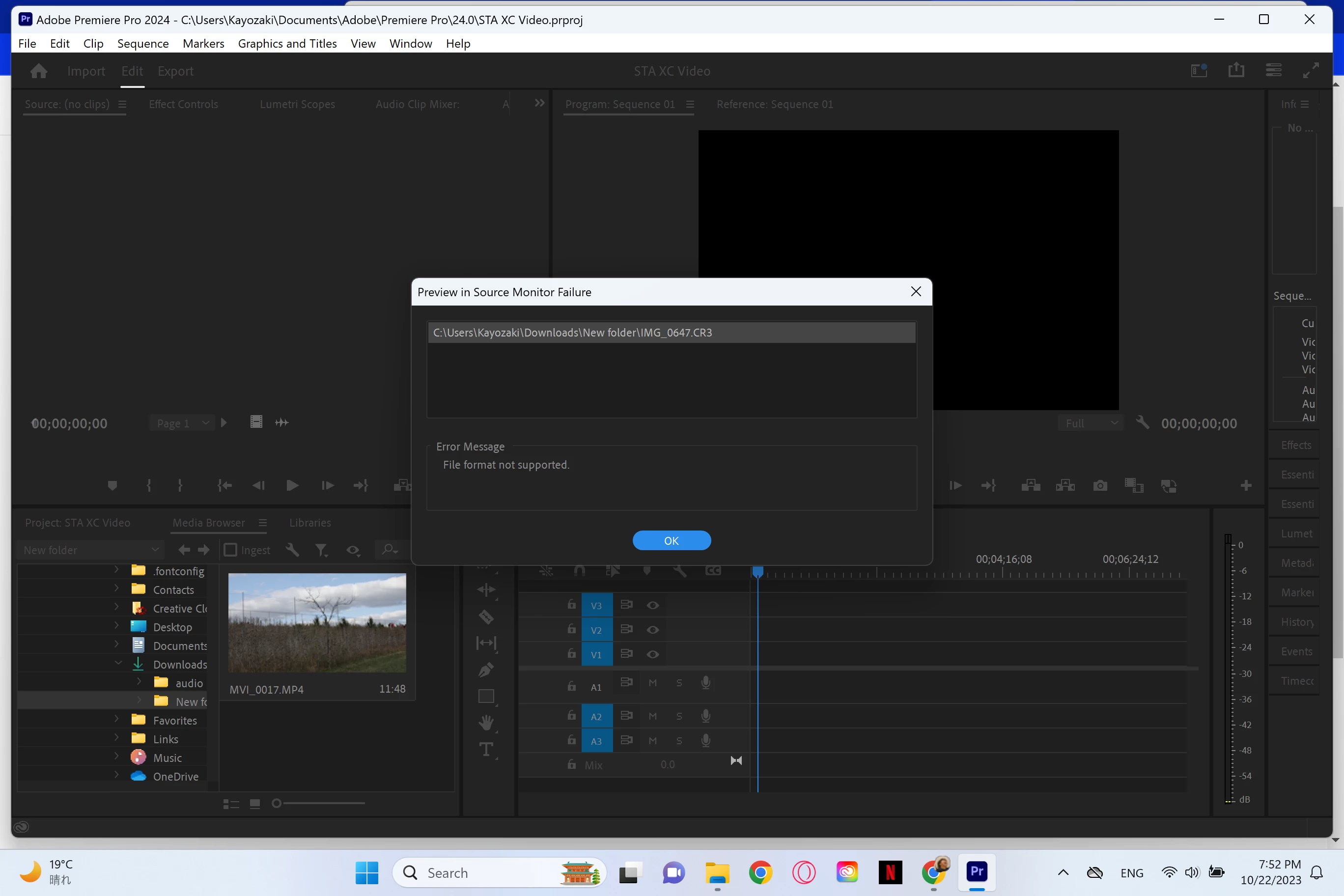
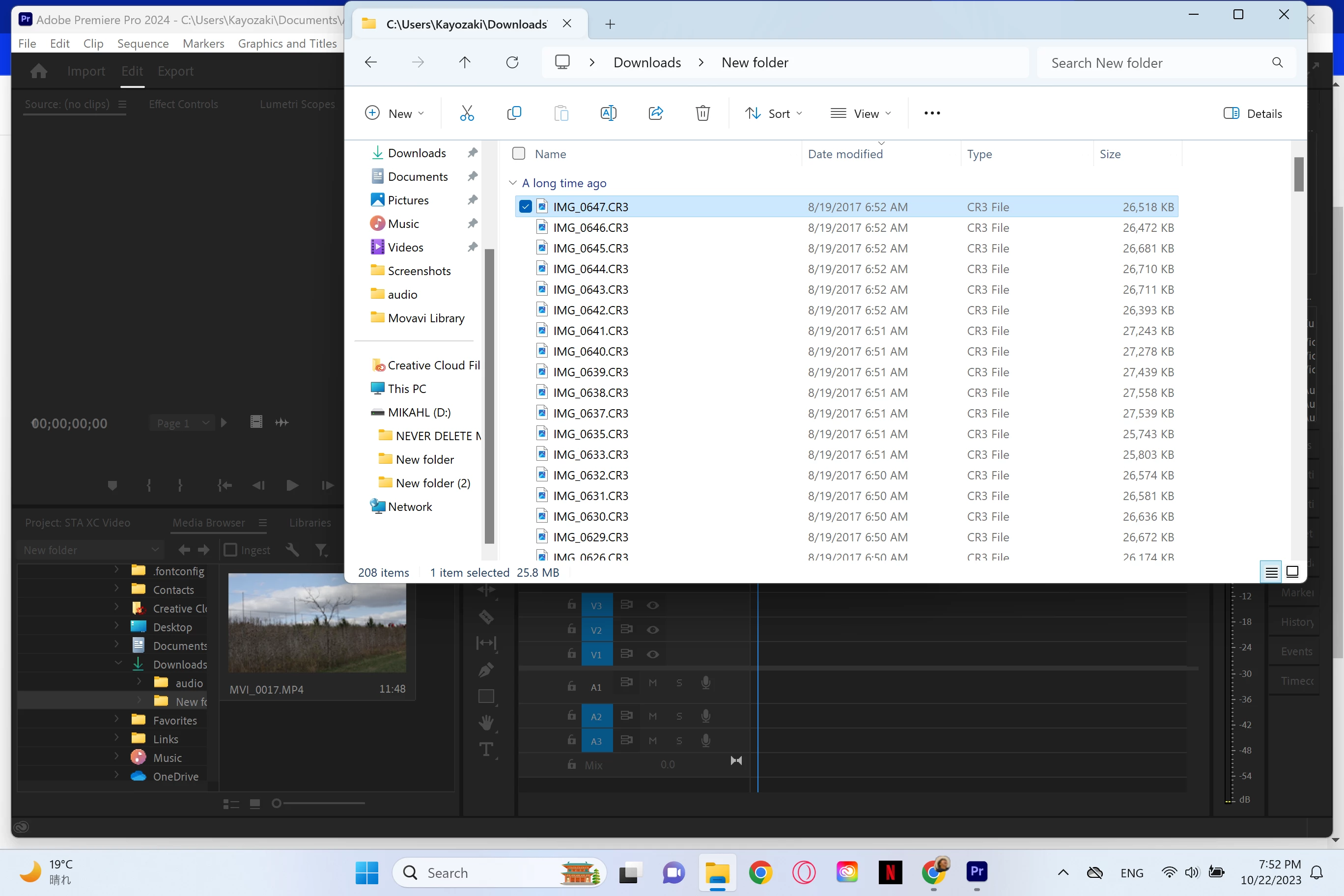
I have PP 24.0 installed on my surface pro 7. I already made a post about this before but I wanted to be more specific. I have around 200 items in this folder and one of them is a video. I went to The rest of them are pictures. I went into Premiere Pro to try and find the pictures but the only thing that shows up is the video. I tried to go from File Explorer and drag and drop the pictures in but it says file format not supported.
The pictures are here: 1. in PP in the file with the pictures and video but only the video showing. 2. what happened when I tried to drag and drop the pictures into PP. 3. the folder with the pictures I need
 AdChoices