
Participating Frequently
September 28, 2019
Answered

Having trouble getting viewing project timeline
  • September 28, 2019
  • 2 replies
  • 306 views

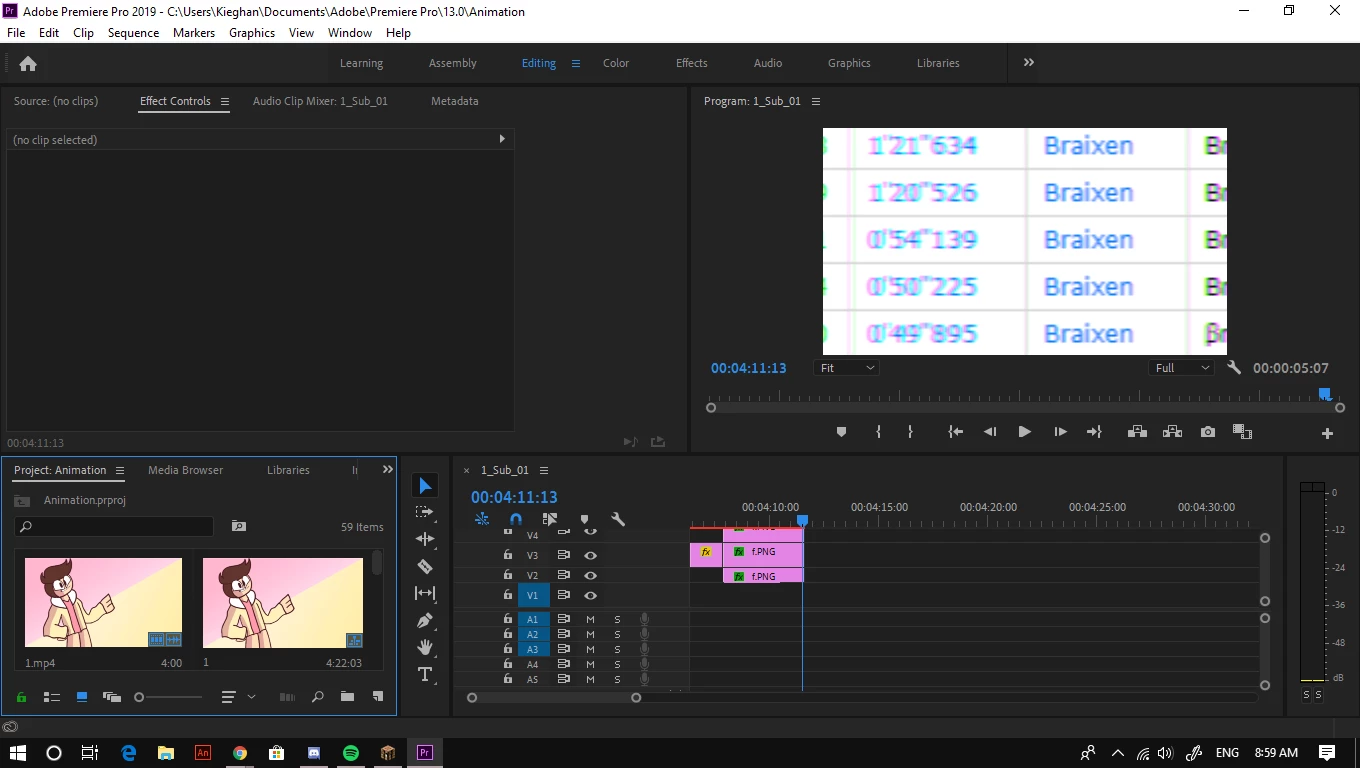
I've been working on editing an animation in Adobe Premiere Pro, but when I opened my project today, the timeline was opened to a subsequence in the video. I have no idea how to get back to the main video timeline. Any help?

    This topic has been closed for replies.
    Correct answer Ann Bens

    Set your Project Window to List View and look for the correct sequence: double click.

    2 replies

    Ann Bens
    Community Expert
    Community Expert
    September 28, 2019

    Participating Frequently
    September 28, 2019
    It opens up to one called 1_sub_01 which is a subsequence I created within the project, but I have no idea how to get back to the projects main timeline
    Ann Bens
    Community Expert
    Ann BensCommunity ExpertCorrect answer
    Community Expert
    September 28, 2019

    Set your Project Window to List View and look for the correct sequence: double click.