
jennala22
Known Participant
May 1, 2023
Question

Having trouble linking Premiere sequence to AE via Dynamic Link

  • May 1, 2023
  • 1 reply
  • 1522 views

Hi there,

I am attempting to comp a clip onto another clip which requires more advanced tracking than PP can do.

First, I've checked that both PP and AE are current and compatible. Both are v23.3

I've used Dynamic Link many times in the past albeit not as recently, and it is currently not working as I feel it should be. I've tried a couple options to no avail:

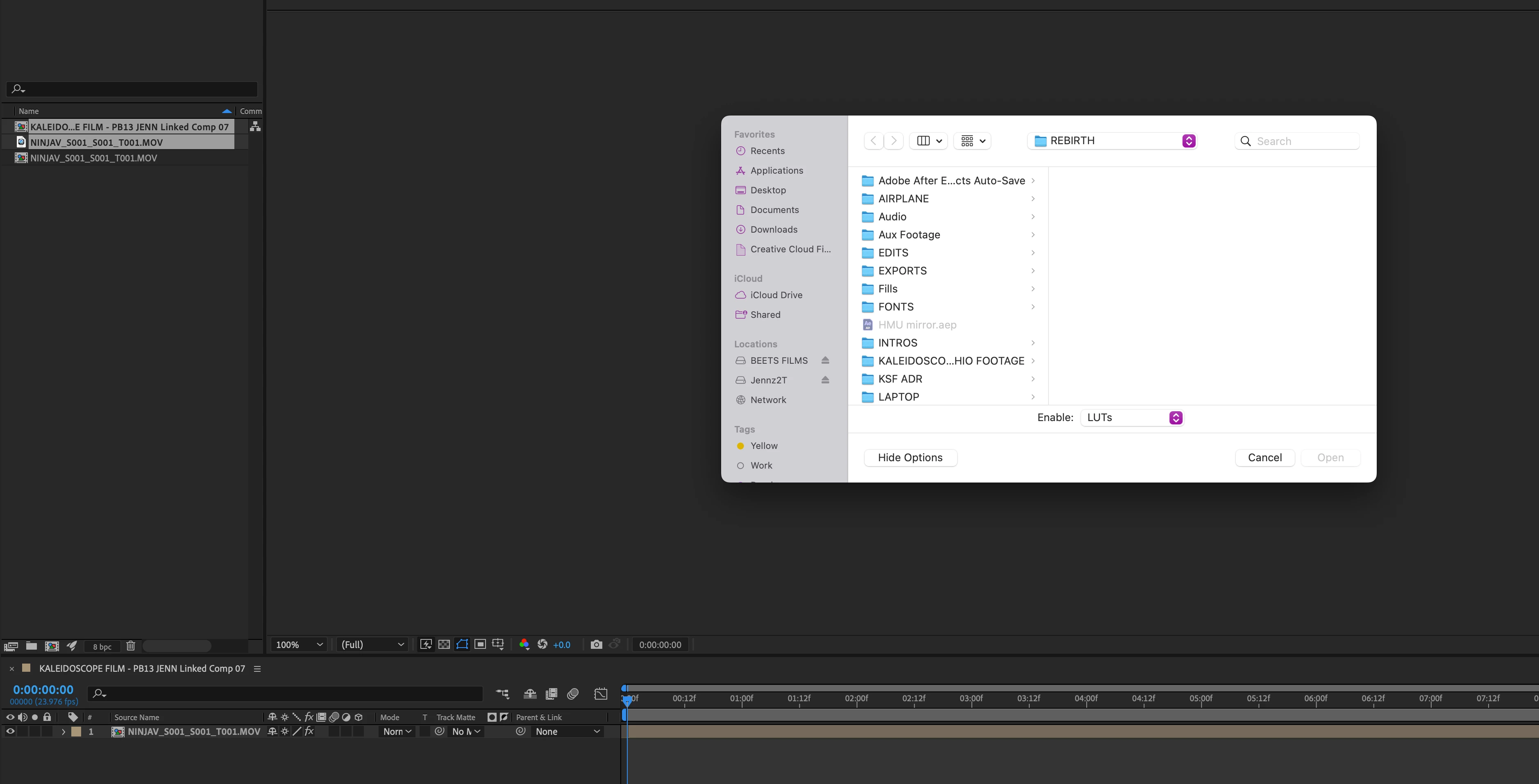
- Select subsequence I created in PP with the section I want to tweak in AE>choose Dynamic Link/Create new AE composition. This creates a composition but no clips have moved over to AE.

- In AE, I tried importing a PP sequence into the composition above, and it brought it in, but flattened, so I couldn't work with the clips in the sequence.

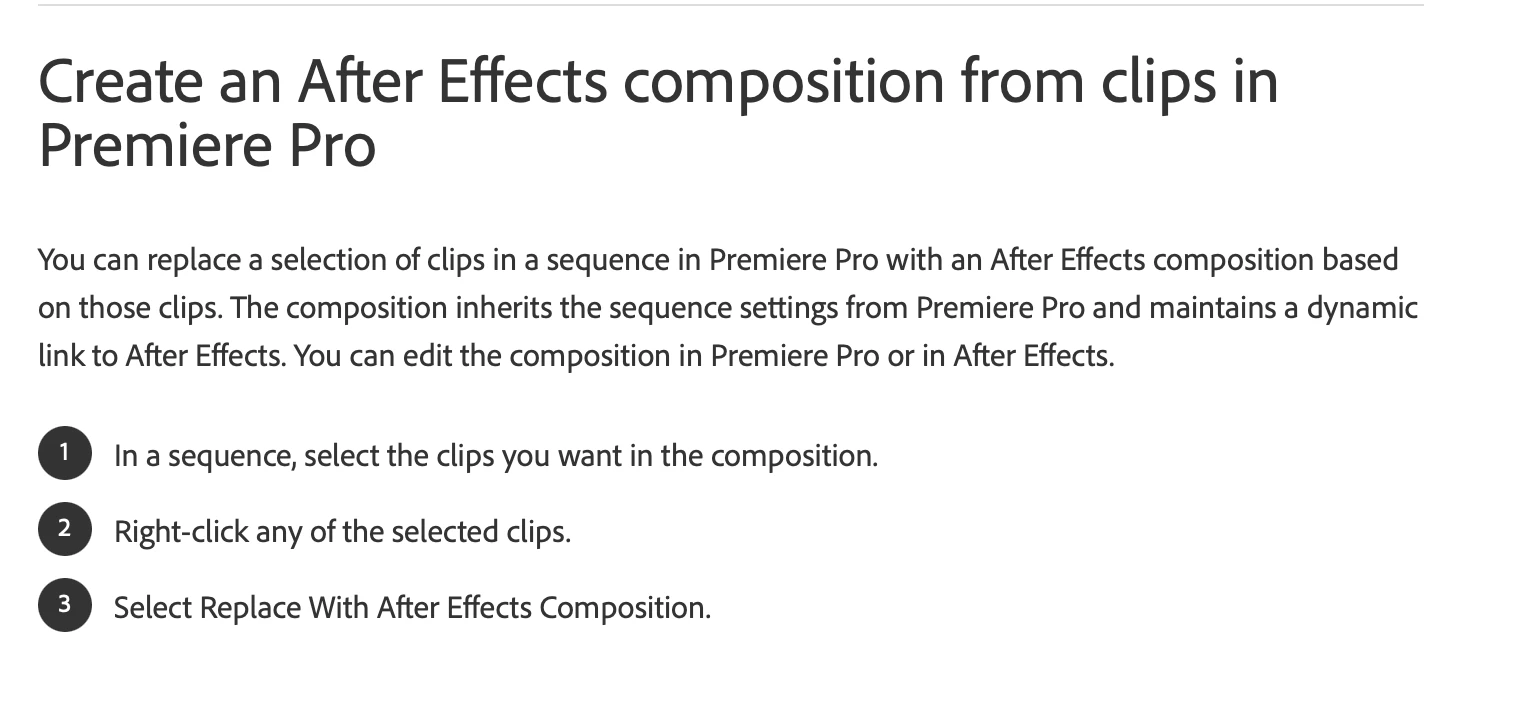
- Select clips in subsequence>right-click>select Replace with AE composition. This created a new project and composition, but also opened up a dialog box without any prompts of what I'm supposed to be selecting. I can see that one of the clips in the sequence copied over, but not both. Although, I followed the instructions on the Support page: both images below.

Would love any advice, as clearly I'm doing it wrong. I did try to look in tutorials and the how-to pages first, but they are not very helpful. Couldn't find a specific tutorial either.
This topic has been closed for replies.

1 reply

Community Expert
May 2, 2023

I can't tell exactly but it looks like you're selecting the a whole subsequence or nested sequence and trying to bring that into AE; you've got two comps there where you should only have one (the dynamically linked one) and the media.

Make sure you're selecting inidividual CLIPS in Premiere, not a nested/sub sequence to send to AE.

-------------------------------------------------------------------------JVK | Editor/Designer/Software Instructor. Pr, Ae, Ch, Ps, Ai, Id
Participating Frequently
May 2, 2023

Can you do this > Create New Premiere Pro project on know location and put clips on the Timeline save and close Premiere Pro Project.

Then Switch to AE and Go to File > Adobe Dynamic Link > Import Premiere Pro sequence.

Select Project created in Premiere Pro select sequence it should be import in the AE drag it to New Composition.

Now you can edit same clip edited in Premiere Pro which is dynamically linked.

let us know this is what you want?

thanks

Suraj.

jennala22
jennala22Author
Known Participant
May 2, 2023
Thanks! I will try this. I did try pulling in the sequence which isn’t a nest but a subsequence (if that matters) from AE on one attempt but it created a nested sequence in AE and I couldn’t see individual clips when I put into the comp.
(Check my other reply for more info on the project)
Hopefully having a new project will help. Will update you

Sent from my iPhone