Participating Frequently
March 25, 2026
Question

HDR Iphone 17 pro footage workflow?????

  • March 25, 2026
  • 2 replies
  • 46 views

So is there any workflow of MAINTAING my HDR footage in premiere pro that was recorded in Iphone with HDR setting on? Or do I literally need to switch softwares to maintain the HDR look?

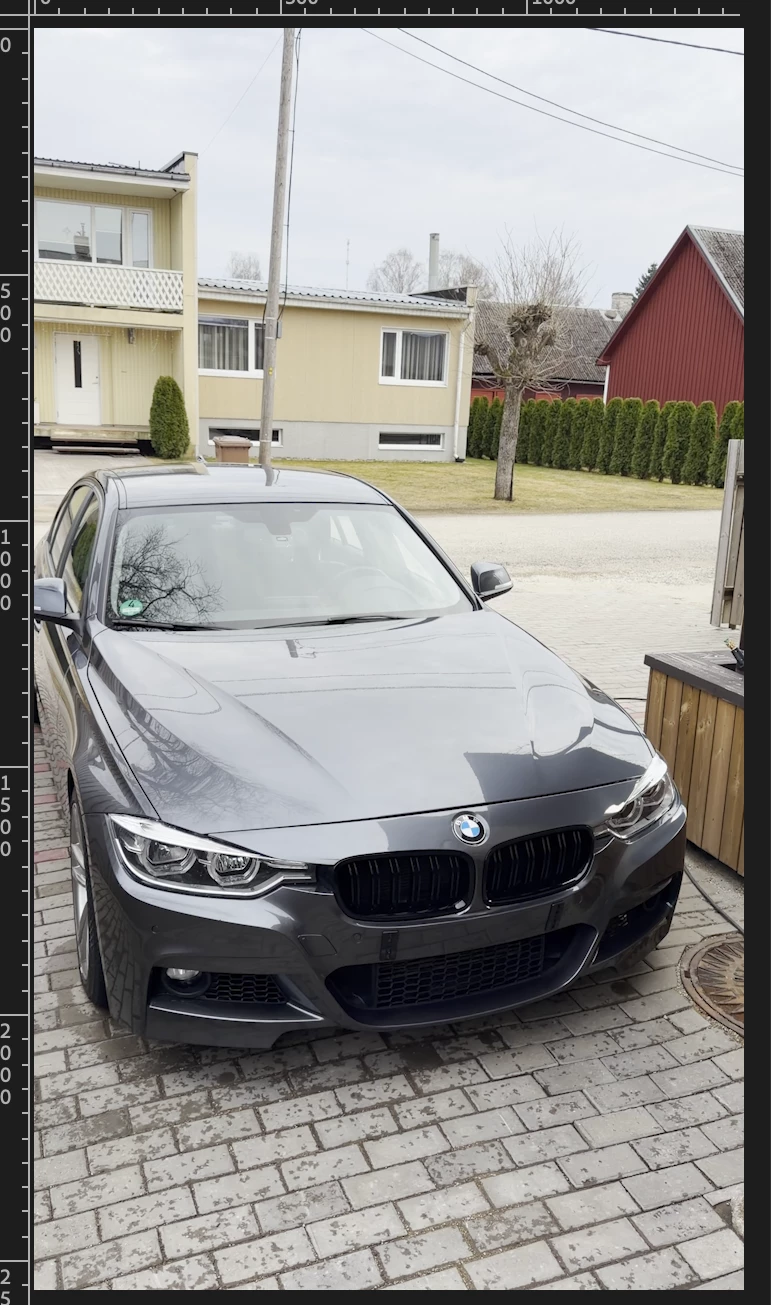
Was suppose to be a simple 5min edit of blurring he numberplate, that has turned into an hour of scouring forums trying to look for a FIX that maintains the colours and look of HDR that came out of the Iphone. If there isn’t any fixes to maintain the EXACT look, then so be it. Just tires of all those Modify this and modify that, which don’t still give the exact look on how it looks out of the Iphone

Here are the 2 photos, one is out of the premiere and one is out of the Iphone 
 

    2 replies

    R Neil Haugen
    Legend
    March 25, 2026

    I work for/with/teach pro colorists, have for a decade. Have been around in and part of panels and discussions on HDR hardware and software workflows for years now. So some information you might find useful.

    First, NO camera, especially not a phone! … has an actually accurate screen image. You know those $70,000 RED and Sony cinema cameras? They don’t … for any pro set, they hire someone with a calibrated professional monitor and viewing booth if they need truly accurate images on-set as they are captured.

    Next … HDR is still the Wild Wild West of video production, it’s very disappointing, but true. Most screens out there still do not do HDR at all, and of those that do, most don’t do it with proper precision. So seeing HDR media correctly depends on what and how you are viewing it.

    And the monitor and the settings for the OS/monitor and app while adjusting DR and color.

    Premiere can handle that as well as Resolve for most needs, and I work daily in both apps. IF … you have your app, it’s color management, the monitor, the OS, everything set correctly.

    So … read the documentation Jamie listed.

    Then, post back here with your setup … the details, please … OS/CPU/GPU, monitor connection and settings, the specific version of Premiere, and the full color management options you’ve got set. We can get you working just fine.

    Everyone's mileage always varies ...
    Participating Frequently
    March 25, 2026

    See now, I downloaded Capcut quickly to test how difficult it is to work with HDR footage in there and within 2 clicks I was able to see almost identical HDR footage that came out of the phone and could export it. Unfortunately, the link that was posted wasn’t much help for me. 


    What settings would you want me send over in Premiere? Sequence settings? Or what other color settings?

    All I want is to import my HDR footage that I recorded, it is identical in the preview and it maintains its HDR feature. But that seems like an impossible task atm. I was fighting with it a year ago but then I lost all hope and just turned HDR feature off on my phone. 

    jamieclarke
    Community Manager
    Community Manager
    March 25, 2026

    Hi ​@kelar kuusk - Please see:

    Helpx article on color grading iPhone footage in Premiere: Working with color managed iPhone media

    Helpx article on exporting footage: Why Do My Premiere Pro Exports Look Washed Out?