Participant
November 14, 2020
Question

Help! Am I exporting wrong?

  • November 14, 2020
  • 3 replies
  • 369 views

Hi, 

So I've been doing some freelance video editing work for a while now. My previous setting always worked just fine but my client insists that this video and the one before looks pixelated and low res. She could be right, my glasses prescription is old(lol) and I'm not an expert on exporting settings. Up until now, I was just following some advice from youtube. But even as I follow the directions best as I can, I cannot seem to get it right. She's not paying me until it looks right and I get it but can I please get some help and figure out what is wrong? 

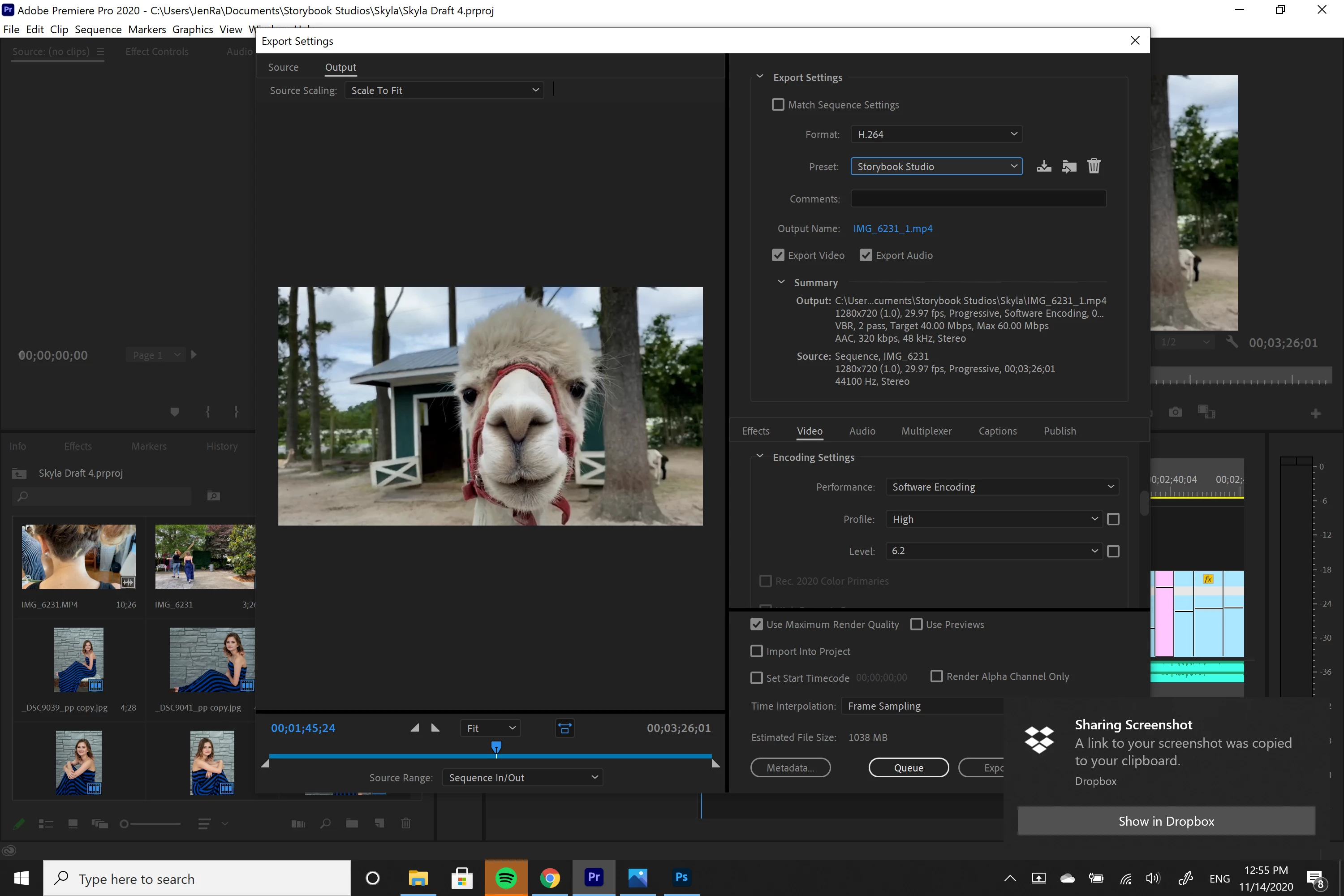
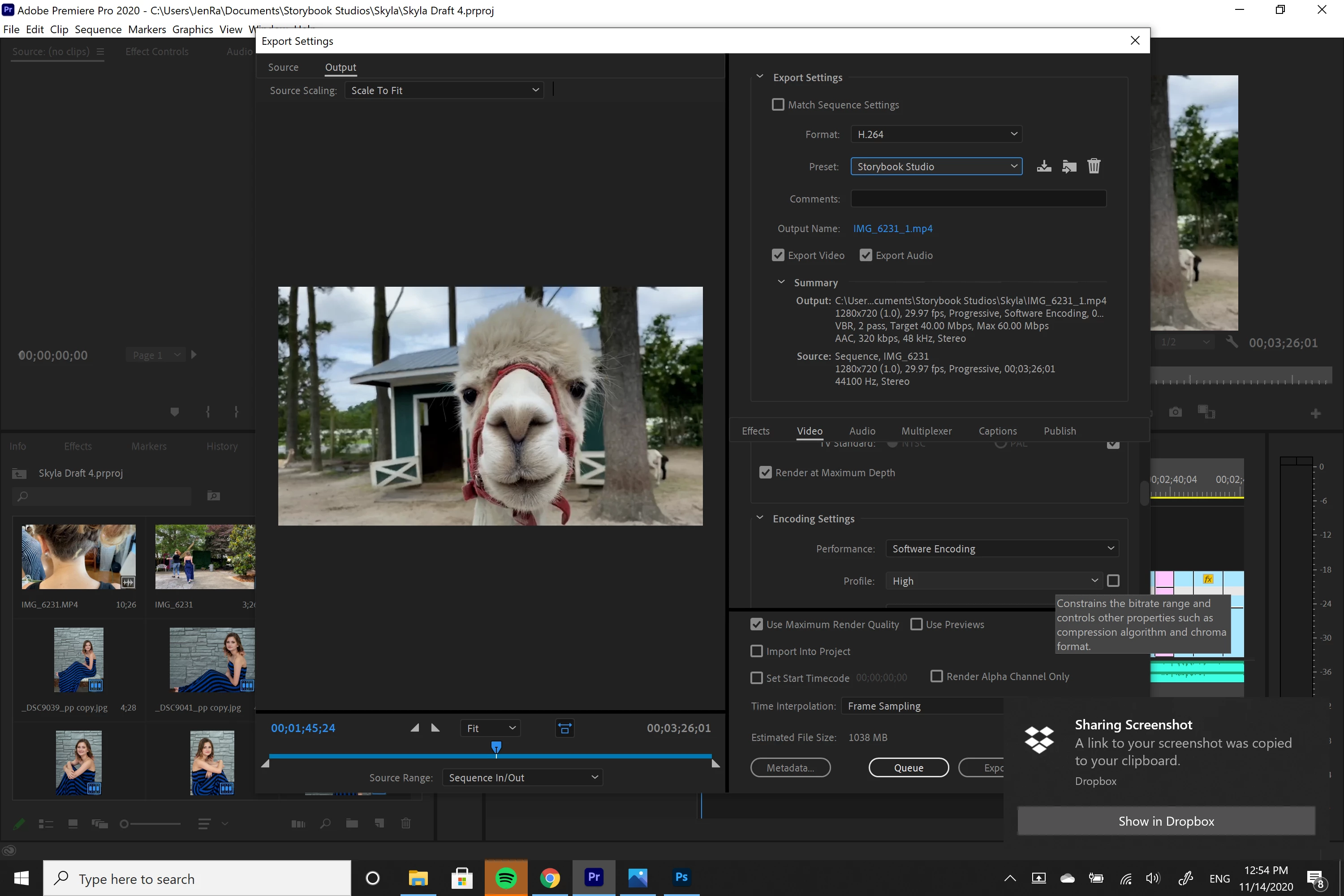
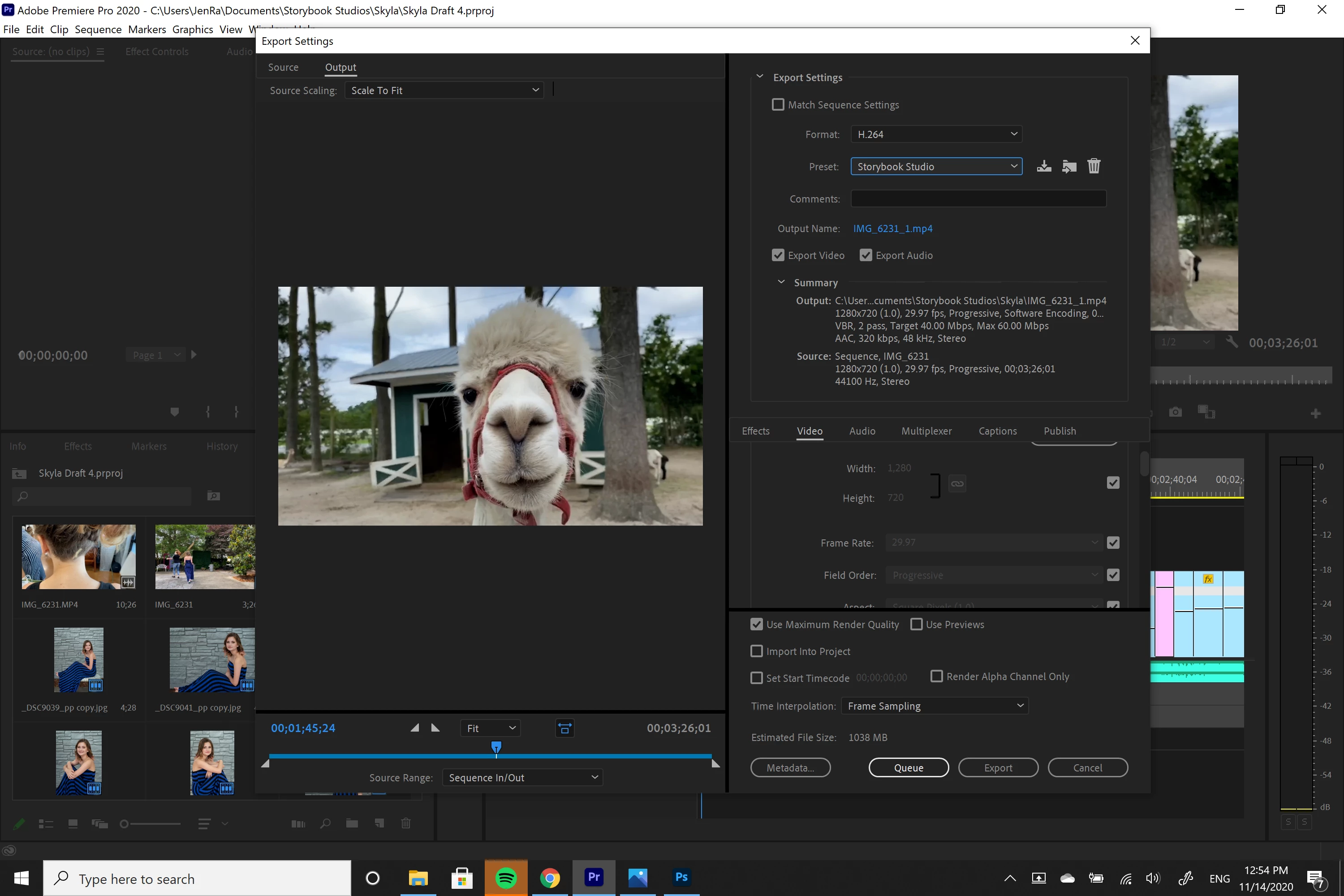
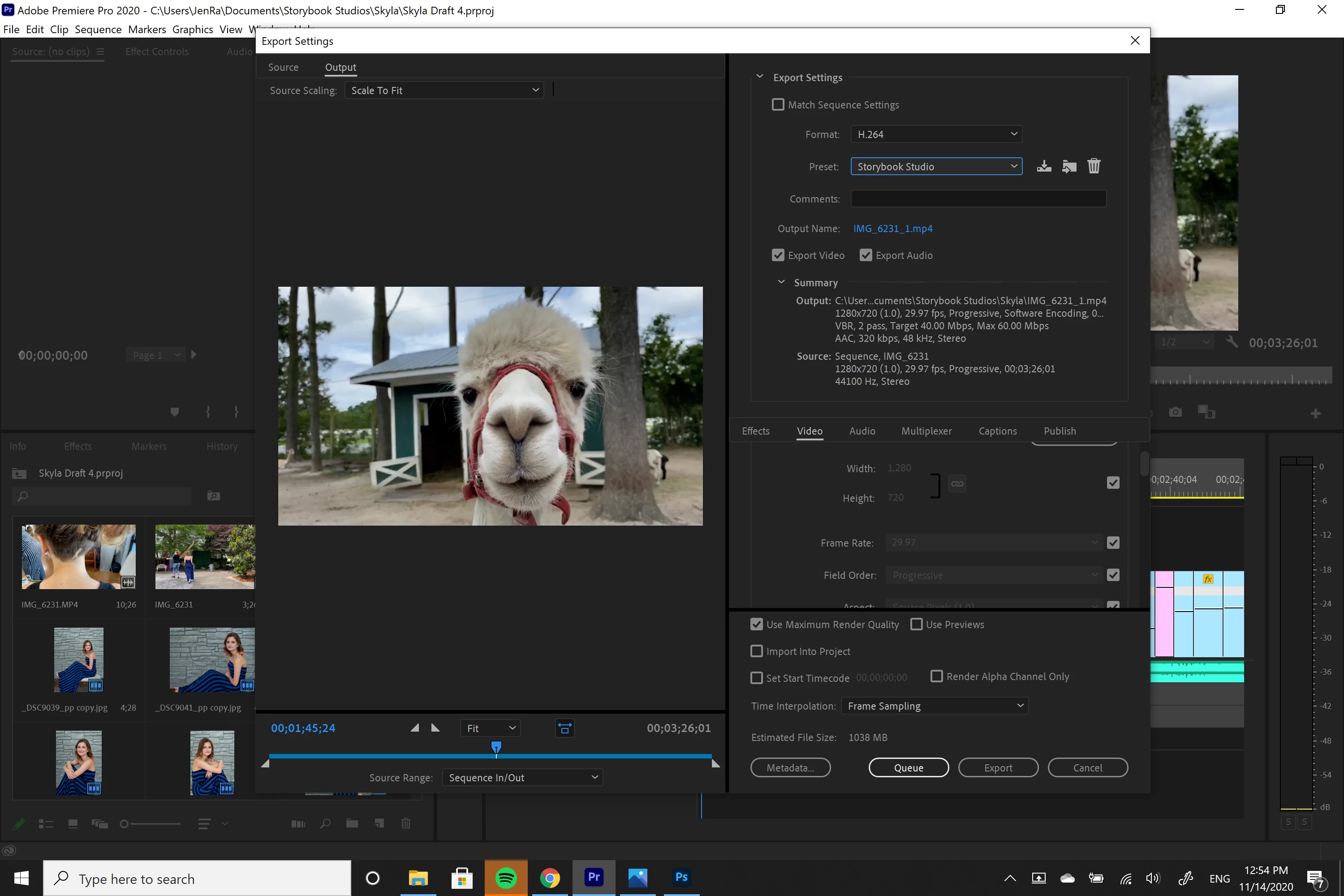
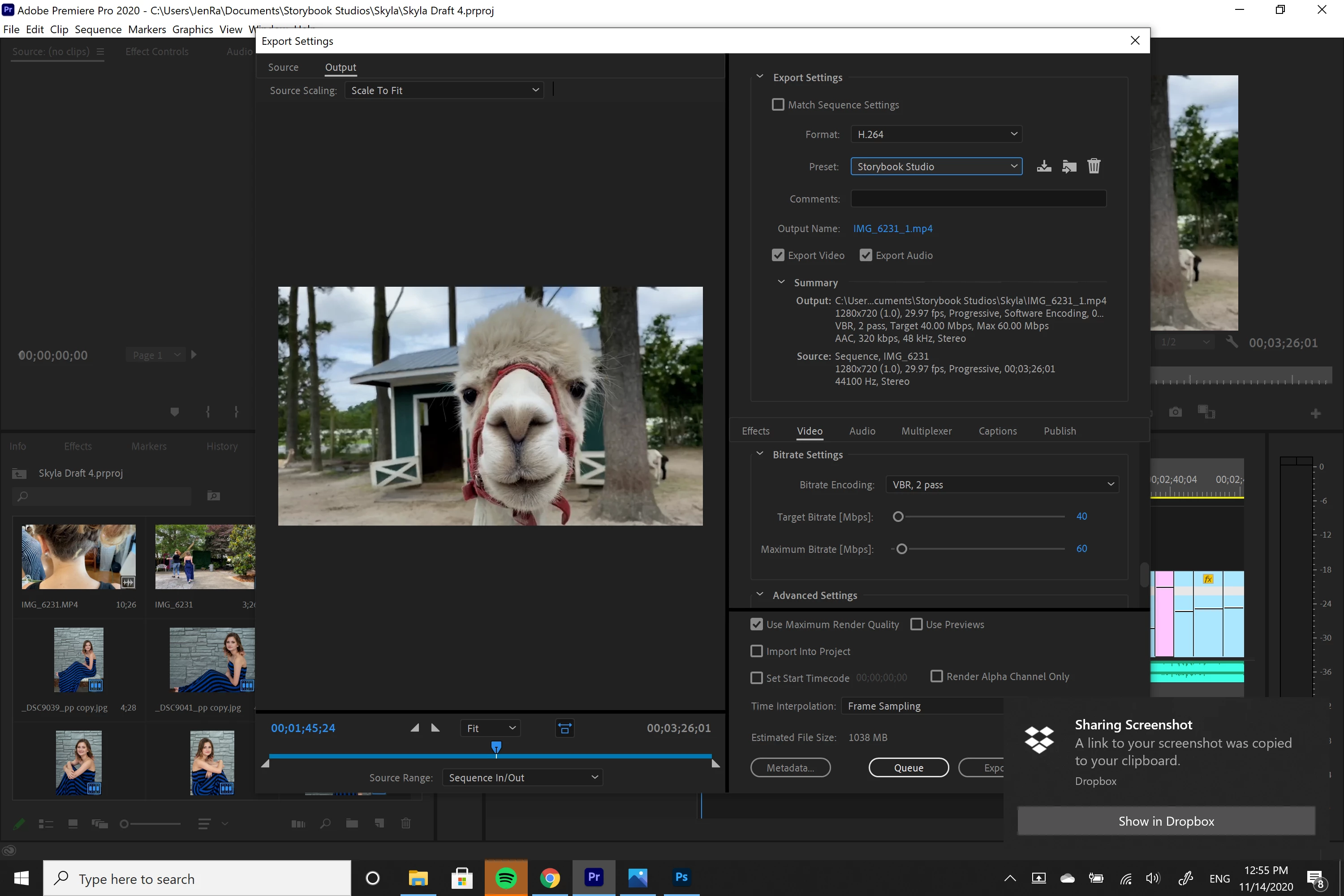
I inserted screenshots of my last exporting attempt down below for reference.
This topic has been closed for replies.

3 replies

Participant
November 14, 2020

I do send it to her via google drive since I work remotely. Would that compress the file? Should I try sending it to her another way?

Averdahl
Community Expert
Community Expert
November 14, 2020

I always zip media files to avoid any cloud service to touch it. Right click on the file and choose Send To > Compressed (zipped) Folder. This will leave the media file untouched by Google.

Ann Bens
Community Expert
Community Expert
November 14, 2020

What does it look like on your machine with say VLC player?

If you have a dedicated gpu turn off max render and max depth and try CBR.


Please do not double post: duplicate deleted.

Why all the screenshots, they look the same.

Participant
November 14, 2020

I'm editing on a Microsoft Surface Book 2 so I don't think I have VLC player. At what target bitrate should I try for CBR

Also, I was just trying to show everything on the video window. I don't think they are all duplicates.

Averdahl
Community Expert
Community Expert
November 14, 2020

If your source footage is 1280x720 it seems to be ok, but i would un-check "Use Maxmimum Render Quality" unless you know what it does and know that you need it. The same goes for "Render at Maximum Bit Depth", un-check if it is checked unless you know what it does and know that you need it.


What are the properties of your source footage, including frame rate; DV, 1280x720, 1920x1080, 4K, or?

Participant
November 14, 2020

I'm pretty sure she took the footage on her iPhone but she says it should be 4k. The video info says most of the footage is 1280x720 (1) at 29.97fps with some clips being 1920x1080 at 29.98 fps. Would the difference make it look pixalated?

Averdahl
Community Expert
Community Expert
November 14, 2020

...but she says it should be 4k.


I would send a screen dump of the properties of the footage and prove her wrong if that´s the case. I have been in a similar situation and did send them the screen dump and upon further review on their side they said that they had made a mistake. Thats best done when the Project panel is set to List View. (See attached image)


If you have 1280x720 footage and edit it and export it as 1280x720 it won´t look pixelated unless you show it on a 100 Inch 4K TV. Maybe even not then.


Ask here how and where she watches the footage, iow on a large TV set or on a computer and in what player, iow VLC/PotPlayer, etc and ask her to specify where it is pixelated. It´s much easier to find an issue if you know exactly where and what to look for.