
Help with masking
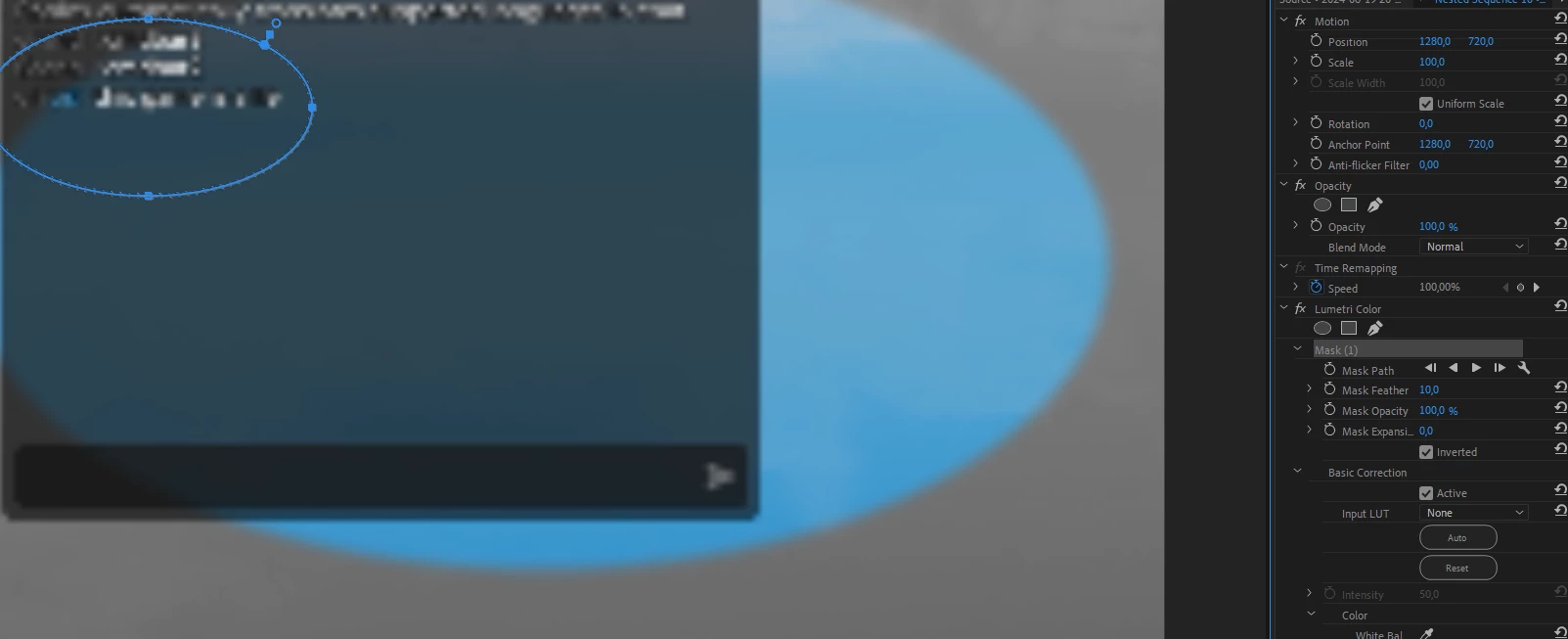
I am trying to highlight a point using a mask. In this case I am masking lumetri color effect so that a spot would not be affected. Problem is with the mask. I can't get it to the position I want, as you can see it's not at the position I am trying to put it at and its incorrectly sized. I am using a transform effect on this clip, so could it be that? I tried to do this effect with 2 of the same clip where the other one has a opacity mask at the position where I want to have no lumetri color effect or whatever else I would want. Using 2 layers I had the problem where I would have the mask at the position where I'd like it to be, but actually be where the mask is applied to a spot hundreds or thousands of pixels away. I am really struggling with masks and would need some help. Also it'd be nice if you could drag shapes like square and eclipse into a shape, size and position you want, and not have to insert one with the default size in the center
 AdChoices