media.coyote
Participant
February 8, 2020
Question

HEVC files editing problems

  • February 8, 2020
  • 1 reply
  • 1058 views

Hi
I have a problem with HEVC files from iPhone 11 Pro 1080x1920 with 240 fps in H.265. Same problem with full HD video in 60 and 30 frames. 
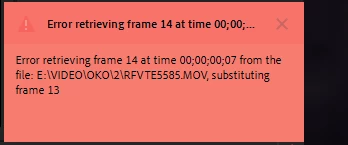
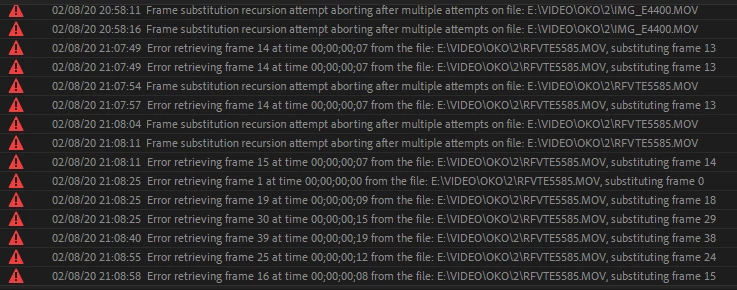
When I import files to my project, there are a lot of missing frames - preview working uncorrect (sound working correctly) and video goes to random frames, when I dropped it on my timeline inside the project

* latest licensed version of PP 2020

* HEVC codec on my PC (free and for .99$) - video plays in mediaplayer correctly after codec was installed
* Windows 10 x64
* AMD Ryzen 7 3700X

How can I solve this problem?

This topic has been closed for replies.

1 reply

johnpooley3
Inspiring
February 8, 2020

The issue is not HEVC, it's VFR: https://www.reddit.com/r/VideoEditing/wiki/faq/vfr

media.coyote
Participant
February 9, 2020

Thank you. The issue is really in VFR. But frames still going to random positions - after changing MPEG Source settings (in some files (240fps) there is no MPEG Source settings).
After decoding in HEVC with Media Encoder in constant frame rate - the video still have random frames while editing

Ann Bens
Community Expert
Community Expert
February 9, 2020

AME does not convert to CFR properly.

You need to use Handbrake.