
Participant
February 27, 2026
Answered

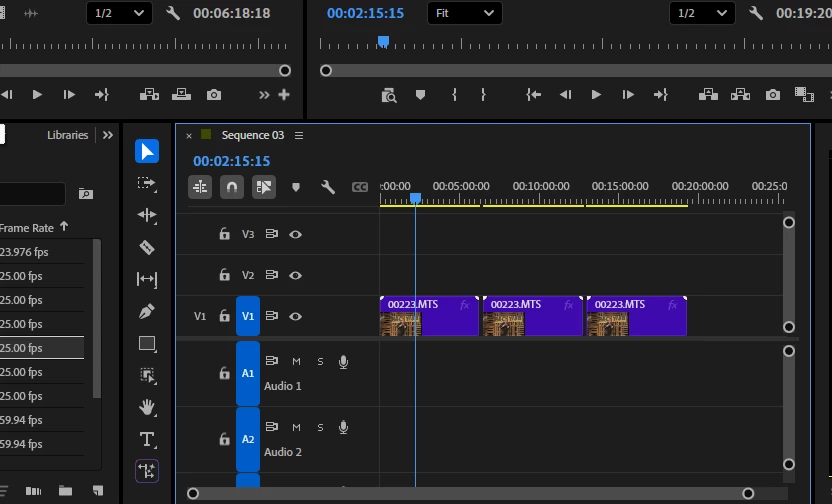
Hi In adobe Premier Pro my sound is not working , because the audio will not go into the A1 audio track. The A1 audio track does not seem to work or open. The video track v1 works
  • February 27, 2026
  • 6 replies
  • 63 views

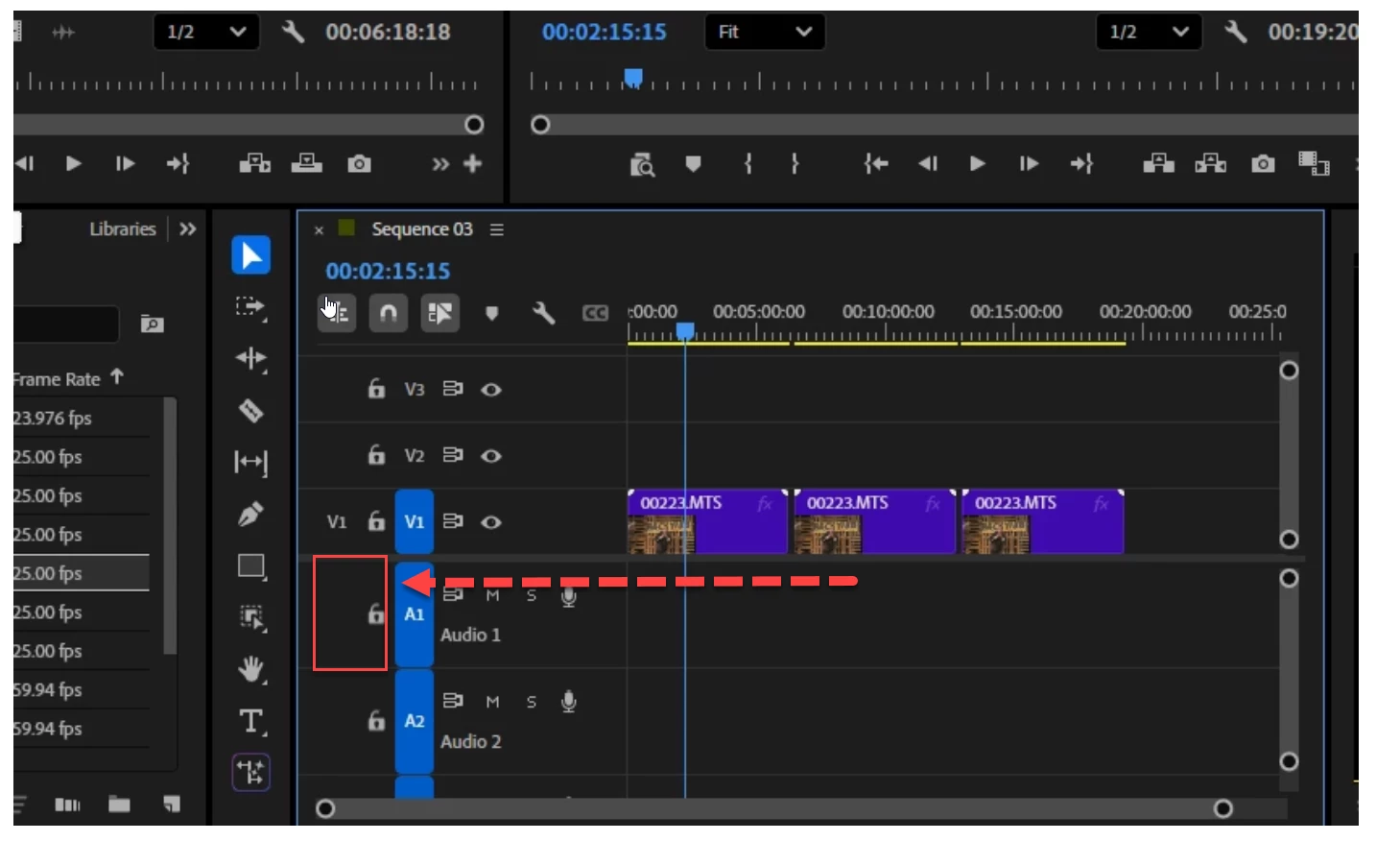
Hi as you can see there is no A1 audio file open I know this video has audio on it. I thiink it may be a casthat the file may be goingform my computer into the Premier Pro, but for some reason the audio is not going into premier pro on the video
    Correct answer Ann Bens

    You need to source patch the track in order to put the audio in the timeline.

    Adobe Premiere Pro Help | Source patching and track targeting


    6 replies

    Participant
    September 6, 2026

    hi plz change  my password plz plz plz plz plz pleade 

    Peru Bob
    Community Expert
    Community Expert
    September 6, 2026

    @Whispering_Moonlightd1ce 

    Please start your own thread in the appropriate forum:

    https://www.adobe.com/community

    Participant
    September 4, 2026

    I’m having this same issue. The A1 is not visible at all. 

    Ann Bens
    Community Expert
    Ann BensCommunity ExpertCorrect answer
    Community Expert
    February 27, 2026

    You need to source patch the track in order to put the audio in the timeline.

    Adobe Premiere Pro Help | Source patching and track targeting


    Ann Bens
    Community Expert
    Community Expert
    February 27, 2026


    R GentAuthor
    Participant
    February 27, 2026

    another screen shot here