

Highlight Clipping and Compression on Rendered Video
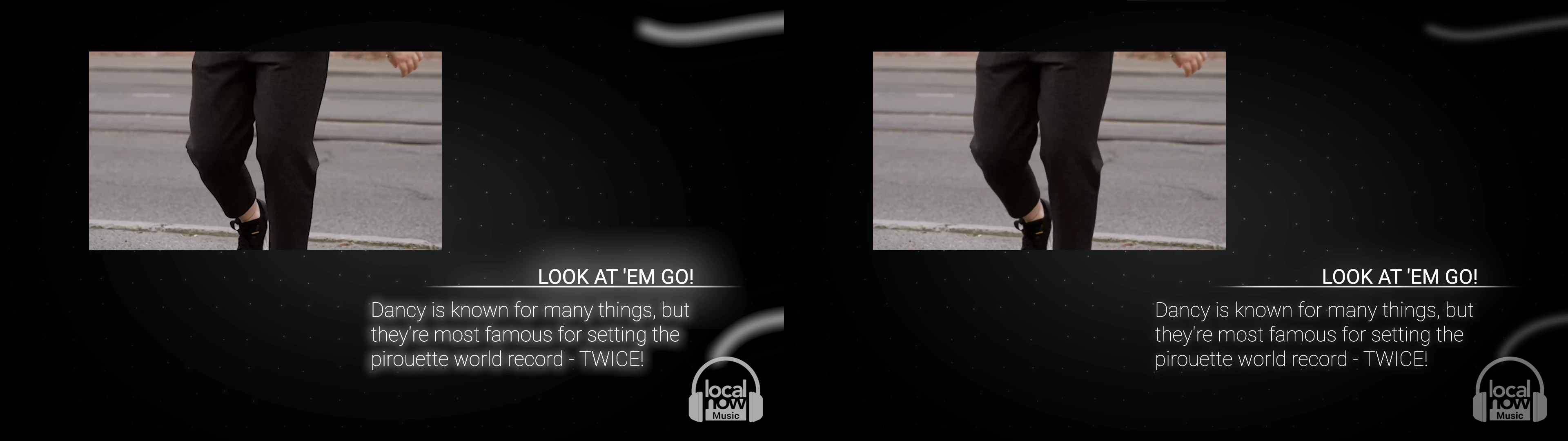
On the Left is the rendered video, on the Right is the same frame in my program window.
All the render methods I've tried are :
Through Media Encoder -
• H.264 Match Source - High bitrate | GPU Acceleration
• H.264 Match Source - Maximum Quality and Depth, Constant Bitrate of 50, Key Frame Distance 1 | GPU Acceleration
• H.264 Match Source - Maximum Quality and Depth, Constant Bitrate of 50, Key Frame Distance 1 | Software Only
• HEVC H.265 Match Source - High Bitrate
Through Premiere -
• H.264 Match Source - Maximum Quality and Depth, Constant Bitrate of 50, Key Frame Distance 1 | GPU Acceleration
• H.264 Match Source - Maximum Quality and Depth, Constant Bitrate of 50, Key Frame Distance 1 | Software Only
I don't know what settings I would need to change to stop this harsh overexposing, it seems like a color depth issue but I simply lack the understanding to diagnose this problem. Any and all help would be appreciated.
System Specs -
Windows 10 Pro
AMD Ryzen 7 2700X Eight-Core Processor 3.70 GHz
32.0 GB
GeForce GTX 1070 Ti
Software specs -
Media Encoder version 15.2
Premiere version 15.2
After Effects version 18.2
 AdChoices