



IllustriousSky4802
Participant
June 21, 2026
Question

How can I fix a pixelated background?

  • June 21, 2026
  • 3 replies
  • 15 views

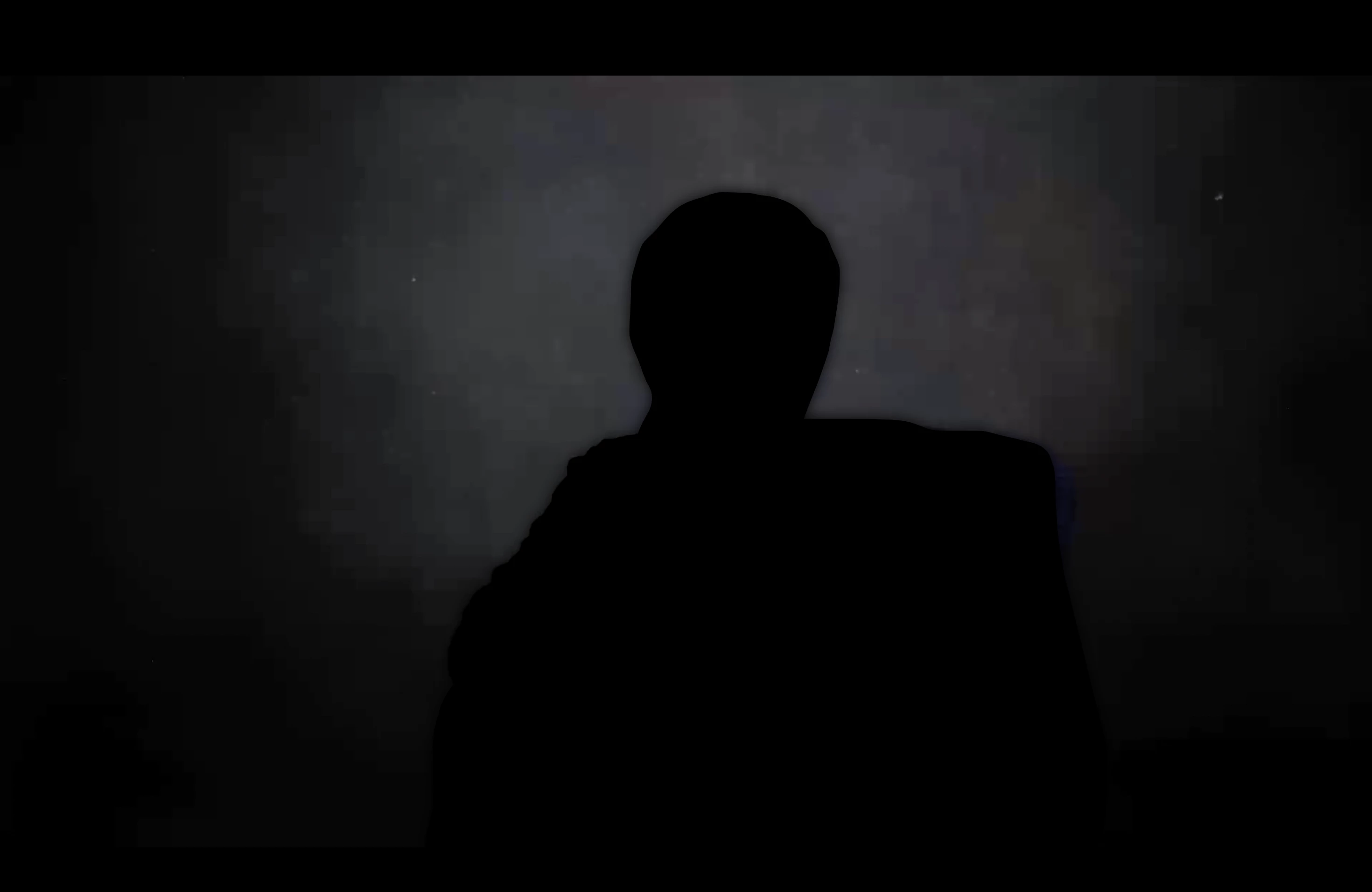
I filmed some interviews and the subjects look fine, but the background is pixelated. I think I set the bitrate wrong when I recorded in OBS. These are MKR files. Is there anything I can do to fix the pixelation? I don't know much about converting files or fixing compression issues.

Maybe I can mask the subjects with object masking and add gaussian blur over the background? Is there anything simpler than that? I have a few days to fix these files!

Any help is appreciated! Obvs I cut the subjects out for privacy. It’s the background I need to fix. Thanks!
 

    3 replies

    Shebbe
    Community Expert
    Community Expert
    June 21, 2026

    Your blurring suggestion is what I’d try as well. Resolve also has a deband filter intented for bands from gradients in low bit depth material. Sort of similar to blurring but could perhaps work better and may be worth trying out.

    Community Expert
    June 21, 2026

    Generally speaking, if your subject is well lit, viewers tend to be fairly forgiving of a noisy background, as long as it's not too distracting. A slight blur might be all you need.
     

    How were these files filmed, and how was OBS involved in the process? It's usually best to edit from the original camera files and avoid applying any compression before export.

    IllustriousSky4802
    Participant
    June 21, 2026

    Sorry, MKV files. Typo.