
Answered
How can I fix this error : "Could not find the user documents directory"
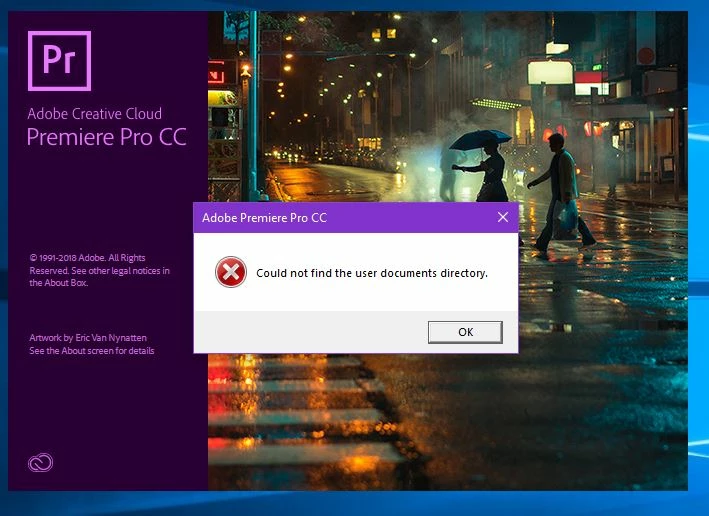

I've found a way to fix this but I've only gotten so far.. Go to Windows Defender Security Center in your settings. Turn off all of the protections, Real-time, Cloud-delivered and Automatic. Once you have done this run the program and you wont have no errors or problems.
Already have an account? Login
Enter your E-mail address. We'll send you an e-mail with instructions to reset your password.
 AdChoices