Adam_Miller
Inspiring
August 4, 2019
Answered

How can I get timecode to show mins,seconds,frames?

  • August 4, 2019
  • 1 reply
  • 5324 views

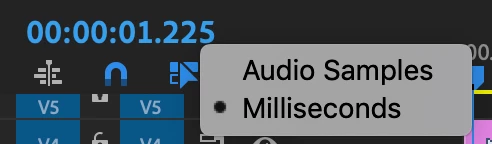
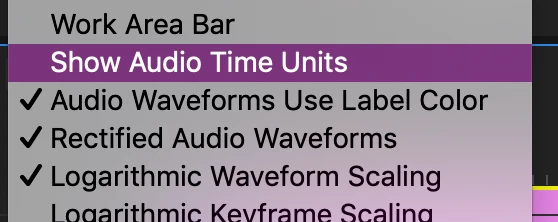
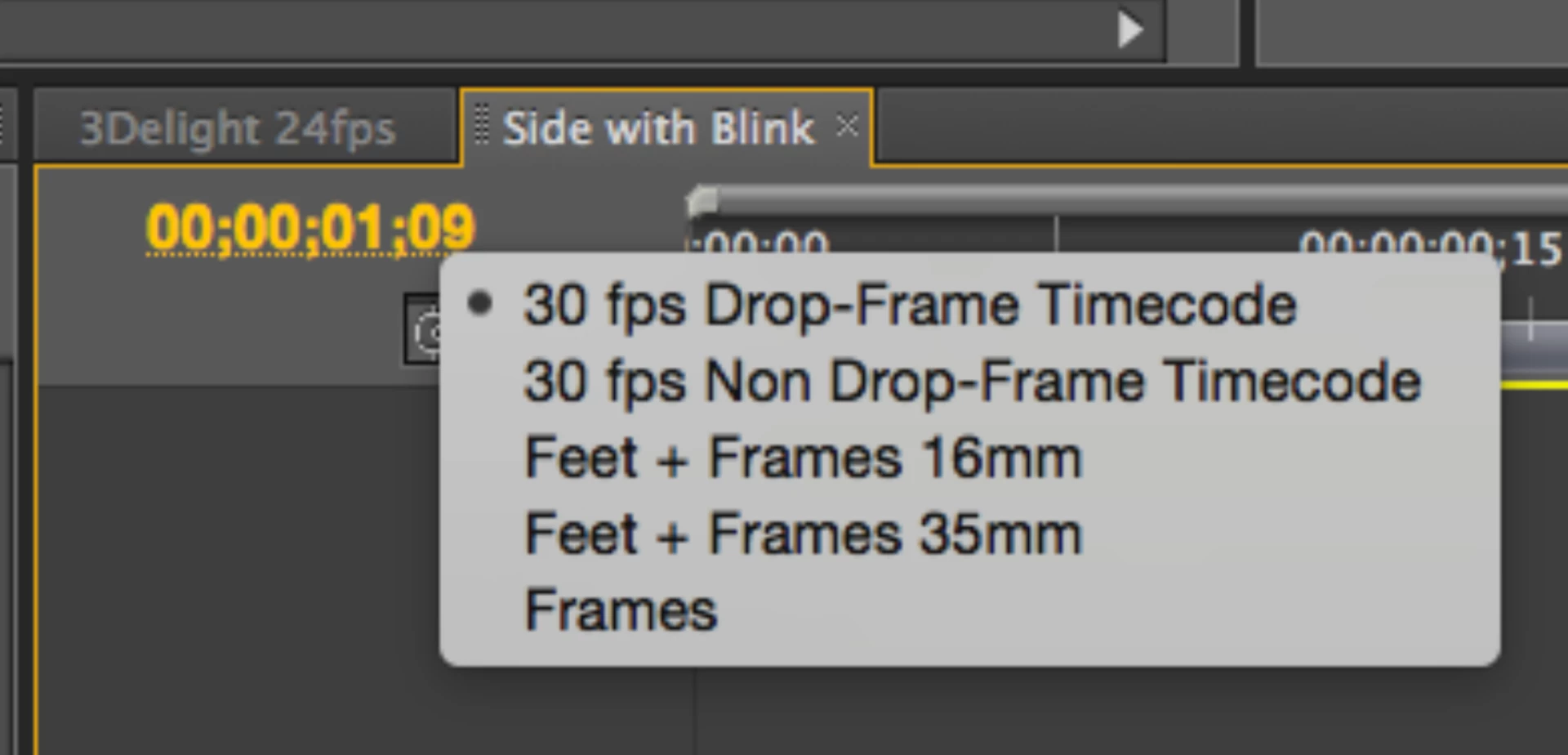
I want the timecode in the timeline to show hours:minutes:seconds:frames, but I accidentally pressed something, and now it only shows frames. I know I can get audio time units, but this is not what I want (audio units shows minutes:seconds:milliseconds). When I right-click on the timecode, the only option I see is frames. How can I get it to go back to hours:minutes:seconds:frames? Below are pictures of my issue.

Audio time units (not what I want)
Frames (what I have now, again not what I want)
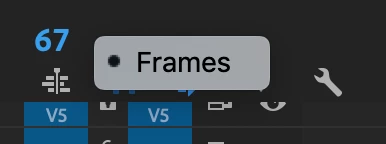
Image from online (what I am trying to get)
This topic has been closed for replies.
Correct answer Adam_Miller

Edit: I answered my own question.

I guess I accidentally changed the frame rate in the sequence settings from 60 fps to 54 (a non-standard framerate). Premiere only shows the timecode I wanted for standard TV framerates (24, 30, 60, etc.)

1 reply

Adam_Miller
Adam_MillerAuthorCorrect answer
Inspiring
August 4, 2019

Edit: I answered my own question.

I guess I accidentally changed the frame rate in the sequence settings from 60 fps to 54 (a non-standard framerate). Premiere only shows the timecode I wanted for standard TV framerates (24, 30, 60, etc.)