Participating Frequently
September 2, 2011
Répondu

How can I make a "glowing" effect?

This seems a bit ridiculous. I work with premiere all the time, and I know I've seen this a million times before, but I have no idea how to create it. I have a beauty shot of a product and I want the footage to "glow", I used to do it all the time for Deja vu stuff when I was in highschool, but that was in iMovie and it was just a drop in effect.

What does premeire have that can create a similar look? I've tried a few plugins but I have yet to find anything that works. First time I've needed this look in about 4 years

    Ce sujet a été fermé aux réponses.
    Meilleure réponse par Kevin J. Monahan Jr.

    Hi,

    Check out the VR Glow Effect.


    Thanks,
    Kevin

    3 commentaires

    Kevin J. Monahan Jr.
    Community Manager
    Community Manager
    November 18, 2023

    Hi,

    Check out the VR Glow Effect.


    Thanks,
    Kevin

    Kevin Monahan - Sr. Community and Engagement Strategist – Adobe Pro Video and Audio
    Participant
    August 18, 2020

    Hey if someone still read this, the best method is to use secondary in lumetri color, mask all whites and colors you want to "glow" and then blur the mask and set sharpen to very low 🙂 

    Participant
    May 25, 2021

    Gotta log in Adobe just to reply thank you legend.

    the_wine_snob
    Inspiring
    September 2, 2011

    I have done similar with Titles, where I use Gaussian Blur, and some extreme Color Correction to create an "outer glow," behind the Text.

    It would be easy to do similar, and either Key around your product, or use a Track Matte Key to limit that "glow" to be where you want it.

    The Effect is somewhat similar to the Outer Glow in Titler, but with much more control, and the one difference is that with a non-Text image, you need to remove background from that footage, around where you want the glow to show.

    Good luck,

    Hunt

    PS - depending on your product, you might be able to just use one of the Garbage Mattes, to do the work of eliminating some of the background. That would save having to work with Alpha Channels, but if the product moves, then Keying would be the way to go.

    ptl-2010Auteur
    Participating Frequently
    September 2, 2011

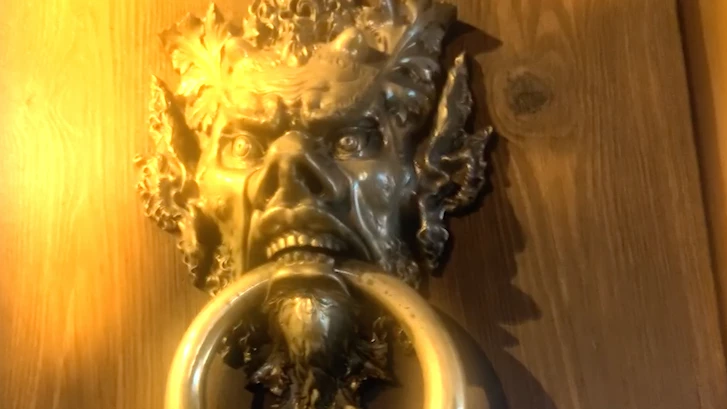
    I want the whole scene to "glow" like this shot from an old proejct of mine. It's actually sharp but I grabbed this off of a youtube video.


    See how it kind of "glows" all over? like a soft edge blur with white? I just don't know how to recreate it.

    ptl-2010Auteur
    Participating Frequently
    September 2, 2011

    I think I figured out what I'm looking for... A diffusion filter?