To define or customize the region where overlays are displayed in Premiere Pro, please click the wrench icon in Program Monitor, then select Overlay Settings > Settings. This opens the Overlay Settings dialog, where you can control which overlays are displayed & their alignment on the monitor. Hope it helps.
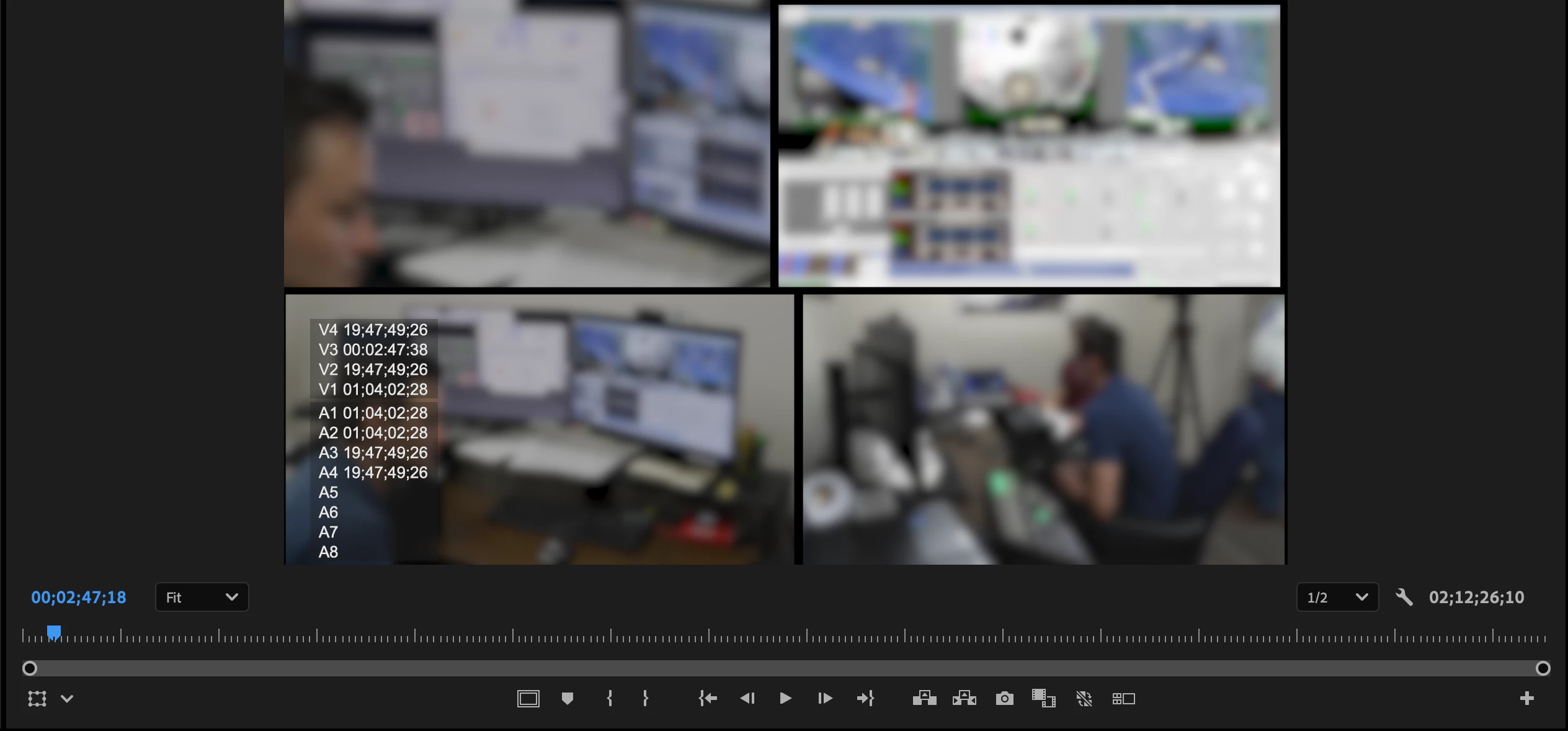
To define or customize the region where overlays are displayed in Premiere Pro, please click the wrench icon in Program Monitor, then select Overlay Settings > Settings. This opens the Overlay Settings dialog, where you can control which overlays are displayed & their alignment on the monitor. Hope it helps.




 AdChoices