Answered
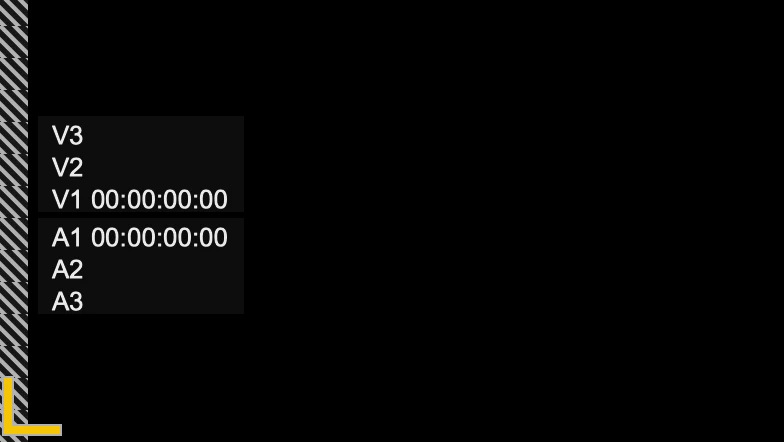
How can I remove timecode numbers in the Program Monitor panel?

Hi dbay,
Hope you had a good holiday! Try this in the Program Monitor: Choose the Settings Menu (Wrench/Spanner) > Overlays. That should toggle the overlay to the "OFF" position.
I hope those instructions are clear.
Thanks,
Kevin
Already have an account? Login
No account yet? Create an account
Enter your E-mail address. We'll send you an e-mail with instructions to reset your password.


 AdChoices