Participating Frequently
April 22, 2020
Answered

How can I skip the tutorials on the Premiere Pro app I just down loaded?

  • April 22, 2020
  • 3 replies
  • 1864 views

Maybe this is stupidly simple, but this is a nightmare for me.  My Adobe Creative Suite disappeared when I took my computer to a tech to be cleaned. I re-downloaded Creative Suite. Now when I try to open a Premiere Pro project, it opens, but I cannot skip past the tutorials which cover the opening
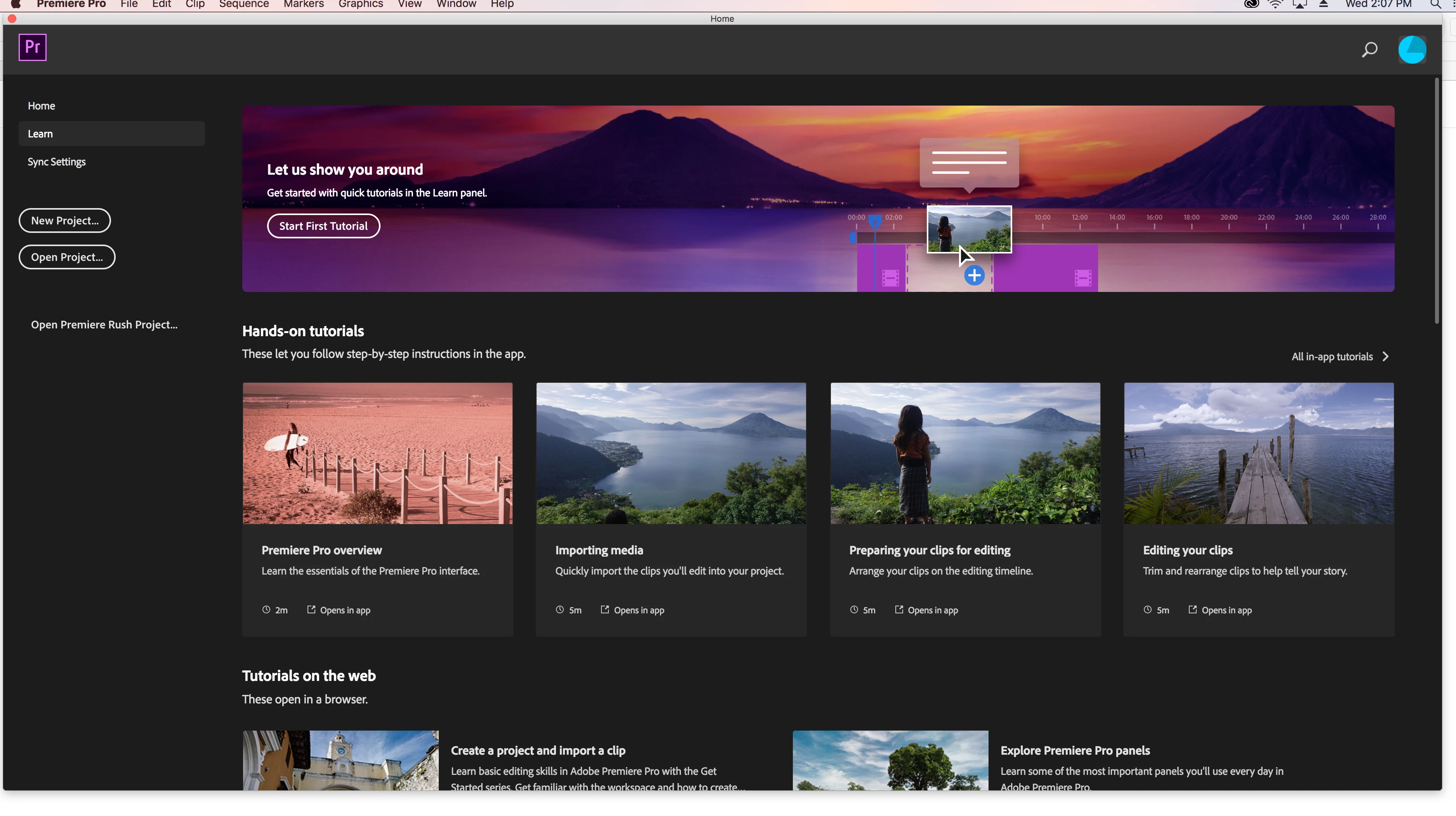
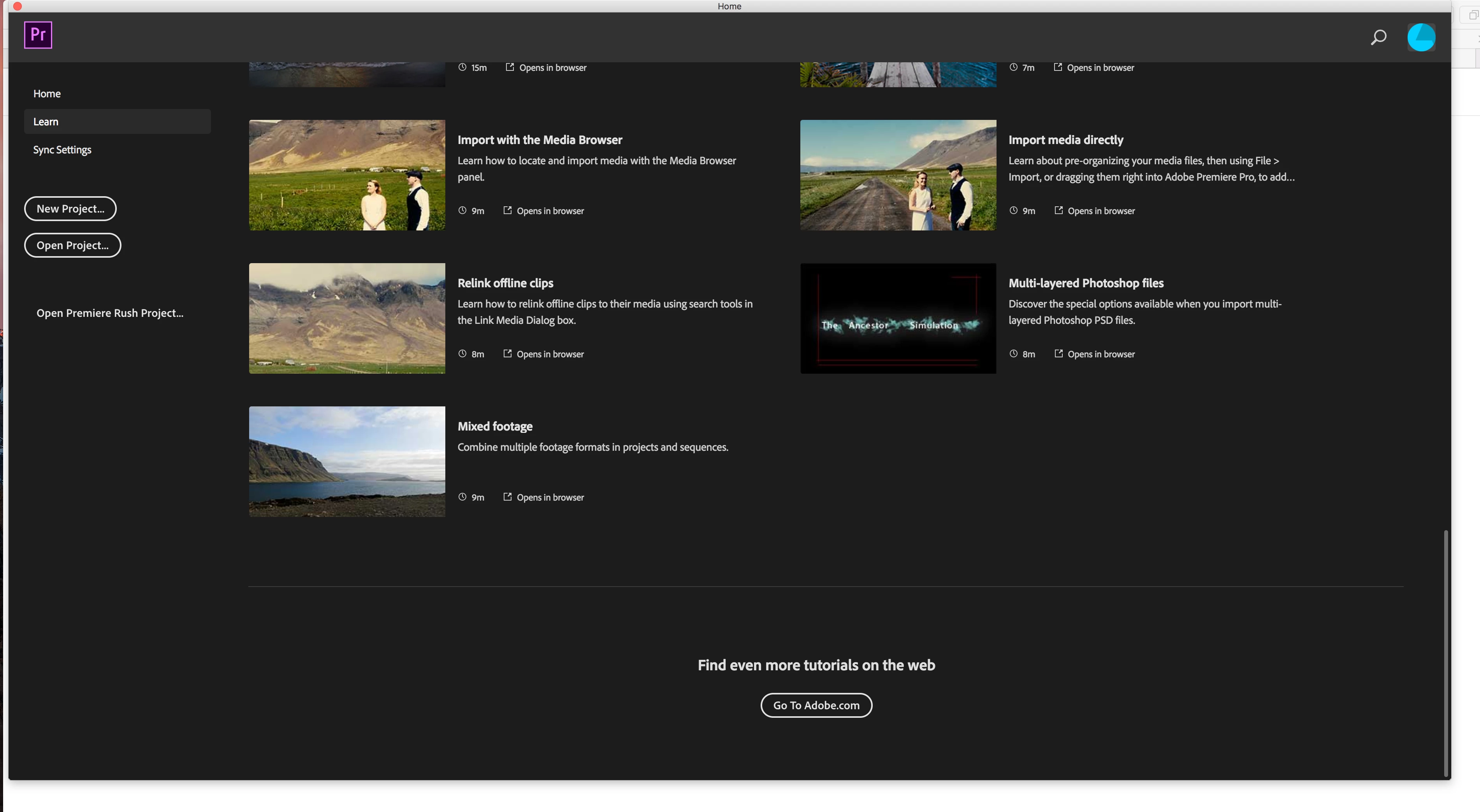
  

page. I cannot see a "Skip Tutorials" button anywhere. I don't see this problem listed anywhere else. What am I missing? I've attached screenshots of the opening page. (I am technically very un-savy.)

This topic has been closed for replies.
Correct answer MyerPj

I may be missing something basic here, but you are on the LEARN Tab - upper left. What happens if you select the 'Home' tab?

3 replies

Participating Frequently
April 22, 2020

Averdahl, great suggestion. But no luck. I still can't get past the tutorials. Thanks very much. 

MyerPj
Community Expert
MyerPjCommunity ExpertCorrect answer
Community Expert
April 22, 2020

I may be missing something basic here, but you are on the LEARN Tab - upper left. What happens if you select the 'Home' tab?

Participating Frequently
April 22, 2020

I was on the Home tab. But when I toggled between the Learn and Home tabs, the screen switched from tutorials to the proper Home page. Thank you very much for taking the time. Much appreciated.

MyerPj
Community Expert
Community Expert
April 22, 2020

So you're good to go? 

Averdahl
Community Expert
Community Expert
April 22, 2020

I think this Preference setting will change things, iow make sure that Show Open Dialog is selected.