Answered
How can I Zoom/Unzoom on the timeline, with shortcut?
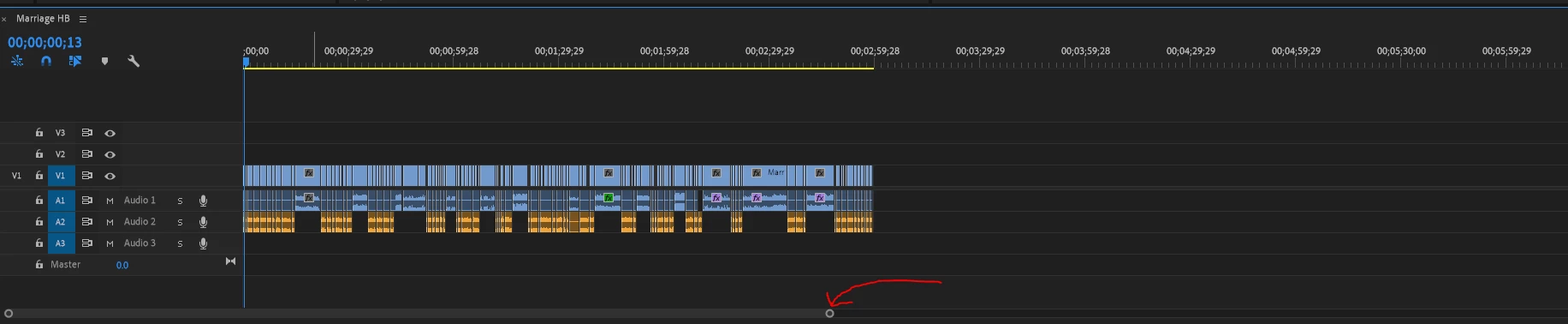
Basically, This is how I want the timeline to look, zoomed out, so i can see everything.
Example, when I lick T, the timeline should go from this: (Its zoomed in)
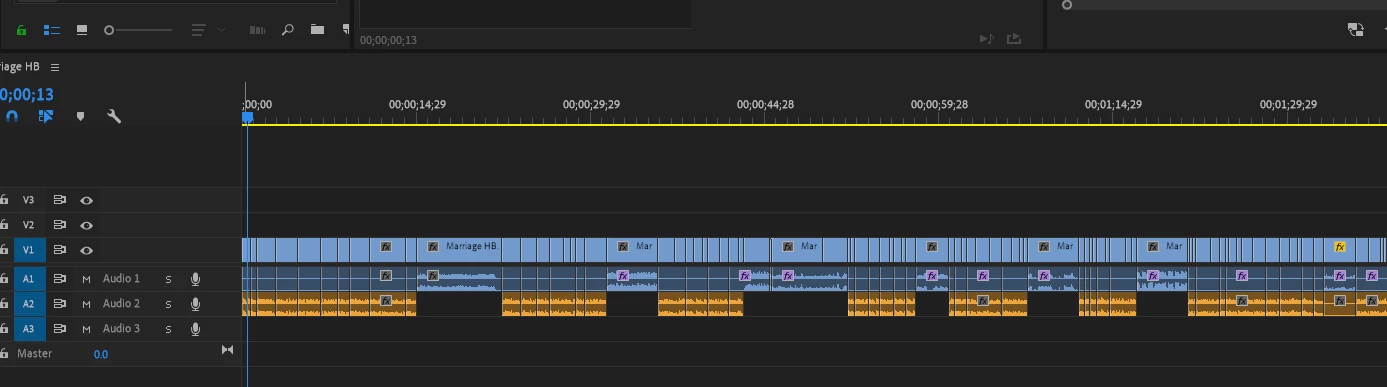
to this:
(zoomed out)

Basically, This is how I want the timeline to look, zoomed out, so i can see everything.
Example, when I lick T, the timeline should go from this: (Its zoomed in)
to this:
(zoomed out)
Open KBSC and type in: zoom in or zoom out or zoom to sequence.
Already have an account? Login
Enter your E-mail address. We'll send you an e-mail with instructions to reset your password.
 AdChoices