


Ken Nielsen
Legend
April 15, 2026
Answered

How do I 'crop' a section of a clip so it is an edited part of the timeline?

  • April 15, 2026
  • 2 replies
  • 29 views

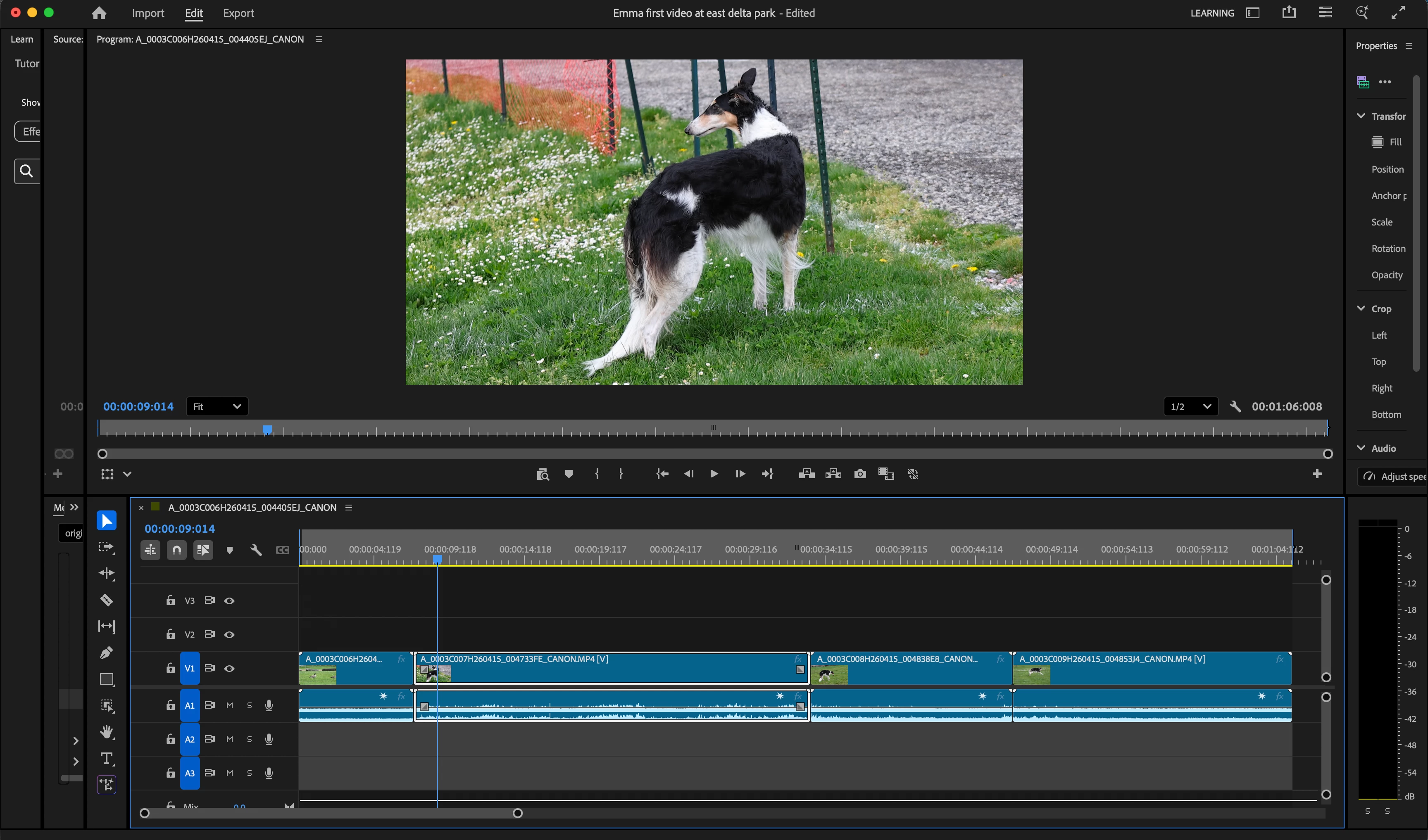
Beginner here… I have four clips imported into my project and they show on the timeline in sequence. How do I ‘crop’ or edit the portion of each that I want to be in the video? All were shot at 120fps and I want part of one of the clips to ‘slow down’ to show in slow motion and need help in how to do that also. My day would be so much better if I could learn how to do these two things. TIA, Ken


    Correct answer Peru Bob


     How do I ‘crop’ or edit the portion of each that I want to be in the video? 

    Zoom in and adjust the position using the Effects Control Panel’s Motion properties.


     ‘slow down’ to show in slow motion

    Right click > Duration and increase the time.

    Or use time remapping or the rate stretch tool:

    https://helpx.adobe.com/in/premiere/desktop/edit-projects/change-clip-speed/different-ways-to-change-clip-speed-and-duration.html


    2 replies

    Ken Nielsen
    Legend
    April 16, 2026

    Thank You Sir… This gets me onto the right path… Much appreciation...

    Peru Bob
    Community Expert
    Peru BobCommunity ExpertCorrect answer
    Community Expert
    April 15, 2026


     How do I ‘crop’ or edit the portion of each that I want to be in the video? 

    Zoom in and adjust the position using the Effects Control Panel’s Motion properties.


     ‘slow down’ to show in slow motion

    Right click > Duration and increase the time.

    Or use time remapping or the rate stretch tool:

    https://helpx.adobe.com/in/premiere/desktop/edit-projects/change-clip-speed/different-ways-to-change-clip-speed-and-duration.html
