
mrrap4food
Inspiring
April 2, 2018
Answered

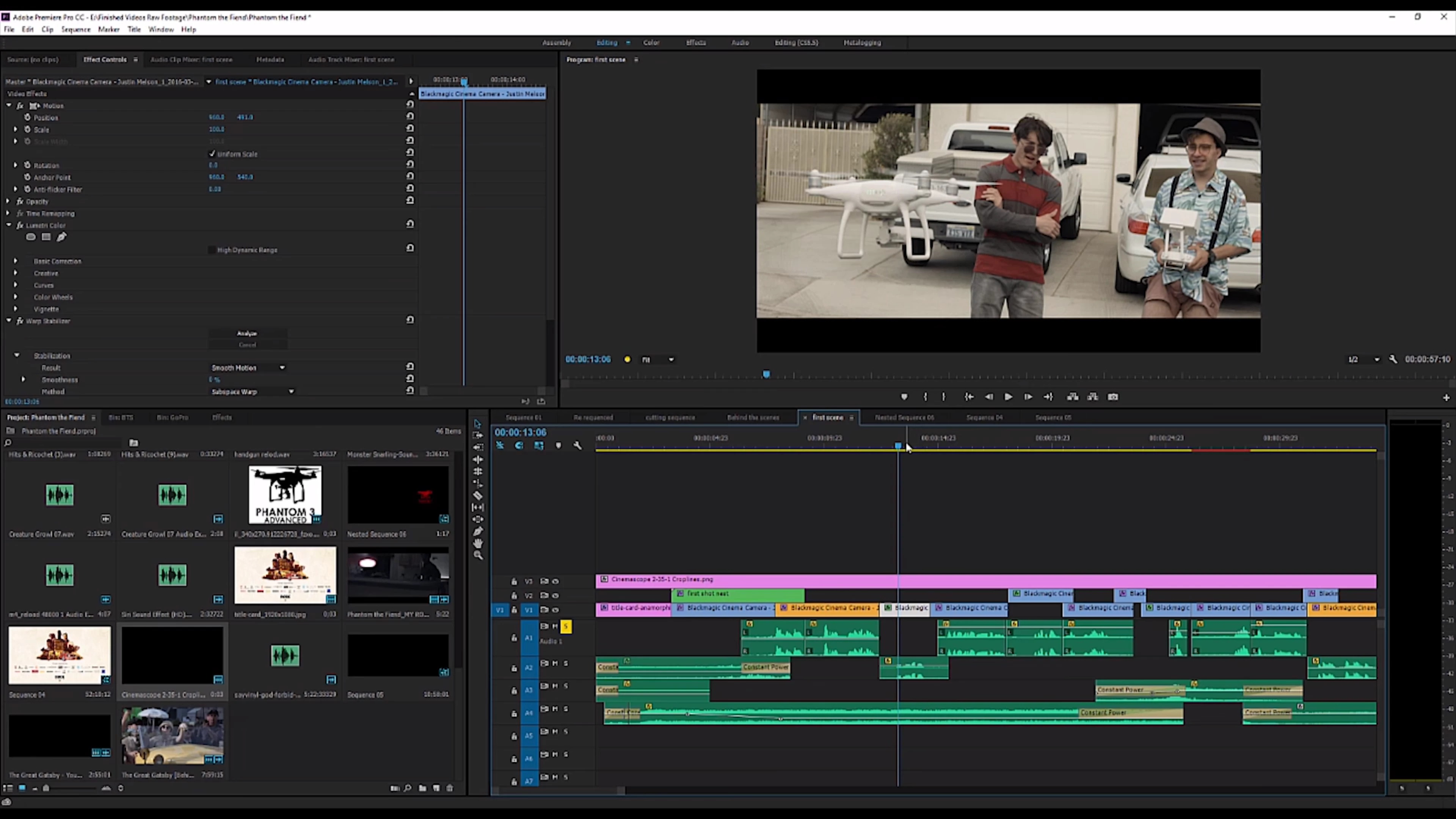
How do i get my Project windows to look like this?

  • April 2, 2018
  • 2 replies
  • 437 views

Hi, im trying to get my project to look like this, where you can see his video Really big, as well as you can see the Timelline good , even the audio files and the video

and his clips from his project
mines looks like this,
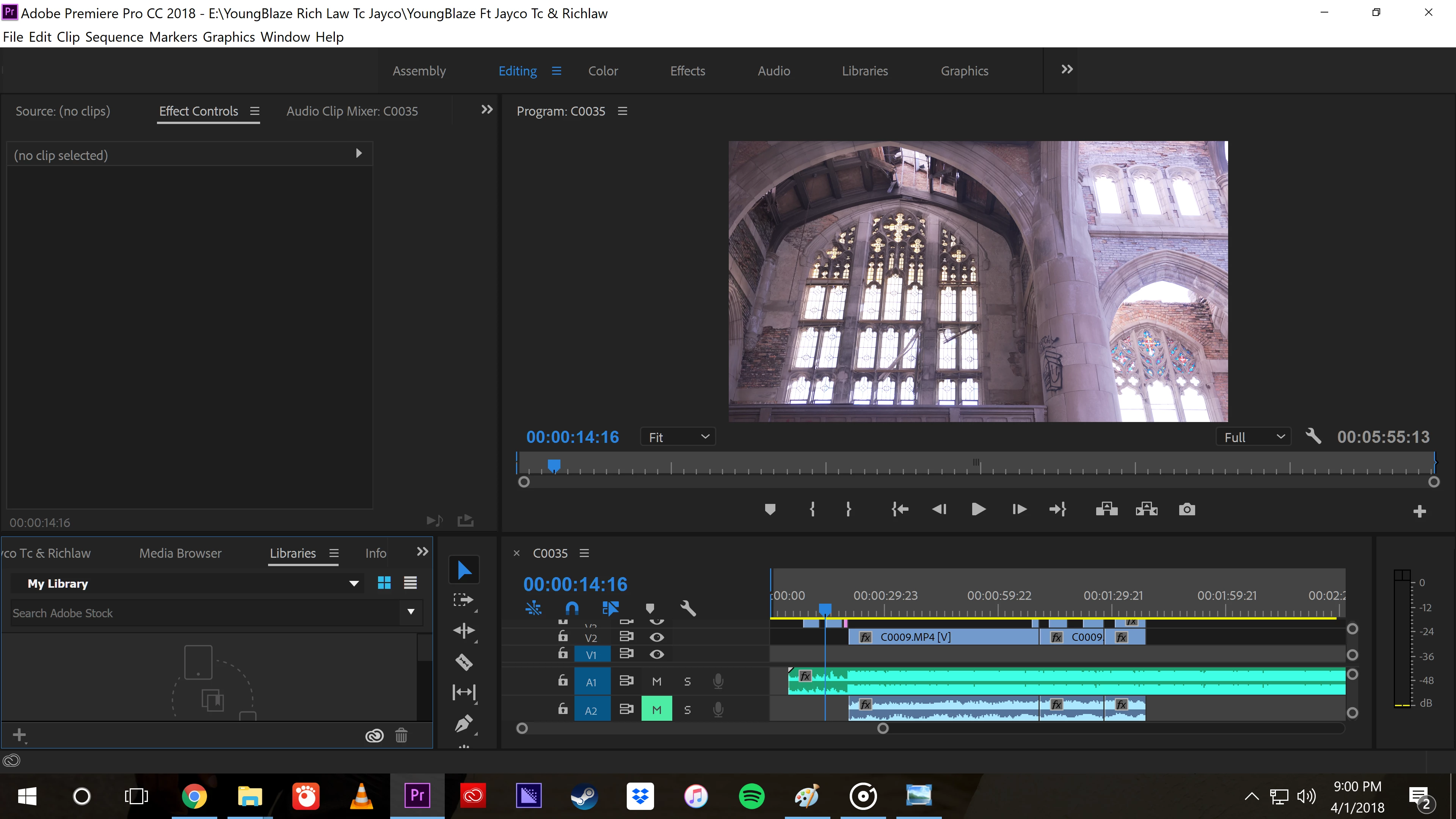
my timeline for the sequence is really huge, and i cant get my project files on the side like the one uptop

This topic has been closed for replies.
Correct answer Byron Cortez

Hi

In order to have more spacious your Program panel and your timeline, you have to increase the resolution of your screen by going to the Windows Control Panel / Screen / Resolution, when you do that Premiere Pro adjusts to that bigger resolution and therefore everything is see smaller, making you have more workspace so you can see everything as the first screenshot you showed us.

To change this will depend on your video card (GPU), if it does not support more resolution you should buy another one that supports more resolution. This purchase in turn depends on other features of your computer and your monitor, so before buying a new one, make sure it is compatible.

Regards!

2 replies

Legend
April 2, 2018

Laptops aren't very well suited for editing.

I recommend building a dedicated editing workstation with a 24" 1080 monitor at a minimum.

Byron CortezCommunity ExpertCorrect answer
Community Expert
April 2, 2018

Hi

In order to have more spacious your Program panel and your timeline, you have to increase the resolution of your screen by going to the Windows Control Panel / Screen / Resolution, when you do that Premiere Pro adjusts to that bigger resolution and therefore everything is see smaller, making you have more workspace so you can see everything as the first screenshot you showed us.

To change this will depend on your video card (GPU), if it does not support more resolution you should buy another one that supports more resolution. This purchase in turn depends on other features of your computer and your monitor, so before buying a new one, make sure it is compatible.

Regards!

Byron.