Participant
August 13, 2017
Question

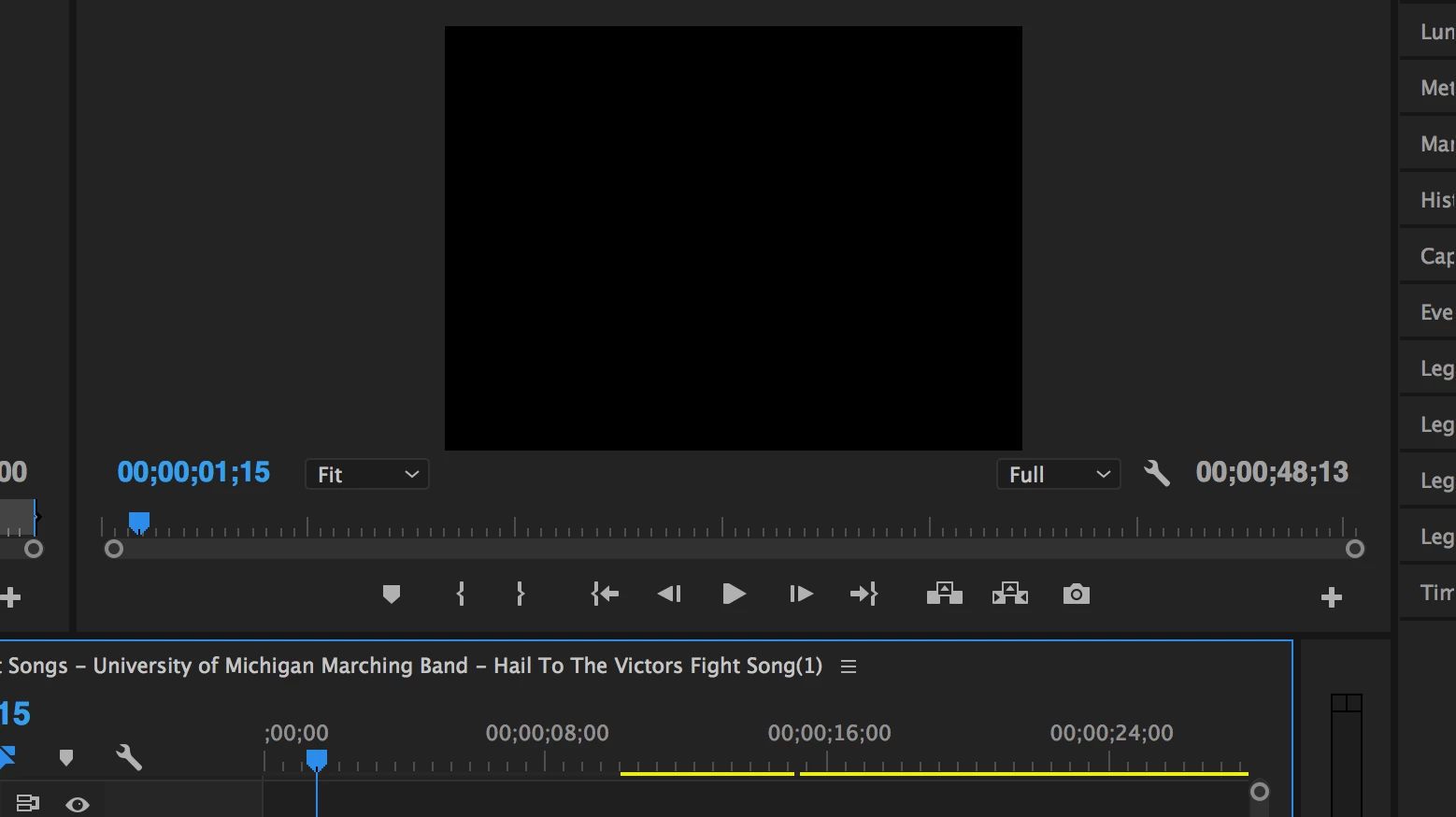
How do I get the full wide screen in this window?

  • August 13, 2017
  • 2 replies
  • 1046 views

How do I change the setting from the block to wide screen?  When I export video, the video is square and not widescreen.
    This topic has been closed for replies.

    2 replies

    Legend
    August 13, 2017
    Community Expert
    August 13, 2017

    The Program Monitor window sets itself to the size of the sequence that you're working with. Perhaps your video was shot with this aspect ratio or you have your sequence in a different sequence than your video size?

    I would highlight the video that your working with then go to the information panel and check its x y frame size, then highlight the sequence in the project panel (bars icon) and see if it is the same frame size.

    If the frame size on your video and sequence are the same then your video was not shot wide screen.

    Participant
    August 13, 2017

    Thank you for the prompt response Rob, but I was able to figure it out.  I went to the Sequence Settings and chose wide screen.

    Community Expert
    August 13, 2017

    Just out of interest what type of footage do you have, is it HD? You might be causing yourself more problems by changing to SD widescreen