Participant
September 9, 2026
Answered

How do I get this stroke effect?

  • September 9, 2026
  • 2 replies
  • 14 views

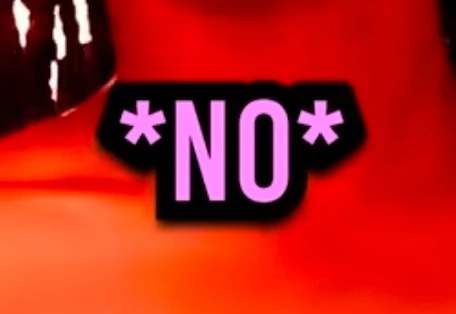
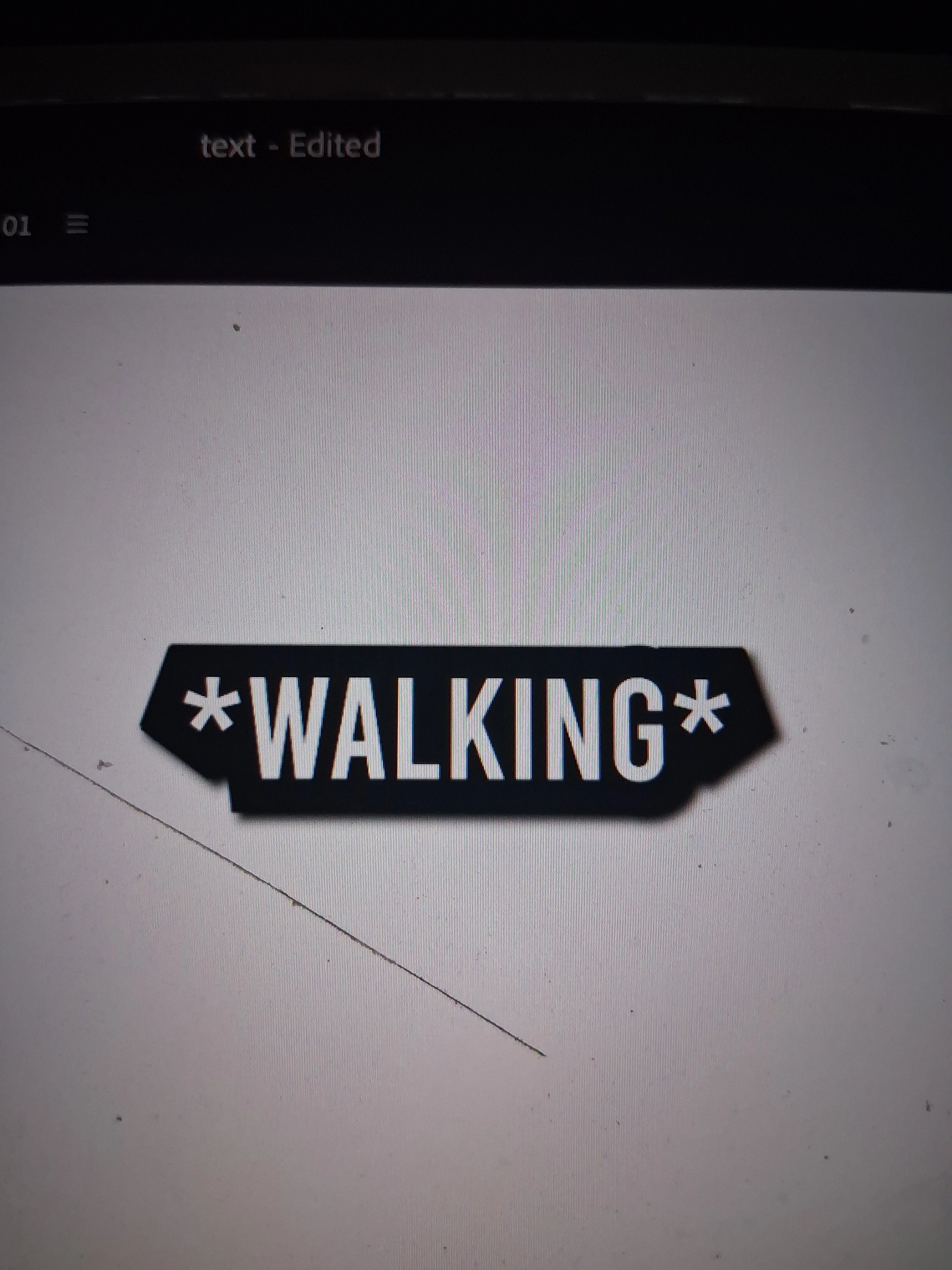
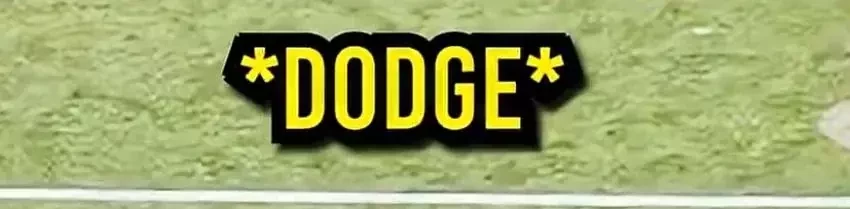
Think of it like this, I want to KEEP this shape of the stroke but I want to make it smaller and not so big. I can't use ANYTHING in the properties stroke settings. But think of me just shrinking it while maintaining the shape how do I do it, the "walking" text image is my attempt and the others is what I want it to look like.
 

    Correct answer PaulMurphy

    I was able to recreate this effect using the following settings:

    • Font: Bebas Kai Regular
    • Font Size: 118
    • Stroke: 37.2 px, Center

    I can also see a slight drop shadow, which I've included.


    2 replies

    Participant
    September 9, 2026

    Genuinely thank you so much man, wow!

    PaulMurphyCommunity ExpertCorrect answer
    Community Expert
    September 9, 2026

    I was able to recreate this effect using the following settings:

    • Font: Bebas Kai Regular
    • Font Size: 118
    • Stroke: 37.2 px, Center

    I can also see a slight drop shadow, which I've included.