
dannc8771273
Participant
May 19, 2020
Question

How do I have a curved rectangle mask

  • May 19, 2020
  • 2 replies
  • 970 views

I hope someone can help me. I created this curved facecam in OBS using a image mask filter with a mask I made in Photoshop but I can't seem to work out how to do it in Premiere. Does anyone know how to do this?
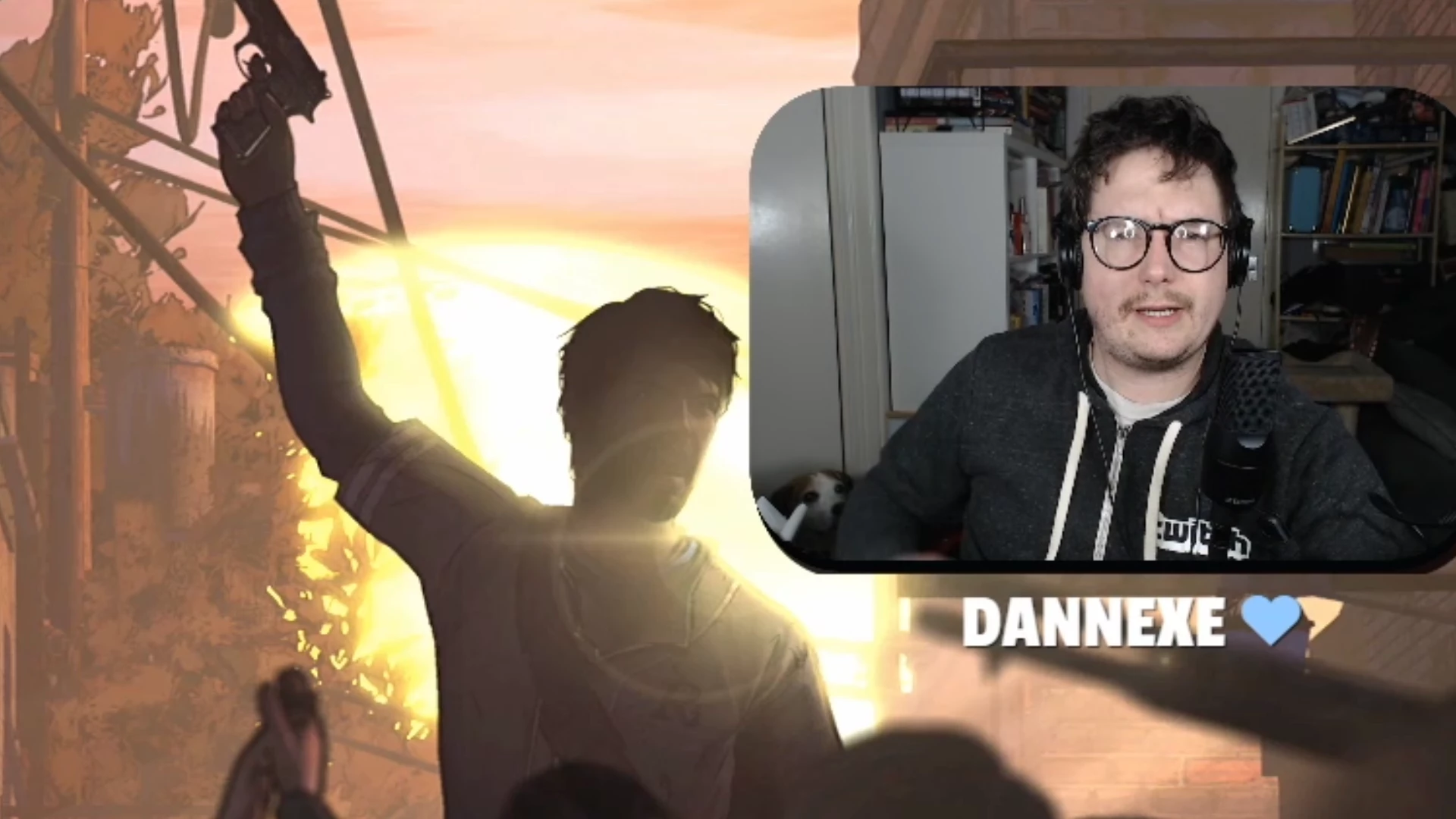
This topic has been closed for replies.

2 replies

Inspiring
May 19, 2020

Use the Track Matte Key effect.

Place the shape you made in Photoshop on a layer above the video you want to mask, apply the Track Matte Key to the video clip and direct the Track Matte Key effect to use that track to create the mask:

MtD

Community Expert
May 19, 2020

It's possible to do a bit of rounded rectangle shape in Essential Graphics, which you could use as a trackmatte for a video layer, but you could similarly import a luma or alpha matte from photoshop (which may give you more control.)