



Question
How do I keep my clip ratio when rotating sequence and clip -90?
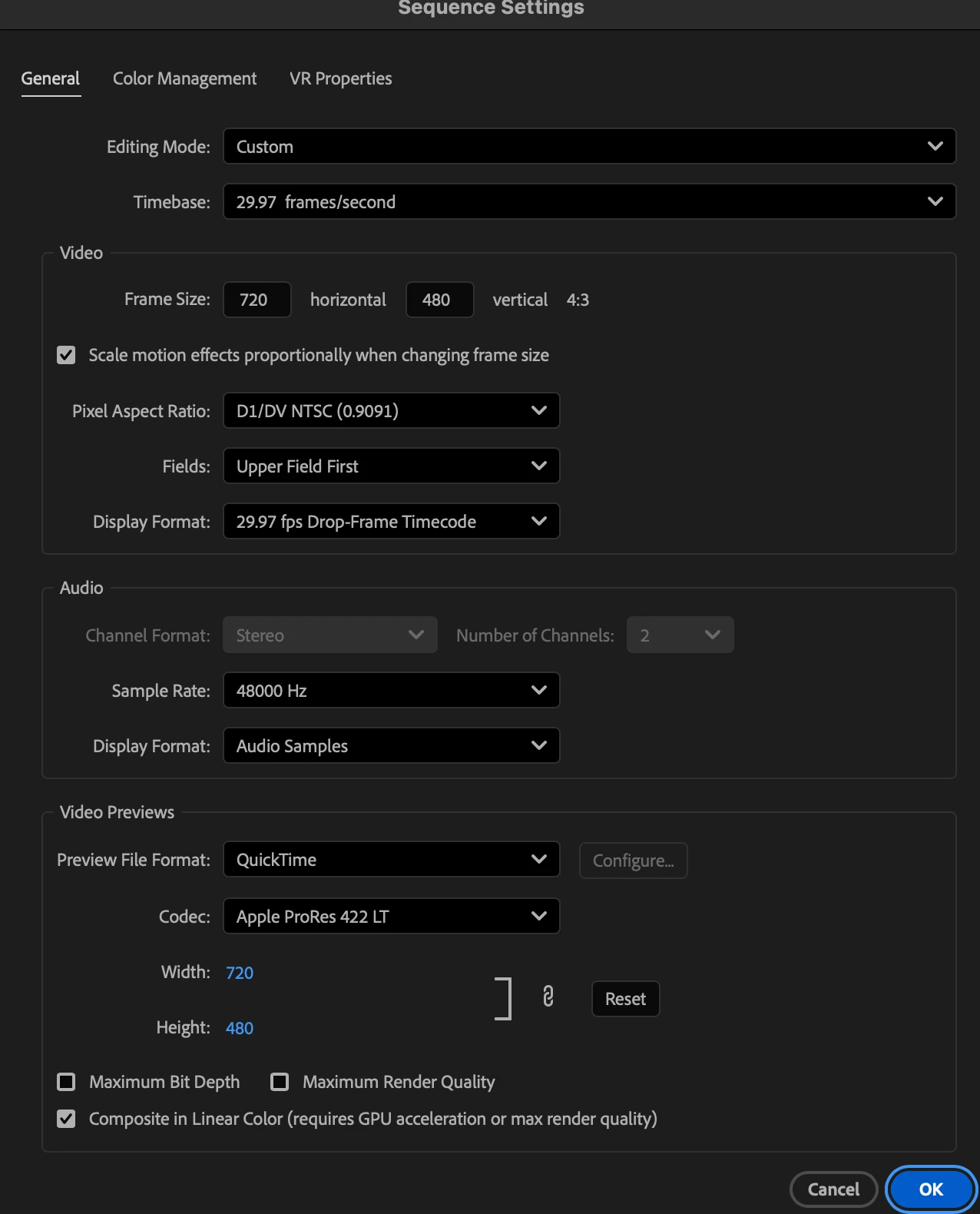
I have some 720x480 PX clips shot on an old Sony Handycam that I want to display as verticals. When I import the clips into my landscape orientated sequence they fit the 720x480 ratio.
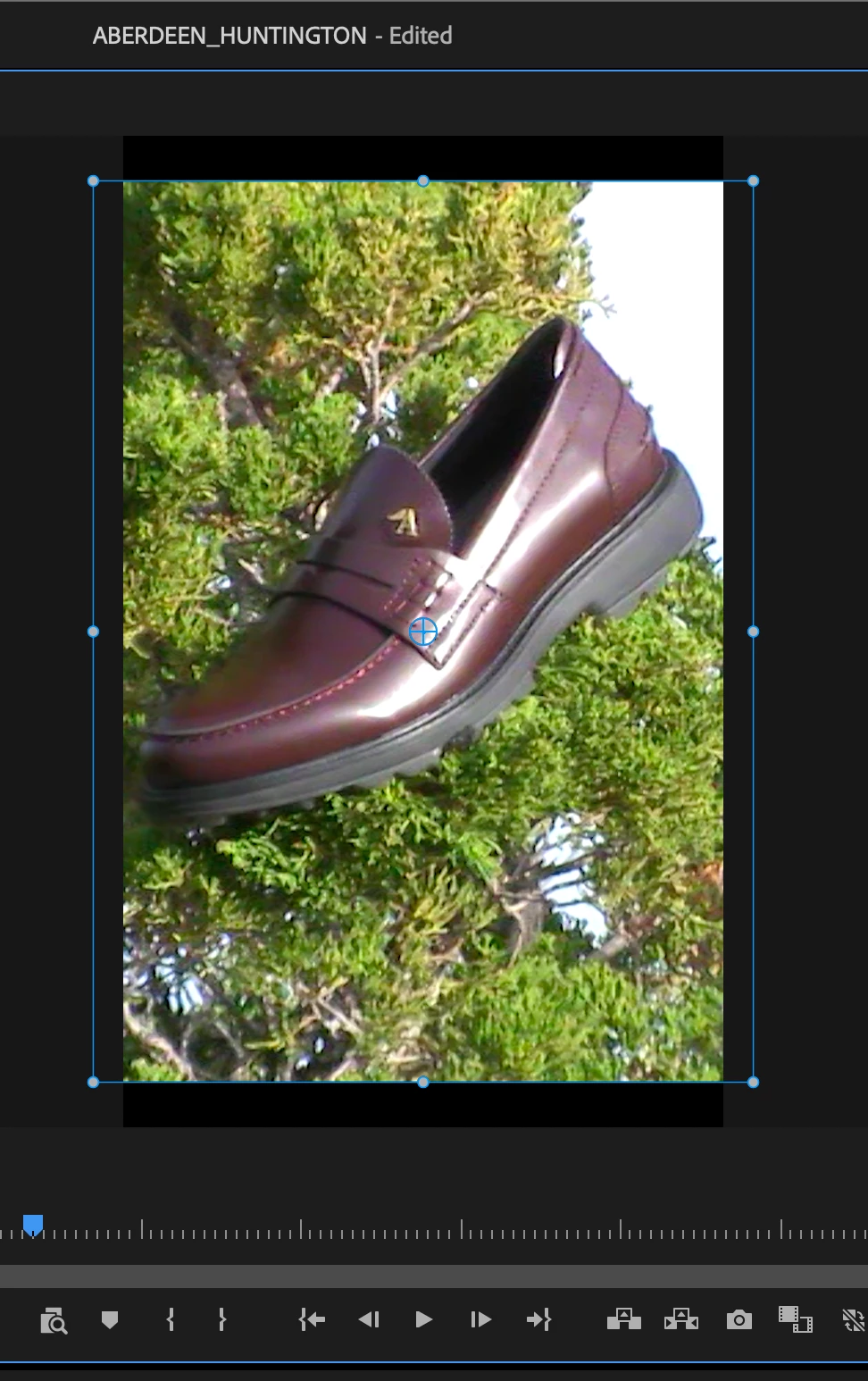
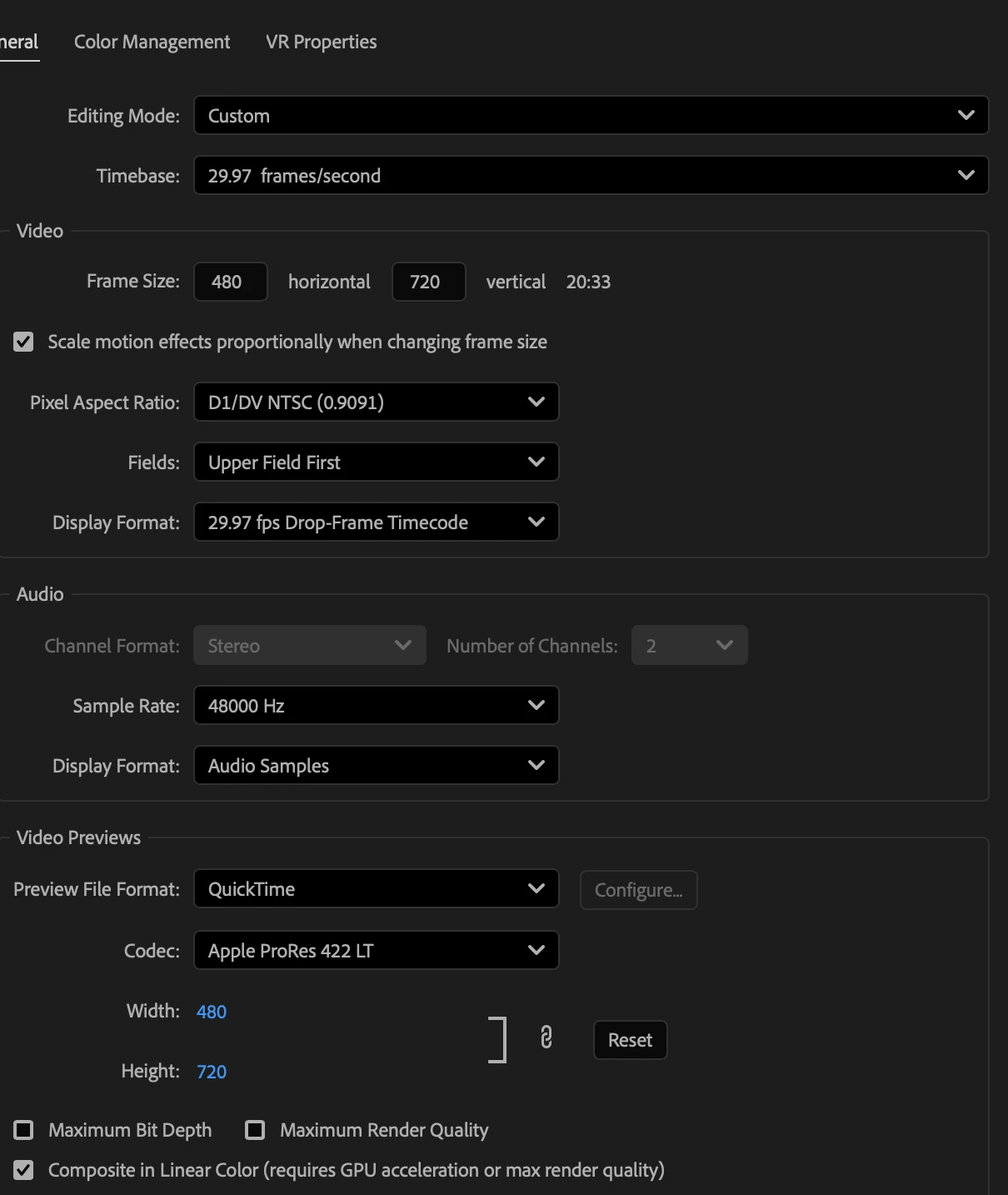
However when I the rotate the sequence (using sequence settings and flipping the dimensions) the clips dont seem to have the same ratio and show black bars top and bottom.
When I flip the pixel dimensions it shows a different ratio. (From 4:3 to 20.33)
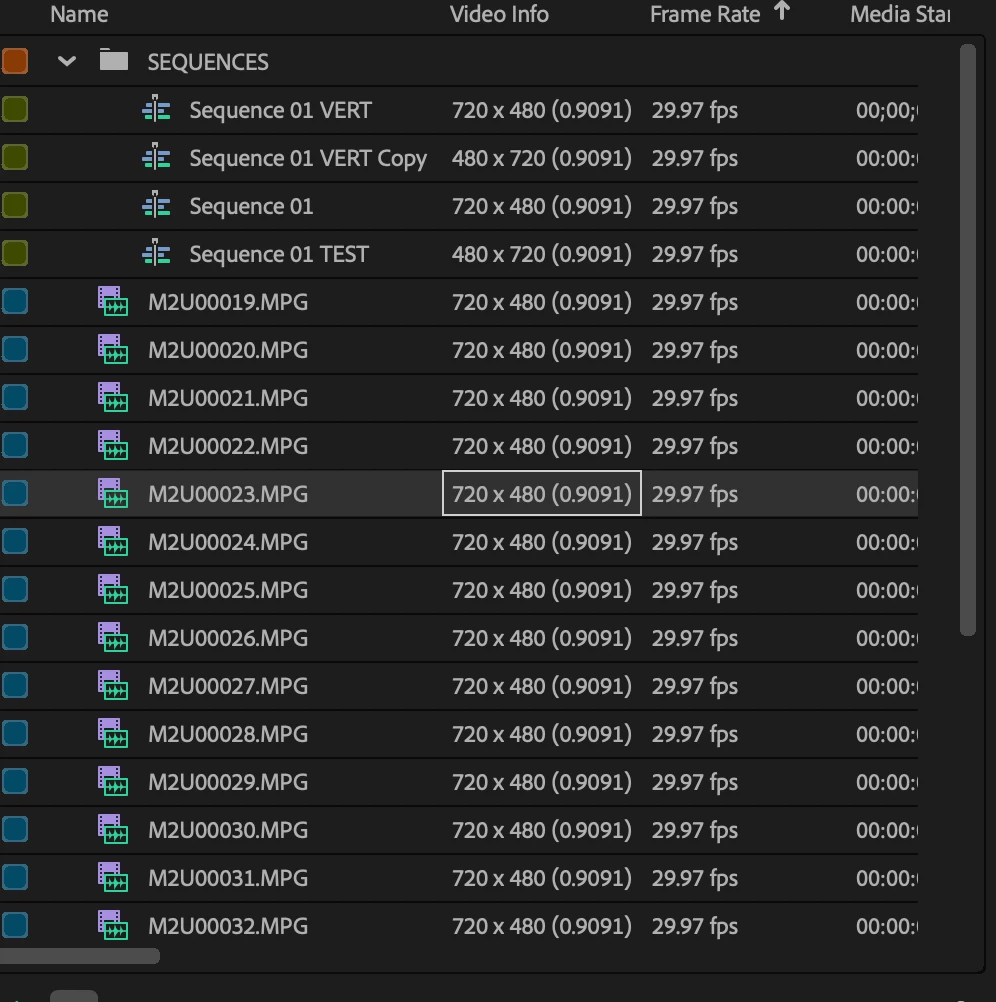
I also see that the video info in the project bin is showing: 720x480 (0.9091)
Are the original clips ratio just slightly smaller? Could it be that the clips are in PAL pixel dimensions?
Camera: Sony DCR SX45 / Video quality High
 AdChoices