Participant
August 5, 2020
Answered

How do i move a clip to its timecode?

  • August 5, 2020
  • 1 reply
  • 2354 views

Hey there. 


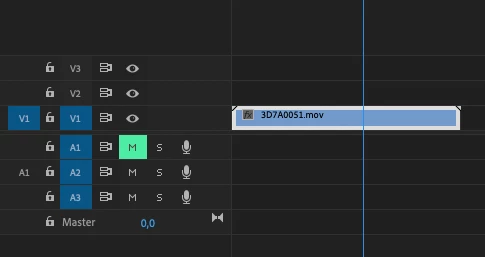
I try to find a way to move a clip to its timecode.
So i want the clip to start at 00:00:13:08 in the timeline.
How can i do that? In the best case for multiple clips at the same time. 

Thanks a lot

This topic has been closed for replies.
Correct answer Howan

Use Multicam:

https://helpx.adobe.com/premiere-pro/using/create-multi-camera-source-sequence.html 

It will allow you to syncronize clips by their timecode.


MtD


Ok i did some more research on this and Adobe Premiere is not possible to handle this problem properly.

I tried the Multical Feature but its not working. 

There is already a voting on this. 

https://adobe-video.uservoice.com/forums/911233-premiere-pro/suggestions/40487866-read-ltc-aux-tc-from-audio-track

Poor from Adobe and the concurence is ahead once more. 
Online are just workarounds over Davinci Resolve: 
https://nanolockit.com/wp-content/uploads/2018/05/Tutorial_PremierePro_v1.pdf


But that means one more transcoding, so a loss in time and image quality because the freee version is limited in resolution but probably the best choice.


1 reply

Inspiring
August 5, 2020

If the clip is sitting at the start of the timeline, select it and and type on your keypad +13.08

MtD

HowanAuthor
Participant
August 5, 2020

Hi Meg and thank you for the idea.
To do it by hand doesn't fix my problem. I need a way to do that automated for many many clips.
I do record a band and all clips are lipsync recorded and have correct timecodes fit to the timeline.
Music starts at 00:00:00:00 and all clips match. 
Is there no way or shortcut just to move a clip to its timecode and not do that for every single clip by hand? 
Maybe some other ideas? 

Inspiring
August 5, 2020

Use Multicam:

https://helpx.adobe.com/premiere-pro/using/create-multi-camera-source-sequence.html 

It will allow you to syncronize clips by their timecode.


MtD