fawadz8444661
Participant
June 3, 2018
Answered

How do I remove green reflection on the subject of my green screen footage?

  • June 3, 2018
  • 1 reply
  • 11981 views

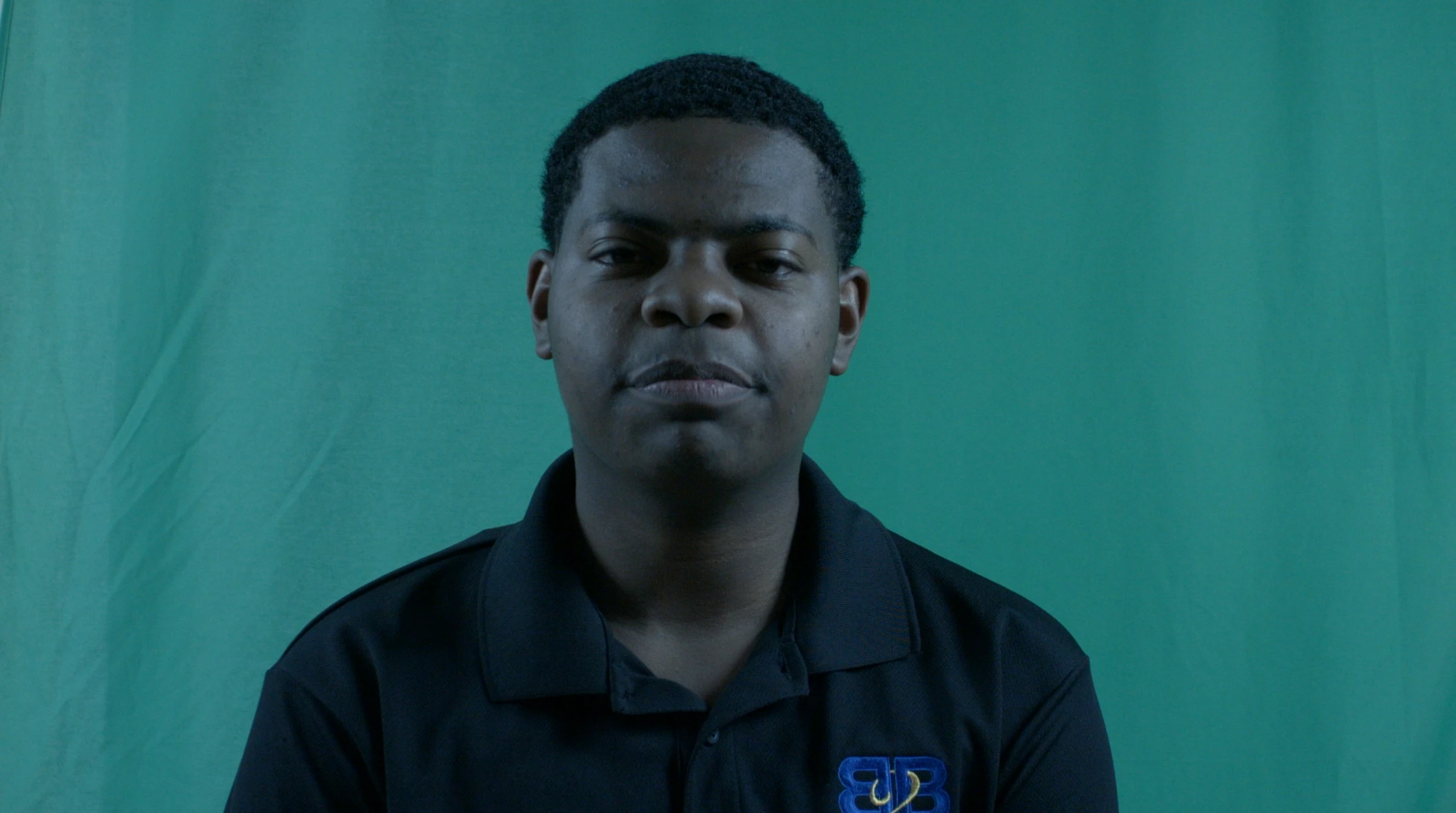
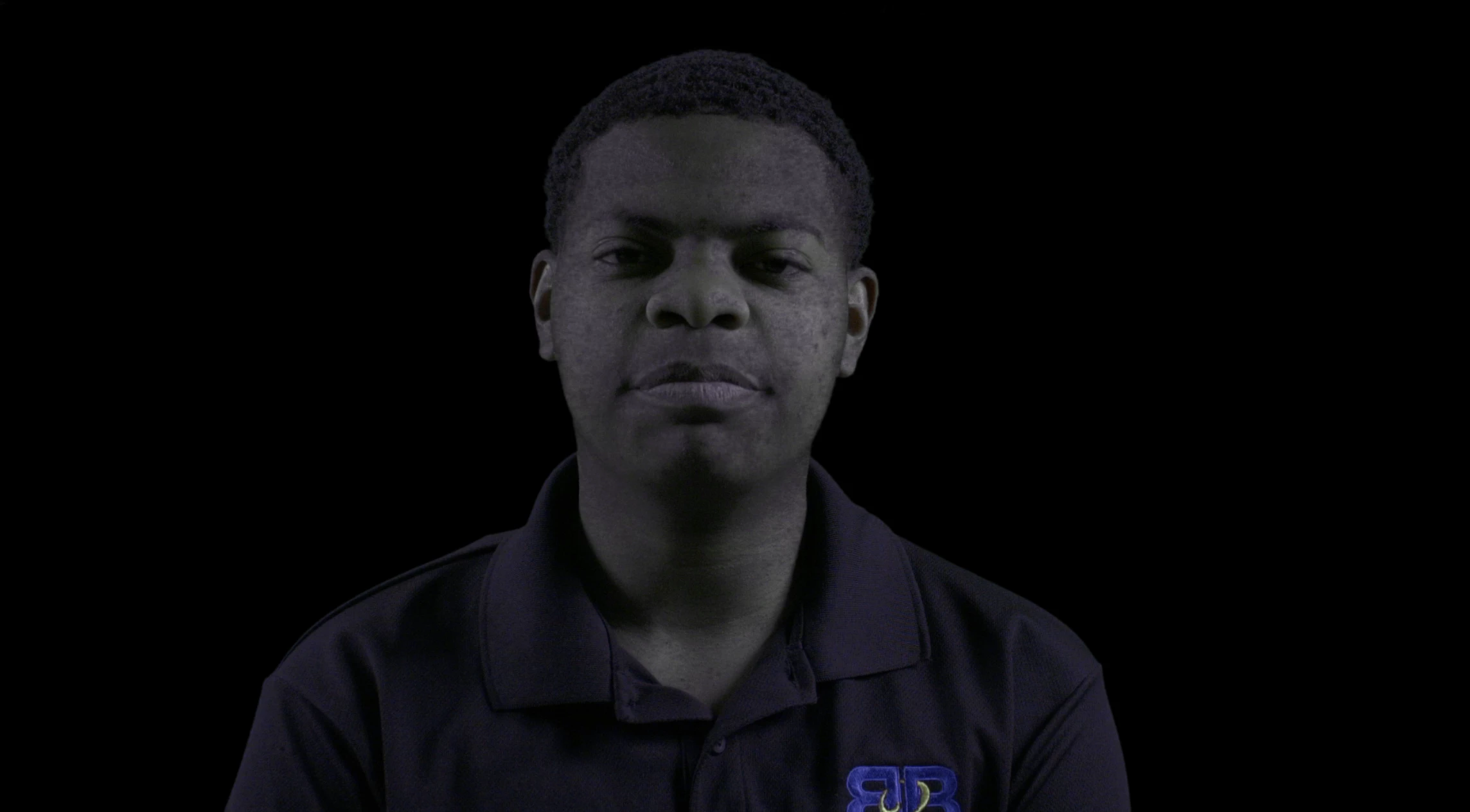
Hello. I need to complete editing on a video as soon as possible, and the video involves green screen footage. It appears my client's footage has bad lighting, as every time I try to key the footage in Premiere using Ultra Key, the green reflection on the subject causes him to be partially keyed out as well.

I really need to finish this project as soon as possible, and would be grateful for any help that anyone can provide to fix this issue. Please see screenshots below. Thank you!
This topic has been closed for replies.
Correct answer juanmario

You can not chroma with that color, then what you should do is give it the correct color:

Effects> Video effects> Color correction> Change to color

Then use Ultra Key

1 reply

juanmario
juanmarioCorrect answer
Participating Frequently
June 3, 2018

You can not chroma with that color, then what you should do is give it the correct color:

Effects> Video effects> Color correction> Change to color

Then use Ultra Key

fawadz8444661
Participant
June 3, 2018

Thanks for your help! Which colour would I change it to?