This topic has been closed for replies.

3 replies

Ann Bens
Community Expert
Community Expert
November 2, 2022

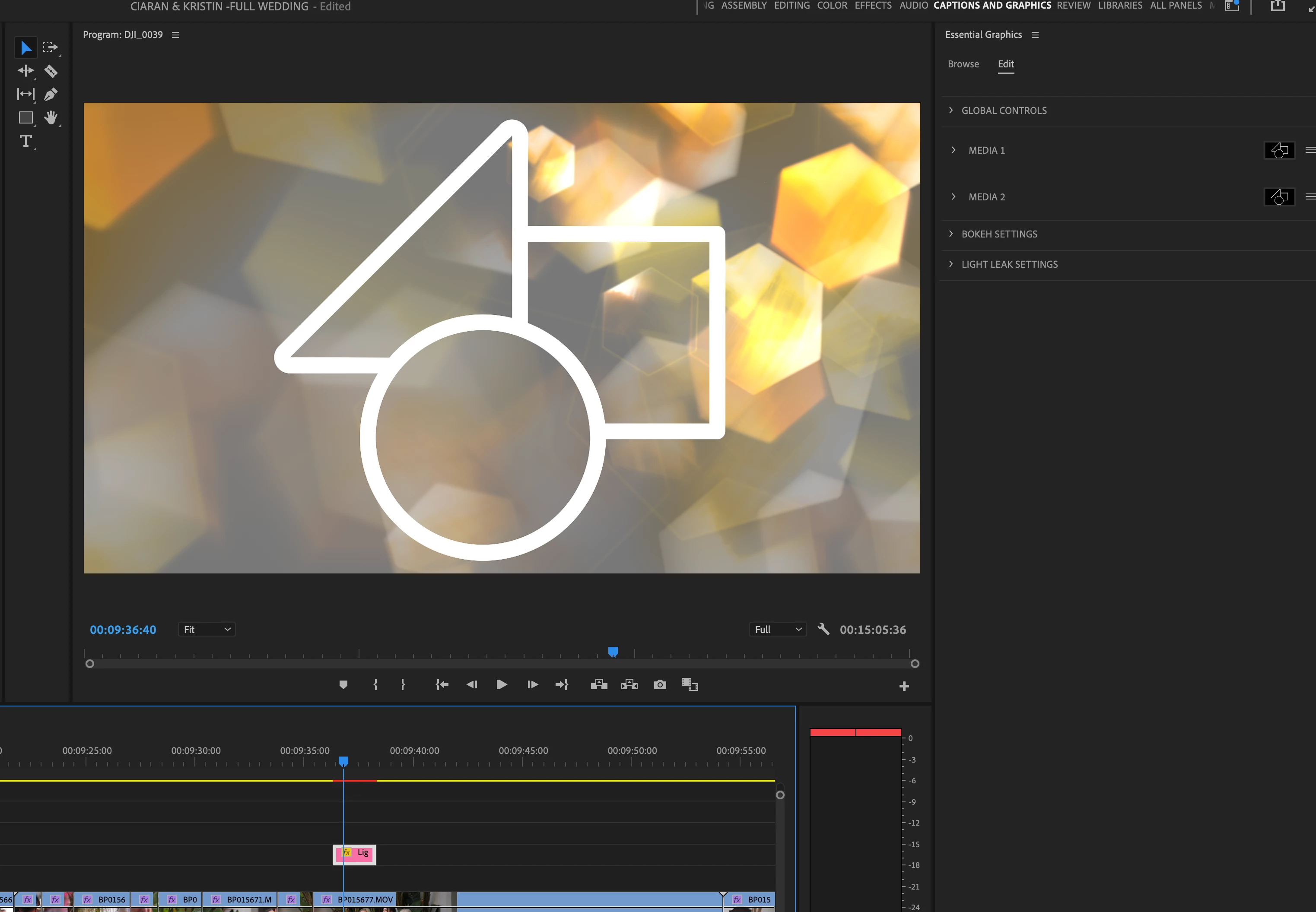
Its not a watermark but a placeholder.

Click on the placeholder (same icon) in the EGP and add image.

Participant
November 3, 2022

thank you so much! x can you help any more at all? i cant see what to do....

Ann Bens
Community Expert
Community Expert
November 3, 2022


R Neil Haugen
Legend
November 2, 2022

I presume as you purchased it there's a license number or message for it? I know with audio at times you have to remind Pr that yes, the file IS licensed.


Neil

Everyone's mileage always varies ...
Participant
November 3, 2022

thank you so much! how do i remind PR that i have a licence ?? x


Peru Bob
Community Expert
Community Expert
November 2, 2022

Delete the Media Cache and Media Cache files:
https://community.adobe.com/t5/premiere-pro/faq-how-to-clear-your-media-cache-in-30-seconds-in-premiere-pro-2020/m-p/11017257/thread-id/260446?page=1
Then try pressing Enter to render the timeline and turn the red line above the timeline to green.

Participant
November 2, 2022

Hi, thank you so much but it did´nt work unforunatly 😞