
Participant
August 24, 2018
Answered

How do I resize mp4 file to different dimension with same proportion?

  • August 24, 2018
  • 2 replies
  • 2657 views

i need to resize an mp4 screen video of my iPhone to different dimensions with the same proportion.

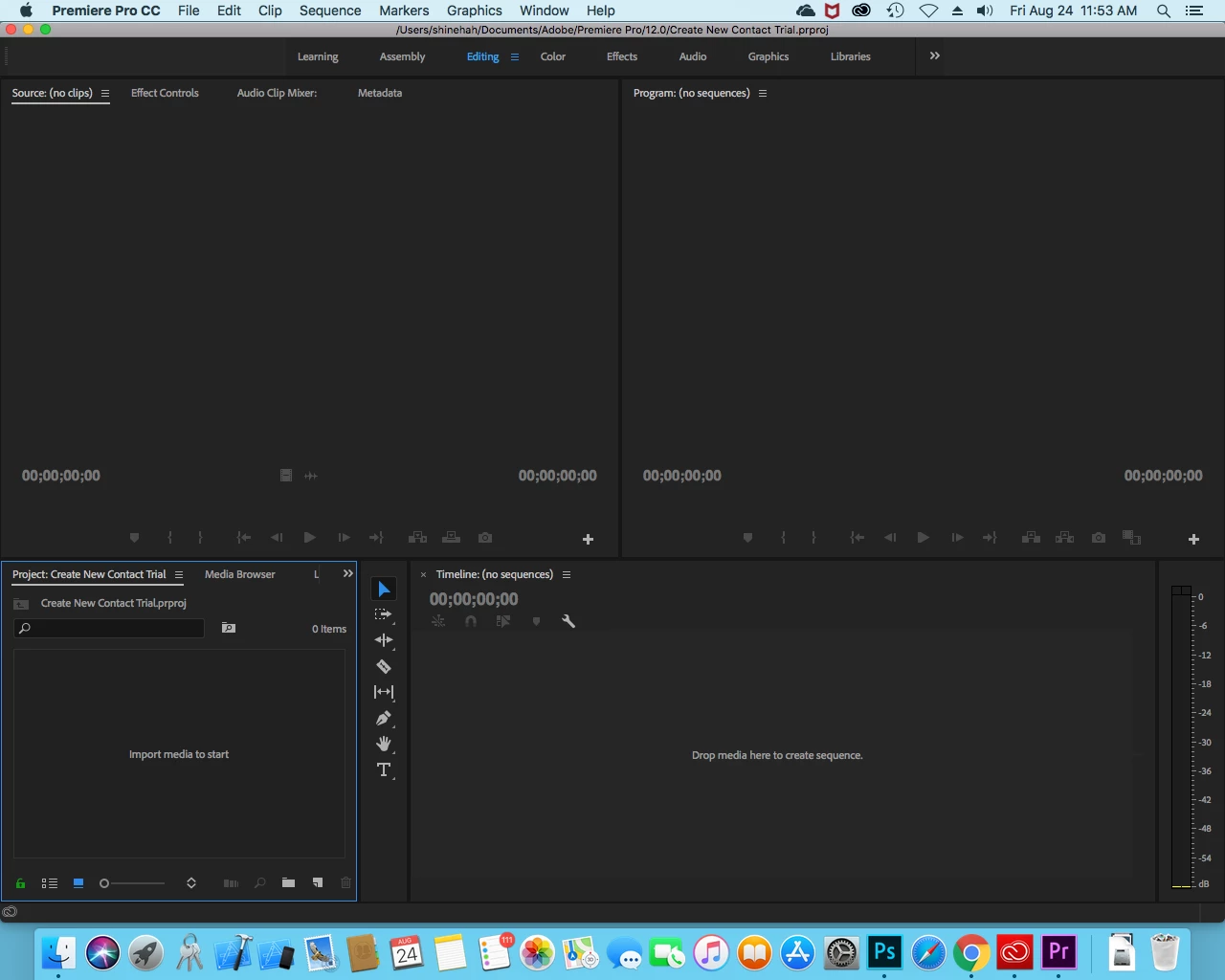
I am a real beginner. I've gotten as far as creating a new project. I'm about to drag-and-drop the mp4 file to one of the panes of Premiere Pro. I'm not sure which one to drop it to.

This topic has been closed for replies.
Correct answer Peru Bob

2 replies

Peru Bob
Community Expert
Peru BobCommunity ExpertCorrect answer
Community Expert
August 24, 2018

Participant
August 24, 2018

I was able to change the frame size of the sequence, but it leaves black margins. How do I size the images to fit the frame?

I wasn't able to export it to a frame size of 1080x1920, which is what is required.

Peru Bob
Community Expert
Community Expert
August 24, 2018

daniel.brower  wrote

How do I size the images to fit the frame?

.

Right click the clip on the timeline and choose Set to frame size.

What you really need to do is to create a new sequence the same size as your media and then export it at the size you want it to be.

Legend
August 24, 2018

Premiere Pro is complex software intended for professionals.  Don't skip reading the manual as a first step.

https://helpx.adobe.com/pdf/premiere_pro_reference.pdf

If you're not willing to invest that kind of time, there are simpler programs available.  Premiere Elements, for example.