


Question
How do I stop Premiere Pro from showing a clip data window when the cursor is hovering over a clip i
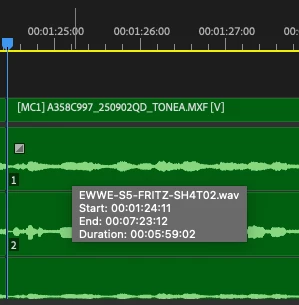
How do I stop Premiere Pro from showing a clip data window when the cursor is hovering over a clip in my timeline? (1st Image)
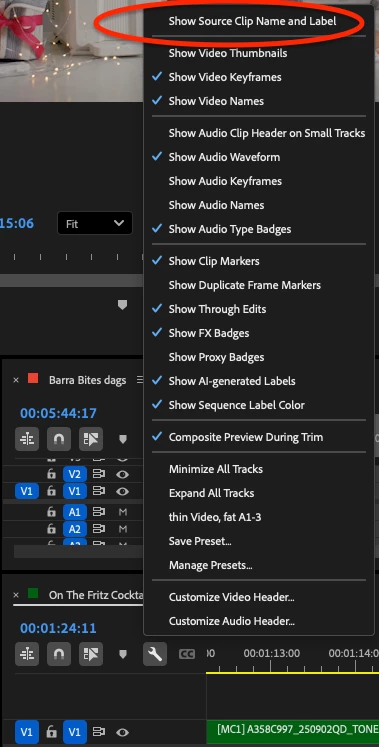
I've disabled the "show source clip name and label" premiere pro under the timeline settings (2nd image), which I thought would prevent this clip data from showing, but unfortunately it hasn't worked. I also have "show tool tips" disabled under my general settings
Tech specs
I've disabled the "show source clip name and label" premiere pro under the timeline settings (2nd image), which I thought would prevent this clip data from showing, but unfortunately it hasn't worked. I also have "show tool tips" disabled under my general settings
Tech specs
MacBook Pro (16-inch, 2021)
Apple M1 Max
64gb ram
Mac OSX 15.3.1
Premiere Pro 25.1 / 24.6.4
 AdChoices