
Question
How do I use two or more different text color in one caption track?(in premiere 2021)
Here's a probleme
I want to make my video more vivid
When different people are talking, I want to make the subtitles have different colors
This was easy to do in the previous version of premiere
But the caption tool is chenged
I try to use this
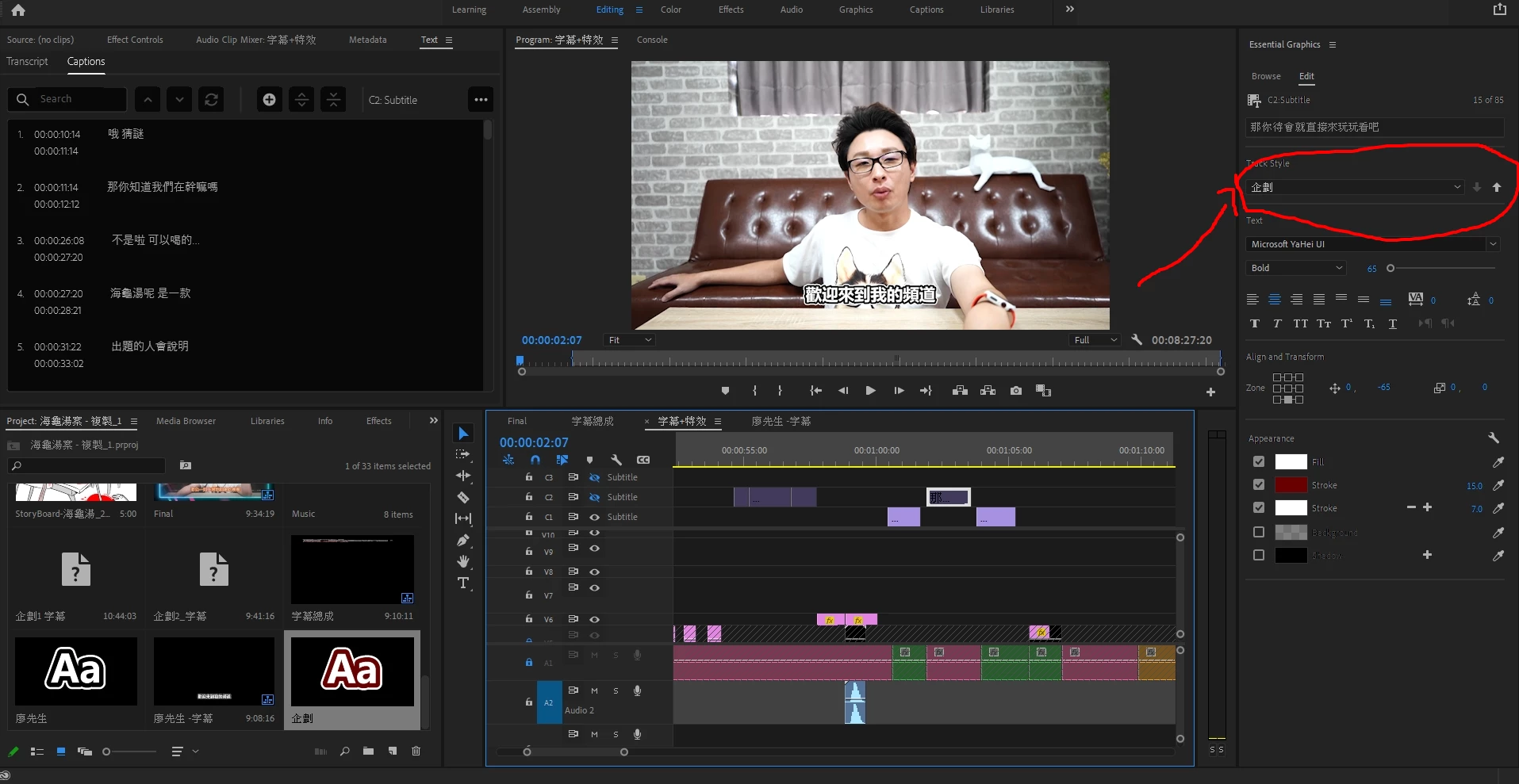
But it can only change the color of the entire track
I don't want it
It is suck
So how do I use two or more different text color in one caption track?


 AdChoices