
Participant
April 17, 2018
Answered

How do I view previous versions?

  • April 17, 2018
  • 1 reply
  • 10581 views

I have accidentally deleted my activity, I knew that I could revert to a previously saved version so I followed these instructions -

To see the versions saved for a given file, go to the Creative Cloud Assets page and sign in. Navigate to the file you’re interested in, and switch the view from the Details panel to the Activity panel. There you can view all comment and version activity for the file. Clicking on the versions in the list will let you preview the version and provide an option to restore it.

But I am not getting the option to click on the Activity panel, this is what I am seeing. 
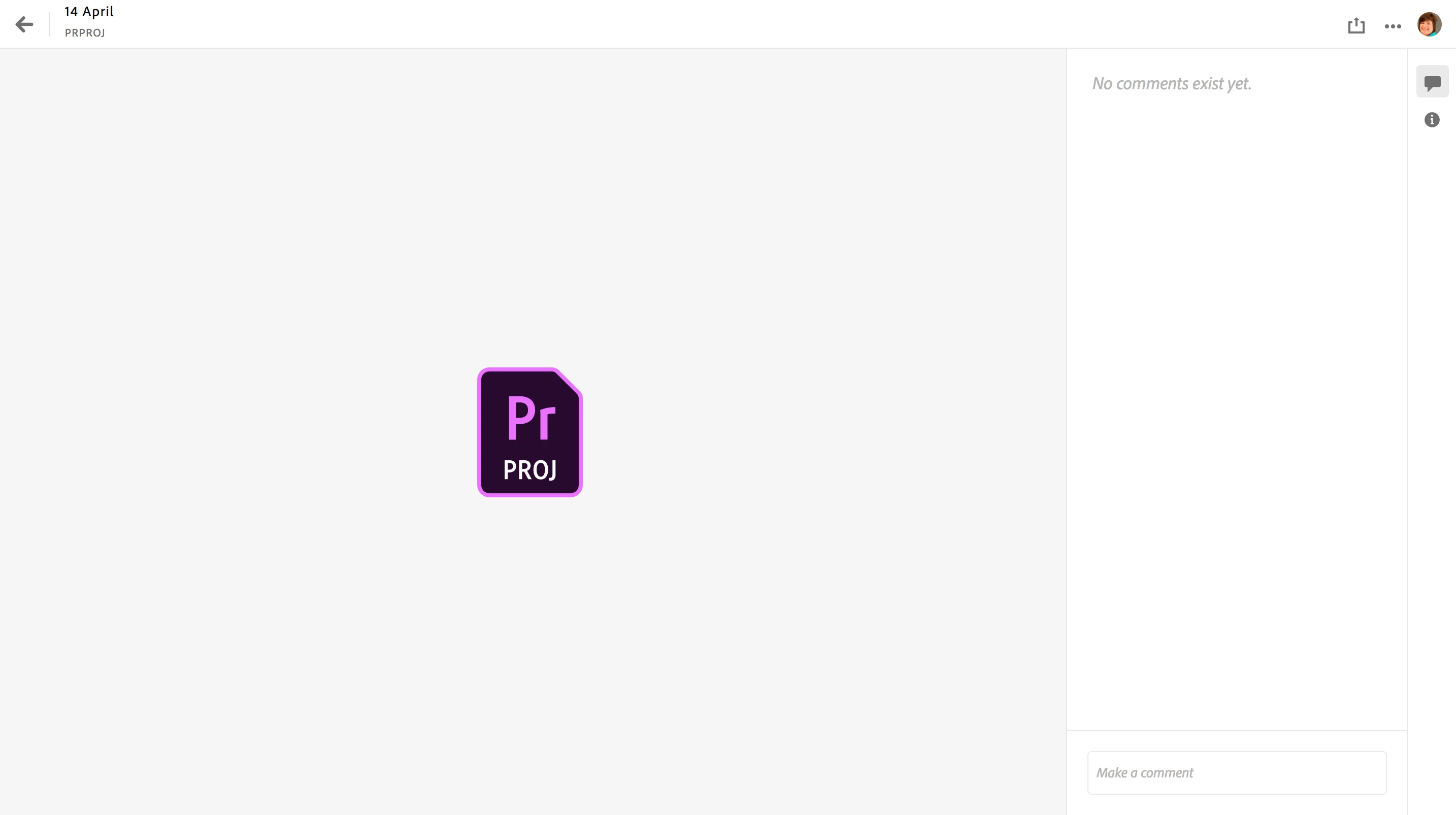
This topic has been closed for replies.
Correct answer ScottEllisCBIZ

I've never used it. When we had a discussion about the cloud autosave recently, we were convinced that it only kept one copy. An activity panel would be nice. Where did you get the instructions?

Edit: I found the instructions. Limited to "files" of certain types and only 10 days. But I haven't gotten it to work yet!


Alok from Adobe Support just informed me that versioning has been removed from creative cloud and will no longer be available. Unfortunately I believe that means that finkcard's previous versions are lost forever.

1 reply

Stan Jones
Community Expert
Community Expert
April 17, 2018

I don't see an "activity" panel. I can get to the picture you post.

Participant
April 17, 2018

Hi Stan, I dont see the activity panel either - that is the problem

Stan Jones
Community Expert
Community Expert
April 17, 2018

I've never used it. When we had a discussion about the cloud autosave recently, we were convinced that it only kept one copy. An activity panel would be nice. Where did you get the instructions?

Edit: I found the instructions. Limited to "files" of certain types and only 10 days. But I haven't gotten it to work yet!