Participating Frequently
April 6, 2017
Question

How do I volume down or erase loud noise in a clip

  • April 6, 2017
  • 3 replies
  • 6497 views

There's one loud noise in a video clip. How do I erase or volume down? Is there any tips for doing that?

Thanks in advance!
    This topic has been closed for replies.

    3 replies

    premieregal
    Community Expert
    Community Expert
    April 6, 2017

    If you want to reduce the volume of one portion of the clip, you can select the clip you want to reduce and then lower the volume controls under "Effects Controls."

    premieregal
    Community Expert
    Community Expert
    April 6, 2017

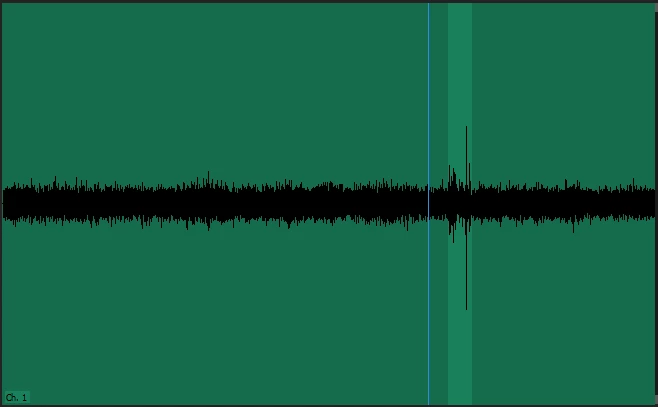
    Hey - If you right click on the audio file in Premiere and select "Edit Clip in Adobe Audition." Select the noise you want to remove in the audio clip, then go to Effects > Noise Reduction / Restoration > Capture Noise Print. Then go back to Effects > Noise Reduction /Restoration > Noise Reduction (process)... Be sure to "Select Entire Clip" in the new window. You can play around with the noise reduction levels until it achieves your desired outcome.

    If you want something easy and fast, depending on the noise and if you work on a MAC, you can use a for purchase plugin called "CrumplePop Audio Denoise." I use it a lot when I have a fan noise or hum in the background I need to remove (like A/C/).  Here is a tutorial > How to Remove Audio Noise in Adobe Premiere Pro 2017 - YouTube

    Legend
    April 6, 2017

    This might be better done in Audition.
