OriginaLz
Participant
April 23, 2015
Answered

How do I zoom in on a certain part of a video?

  • April 23, 2015
  • 1 reply
  • 32397 views

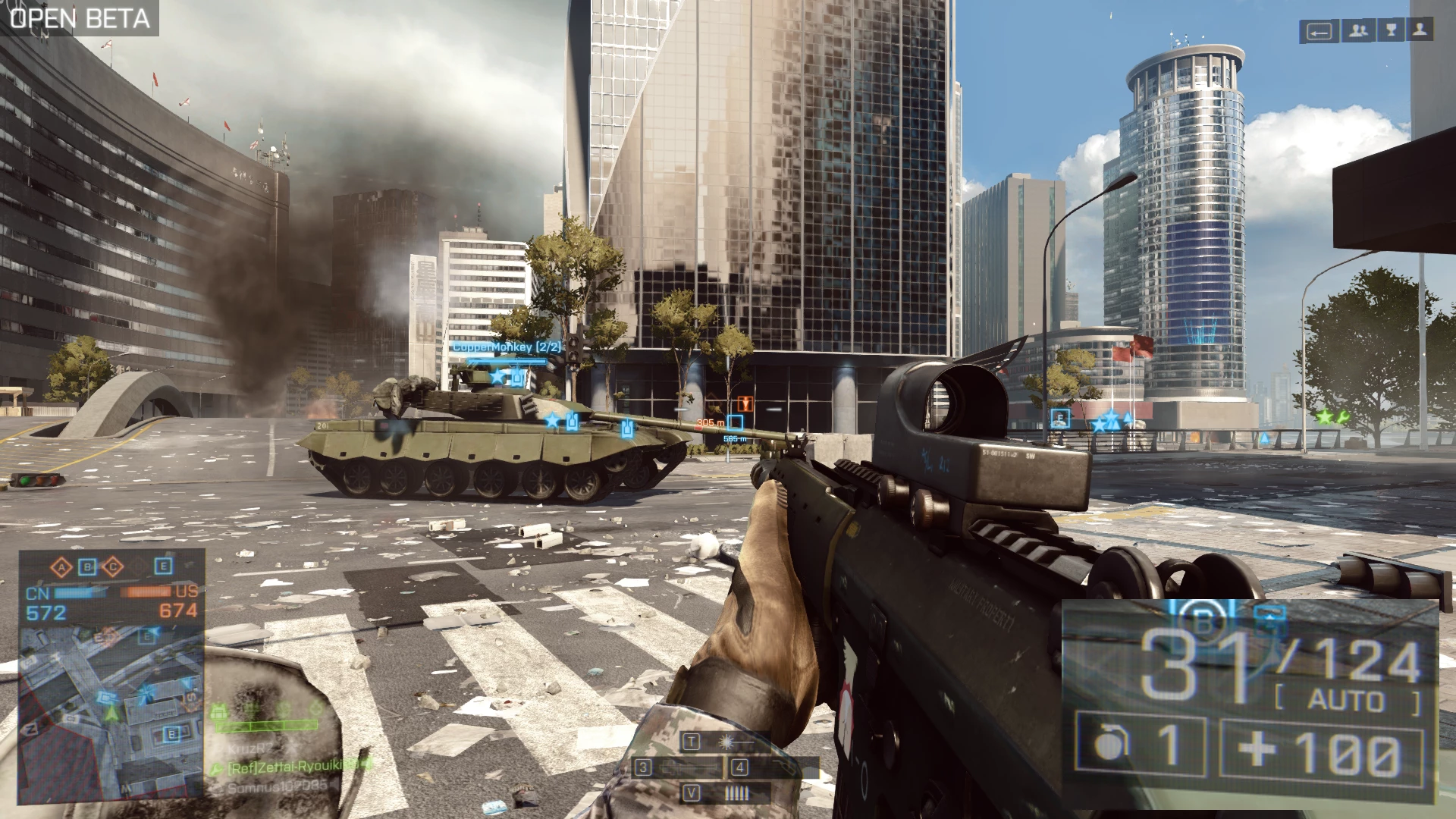
I am new to premiere pro CS6 and I need to know how I can zoom in on a certain part of a video, by a certain part I don't mean zoom the whole video, just a part of it. For example if I have a BF4 clip and I want to have the main game play running but at the same time have that amount of ammo zoomed in on running in the same frame. How can I do this ?Just like in this picture I quickly edited in Photoshop. as you can see the ammo is much larger than the rest of the game.
This topic has been closed for replies.
Correct answer Peru Bob

Main video on video track 1.

Copy of main video on video track 2. Use the Motion Property in the Effects Panel to zoom in, apply the crop effect and adjust, then adjust its location over the main video using the Motion Property.  You can also adjust its transparency if so desired.

1 reply

Peru Bob
Community Expert
Peru BobCommunity ExpertCorrect answer
Community Expert
April 23, 2015

Main video on video track 1.

Copy of main video on video track 2. Use the Motion Property in the Effects Panel to zoom in, apply the crop effect and adjust, then adjust its location over the main video using the Motion Property.  You can also adjust its transparency if so desired.

Community Expert
April 24, 2015

You may have to crop the image on V2, nest it, and then apply the motion and scaling to the nest. This will stop the crop moving as you add the motion effects.