

Question
How do you export each file with nearly the same export settings?
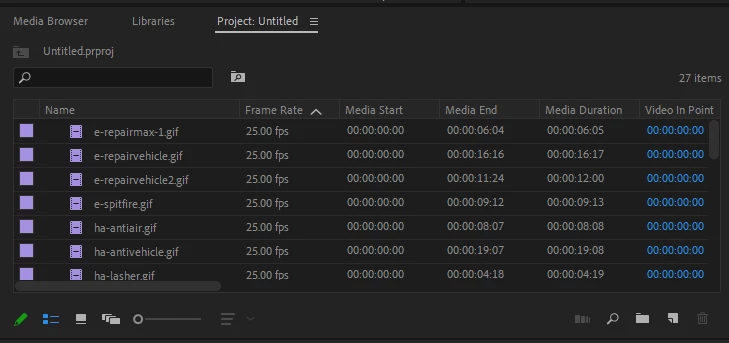
so I'm trying to rerender All of this with their same file name but instead of .gif it will be .mp4 of course and 1.5 VBR. Right now they are GIFs with around 50MB. I want to lower their file size for mobile use of course. How can I do this as easy and if AI possible?? There are a lot and it would take some time. : (
Basically I put each as it's own project, then export but pretty much it's the same process. If I drag it all to the timeline then the project name stays as the save name which takes time to rename the file.
 AdChoices