How do you get the audio from the video you've recorded into the timeline?
Hi,
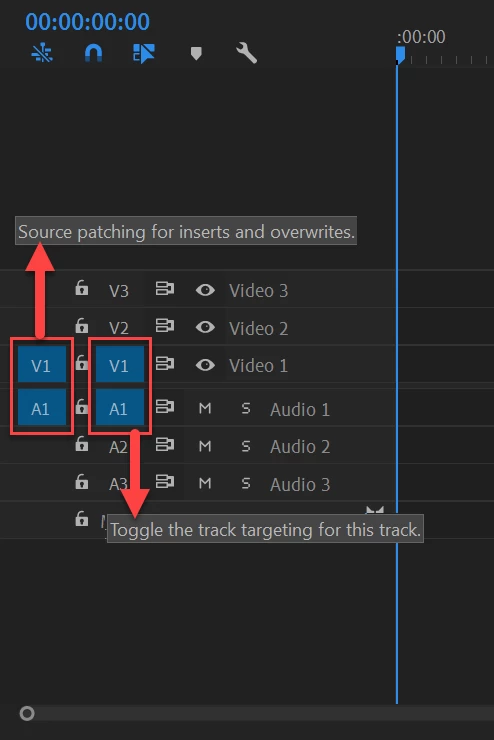
I've had trouble with getting the audio from the videos I've filmed with my camera into the timeline when I try to edit videos in Adobe Premiere Pro CC. The first video always works to add both the video and the audio from, but if I want the audio from another video, it never works.
I've tried dragging the audio wave icon to the rows for audio 1 and audio 2 and audio 3, but it doesn't work to put it there. So I just really wish to know how to get the audio into the video I'm trying to make?
To say it as an example with the video I'm trying to edit right now. In one of the videos I've filmed the shoreline and it has the sounds of the waves hitting the stones as it reaches the land. But later in this video I'd also wish to add the video where I have recoreded the forest and you can hear the birds sing. I can manage to add the video of the forest, but the audio doesn't work to add no matter what I do.
 AdChoices