



AndrewTheGreat
Known Participant
July 13, 2026
Question

How do you make a Slow Shutter effects now?

  • July 13, 2026
  • 2 replies
  • 26 views

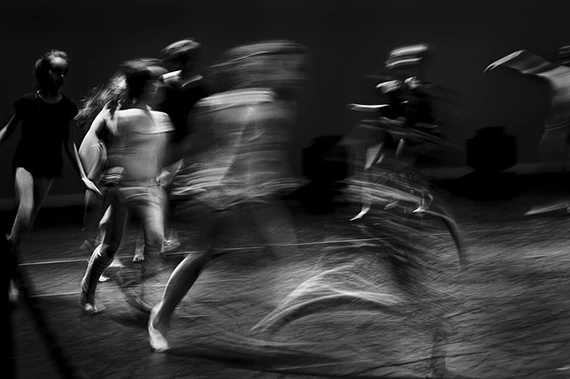
Now that Echo was remove as an obsolete effect (and I know I can bring it back but it’s just for a time until Adobe fully remove those obsolete effects completely in the future versions) how do you make a slow shutter effect in your videos?
I tried the new FI Echo glow but it has no settings for it. 

The only workaround I found was Frame blending, but you have to first slow the clip down at a certain rate, then nest it and speed it up at the same rate. This is too clumsy. Manual animation of Directional Blur or using AE for such a simple task is also nonsense. Overlaying the same layer again and again with blending is no good too because you have to make too many duplicates.

What else?

Thanks, Adobe, for removing the simple Echo effect with no alternatives by the way...


    2 replies

    Community Expert
    July 14, 2026

    If you are doing manual Directional Blur keyframing, save it as a preset for your workaround or

    try Automation Blocks and check if there is a script or if you could create one

    that will automate built-in effects to create a motion-blur like effect, until Adobe 

    releases a built-in tool that can do pixel-tracking motion blur on actual footage,

    like ReelSmart Motion Blur by RE:Vision Effects.

    AndrewTheGreat
    Known Participant
    July 16, 2026

    Hi, ​@Carlos Ziade Thanks for the input. Well, Directional blur is nonsense as I noted, it gives a result nothing like the real slow shutter. And are Automation blocks free? If no I see no point in this plugin

    Stop trying to edit and EDIT!
    Community Expert
    July 14, 2026

    What settings were you using in the old Echo effect?