

Question
How to access all audio clips after i'm done editing with multicam sequence?
So I've done an edit with multicam sequence, but I realised i need to access all the audio clips that is within the MC sequence. What is the best way to do this?
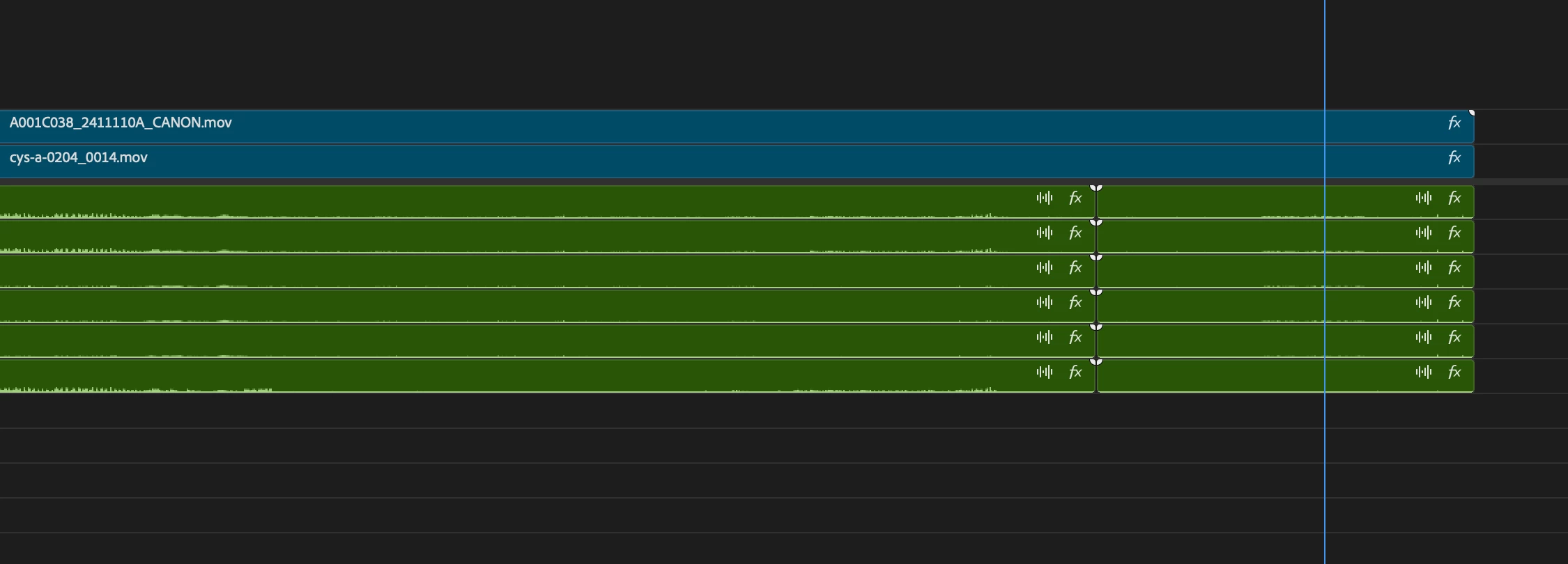
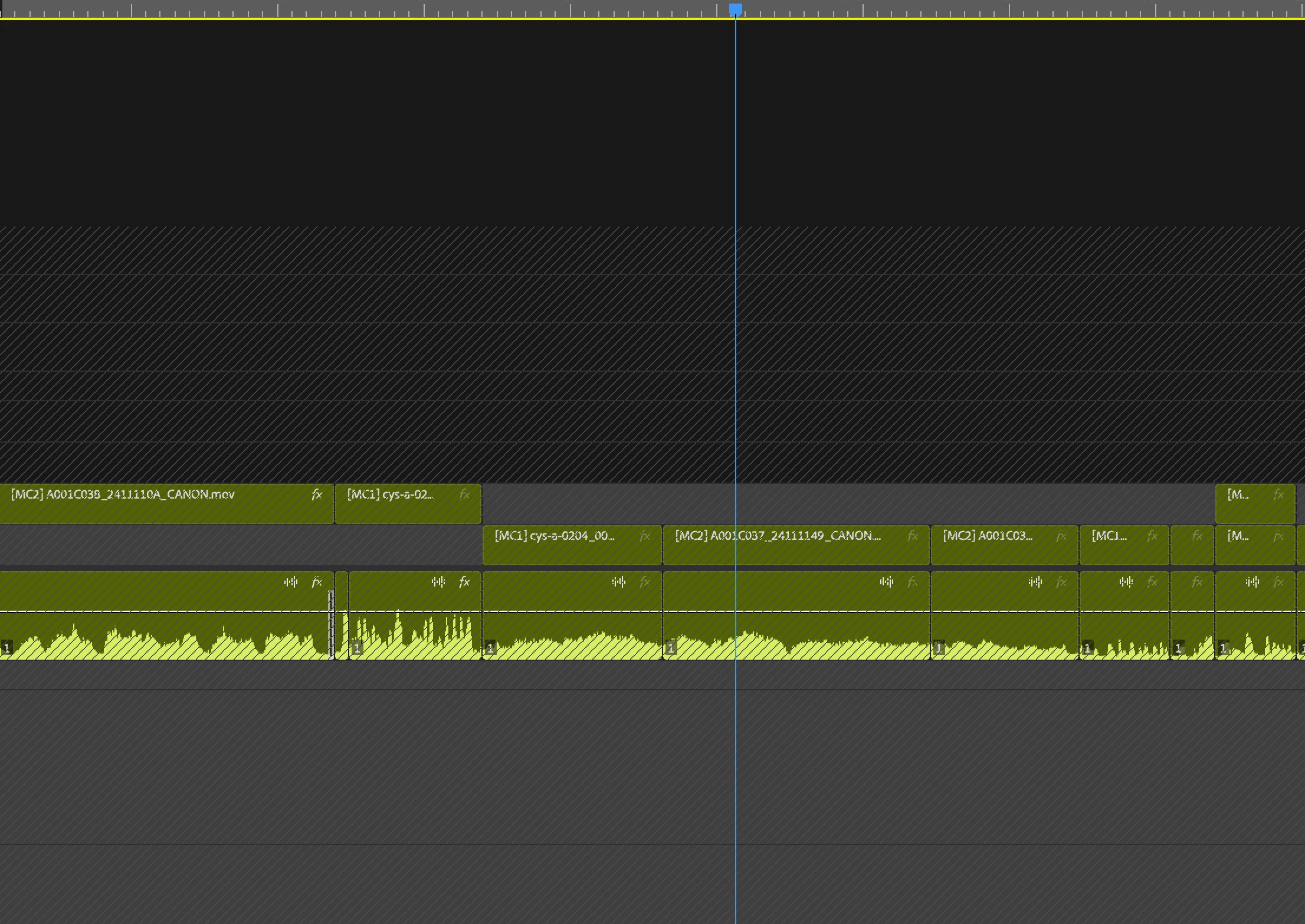

So I've done an edit with multicam sequence, but I realised i need to access all the audio clips that is within the MC sequence. What is the best way to do this?
Already have an account? Login
Enter your E-mail address. We'll send you an e-mail with instructions to reset your password.
 AdChoices