
Answered
How to achieve a black background behind text (no black borders though)
So I have Premiere Pro 2021 on windows 10.
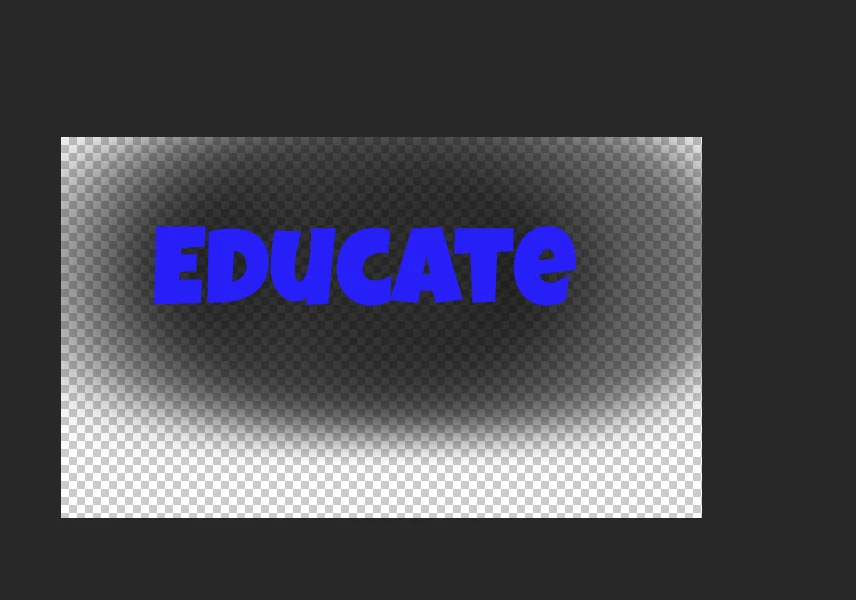
I cant figure out a simple way to create this effects which is easy to do in photoshop but i am not able to do in premiere pro. I tried to google it and watched youtube videos to no avail.
This is what i want to achieve,( sample i created in photoshop) ideally i dont want to be creating them in photoshop if it can be done in house.
This is what i keep getting, there isnt much choice to remove the distinct like around the text, i have circled it in red. I tried playing with masks but surely there is a easier way.
Looking forward to your responses 🙂

 AdChoices