Inspiring
December 5, 2023
Answered

How to align seperate textboxes

  • December 5, 2023
  • 2 replies
  • 645 views

Hi, 


I'm pretty new to Premiere Pro, and I can't get my text (seperate boxes, same layer) to align properly. I made a Photoshop mockup. Say you start with this. 
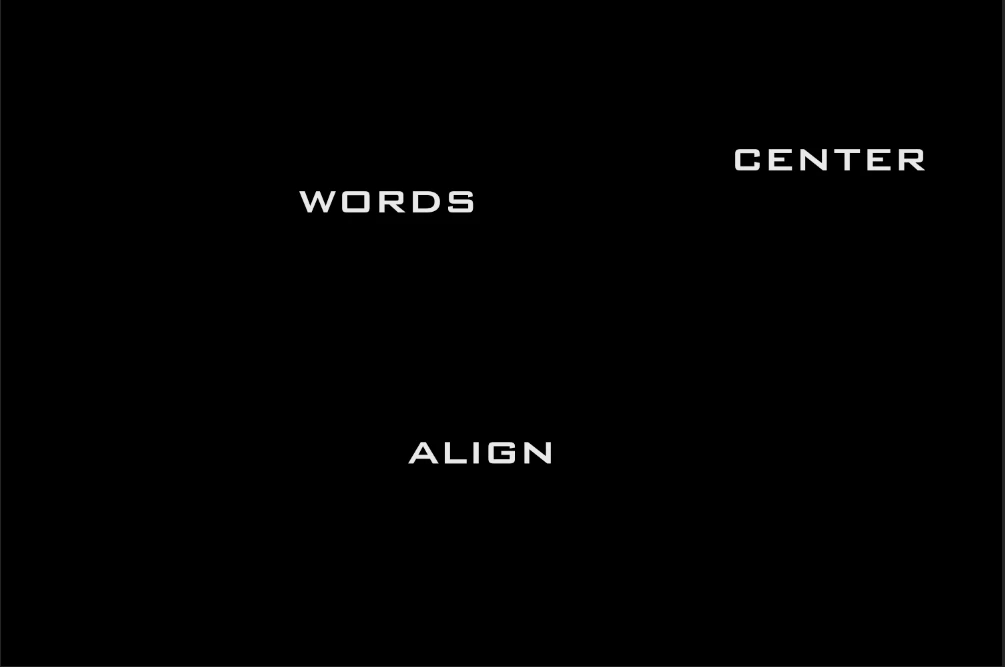


Here is what I am having happen. 
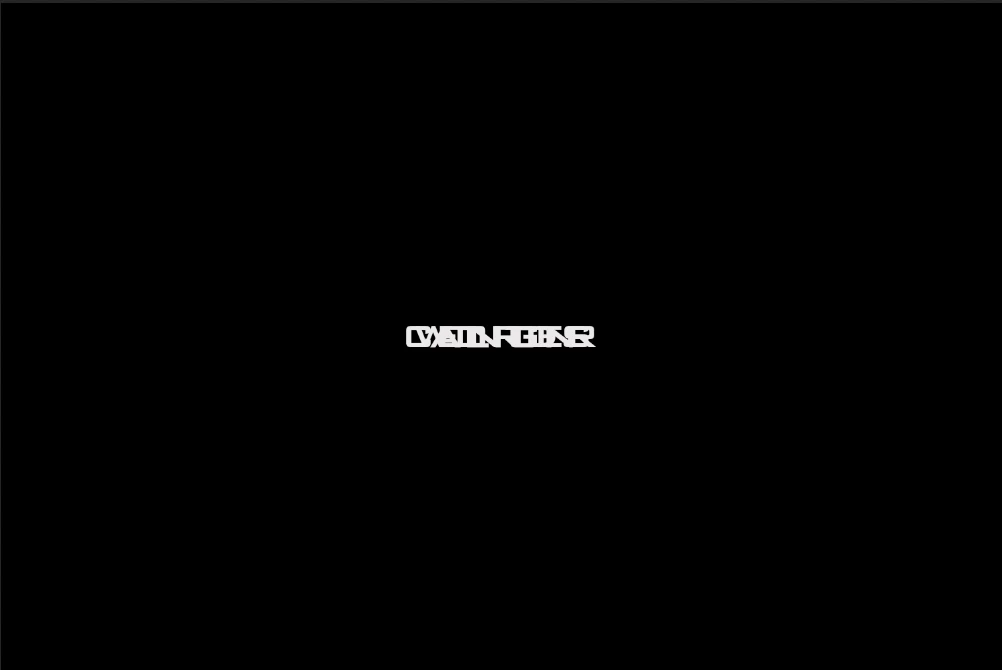


Here is what I want to happen.
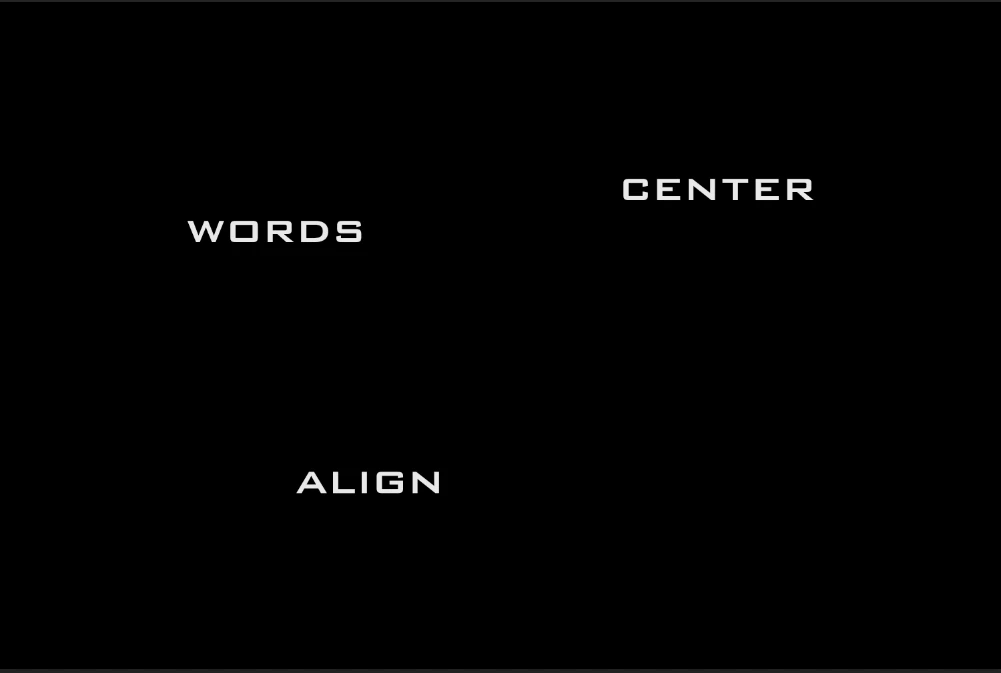
 

Basically just have the text go to the vertical center of the screen while keeping the original layout. 
 

This topic has been closed for replies.
Correct answer Mike Dziennik

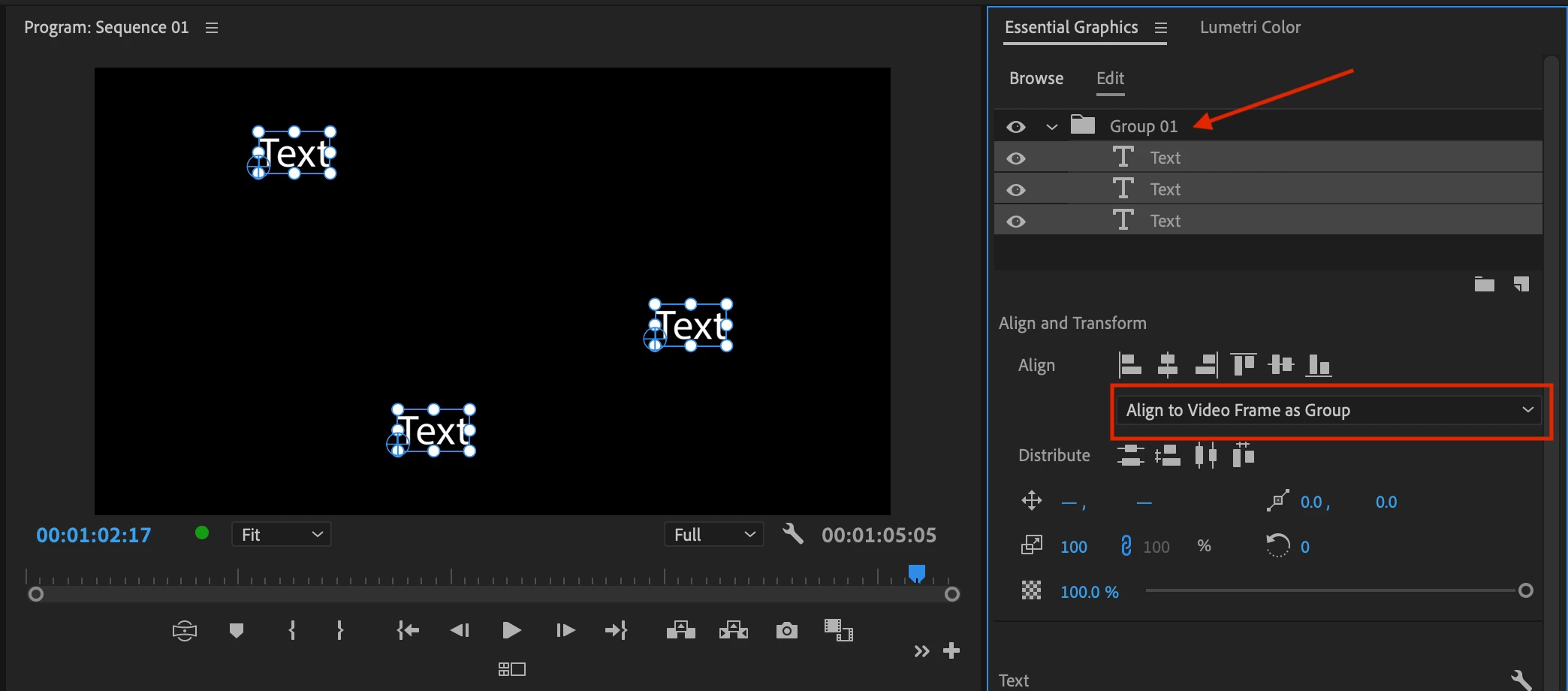
Group your text objects together and then change the dropdown to "Align to Video Frame as Group".

Then hit the align vertical and horizontal buttons.

2 replies

Ann Bens
Community Expert
Community Expert
December 5, 2023

I would use guides (from the ruler) and Snap in Program Monitor (wrench).

Mike Dziennik
Community Expert
Mike DziennikCommunity ExpertCorrect answer
Community Expert
December 5, 2023

Group your text objects together and then change the dropdown to "Align to Video Frame as Group".

Then hit the align vertical and horizontal buttons.

Inspiring
December 5, 2023

Thanks for that! I knew it HAD to be something with group, but just didn't know what. 🙂